OpenSSH Vulnerabilities: Definition, Risks, and Remediation Steps
OpenSSH flaws often stem from configuration errors rather than code bugs, meaning default settings frequently expose systems to remote code execution without any exploit code needed.

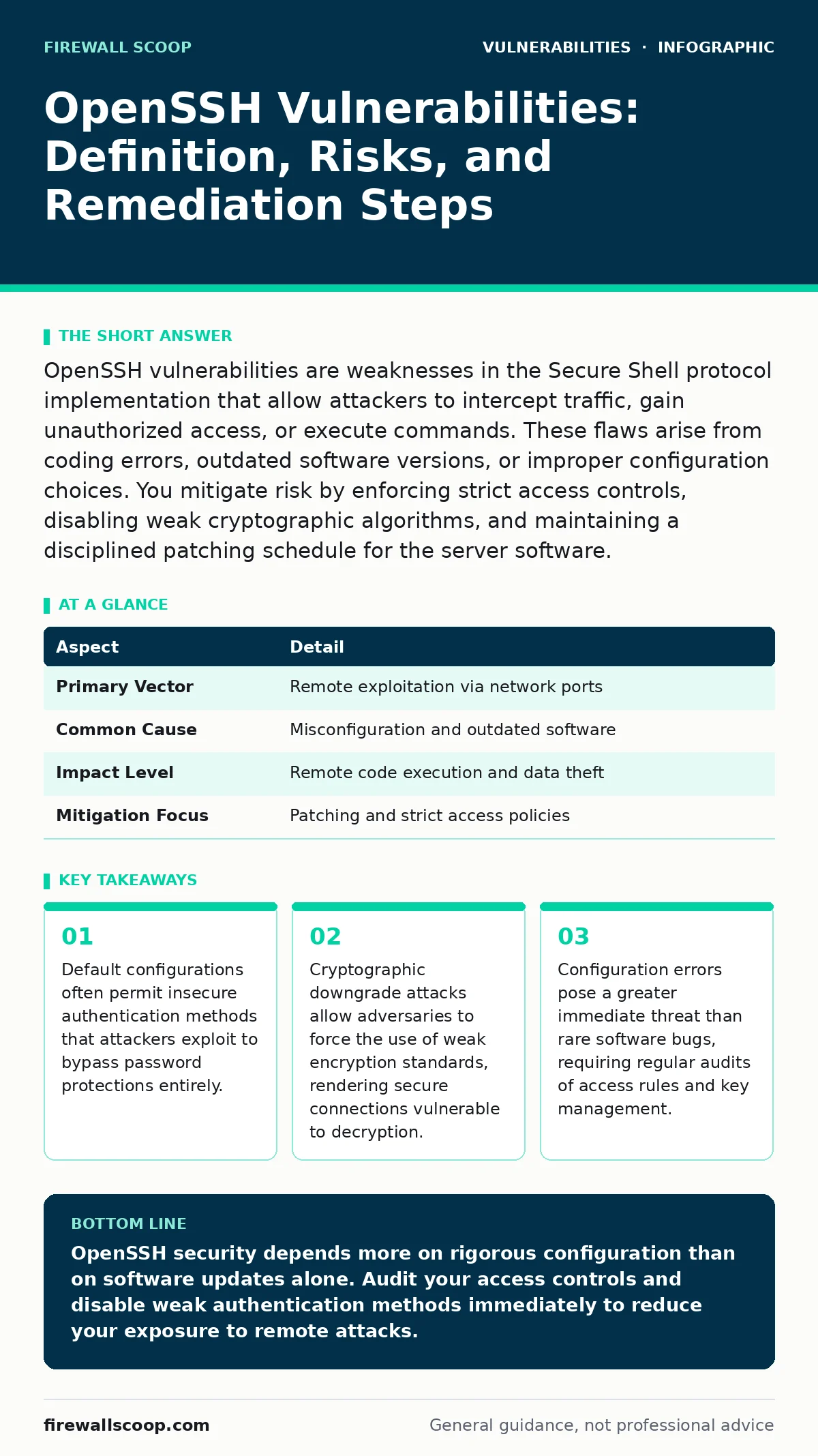
OpenSSH vulnerabilities are weaknesses in the Secure Shell protocol implementation that allow attackers to intercept traffic, gain unauthorized access, or execute commands. These flaws arise from coding errors, outdated software versions, or improper configuration choices. You mitigate risk by enforcing strict access controls, disabling weak cryptographic algorithms, and maintaining a disciplined patching schedule for the server software.
Understanding the OpenSSH Attack Surface
OpenSSH vulnerabilities refer to weaknesses within the Secure Shell implementation that compromise the confidentiality, integrity, or availability of remote connections. Secure Shell is a cryptographic network protocol designed for operating network services securely over an unsecured network. When a vulnerability exists, an attacker can intercept data, impersonate users, or take control of the server hosting the service.
The attack surface includes the client software, the server daemon, and the cryptographic libraries they both rely upon. A flaw in any of these components breaks the trust model. You must understand that the protocol itself is mathematically sound, but the implementation in code often contains logical errors. These errors create gaps that malicious actors exploit to bypass security controls.
| Aspect | Detail |
|---|---|
| Primary Vector | Remote exploitation via network ports |
| Common Cause | Misconfiguration and outdated software |
| Impact Level | Remote code execution and data theft |
| Mitigation Focus | Patching and strict access policies |
How OpenSSH Flaws Manifest in Practice
Vulnerabilities manifest through several distinct mechanisms. Buffer overflow vulnerabilities occur when the software writes more data to a memory block than it can hold, overwriting adjacent memory. This allows an attacker to inject and execute arbitrary code. Integer overflow vulnerabilities happen when a calculation exceeds the maximum value a variable can store, causing it to wrap around to a negative or small positive number. This logic error can bypass security checks or allocate insufficient memory.
Another common form involves cryptographic weaknesses. Attackers may exploit flaws in key exchange algorithms to perform man-in-the-middle attacks. They position themselves between the client and server, decrypting and re-encrypting traffic without either party noticing. These attacks rely on the implementation failing to validate the strength of the chosen encryption method during the handshake phase.
Who Faces the Greatest Risk
Any system running the Secure Shell daemon faces potential exposure. Servers hosting web applications, database instances, and file shares are primary targets because they provide valuable data and compute resources. Development environments are equally vulnerable, as developers often prioritize convenience over security, leaving debug ports open or using weak keys.
The risk extends beyond the server itself. Clients connecting to vulnerable servers may also be at risk if the server exploits a client-side flaw during the connection process. This bidirectional threat model means you must secure both ends of the connection. Organizations with remote workforces face increased exposure because employees connect from untrusted networks, increasing the likelihood of interception if the server is compromised.
Common Forms of OpenSSH Exploits
Attackers exploit known weaknesses in predictable patterns. One prevalent method involves brute-forcing weak passwords. Even if the protocol encrypts the password, repeated login attempts can eventually guess the credentials. This is why relying solely on passwords is dangerous. You must implement rate limiting and account lockout policies to slow down these automated attacks.
Another common form is the exploitation of default configurations. Many installations allow root login via SSH. This gives attackers direct access to the highest privilege level if they compromise the root account. Disabling direct root access forces attackers to escalate privileges after gaining a foothold, adding a layer of defense. You should also review the list of permitted ciphers and remove any that are considered weak or deprecated.
What People Usually Get Wrong
Many administrators believe that updating the software is the only necessary step. This view ignores the significant risk posed by security misconfigurations. A fully patched server with weak authentication settings is more vulnerable than an older server with strict access controls. You must audit your configuration files regularly to ensure they align with current security best practices.
Another misconception is that encryption alone provides security. Encryption protects data in transit, but it does not prevent unauthorized access if the attacker already has valid credentials. You must combine encryption with strong identity verification, such as multi-factor authentication. Additionally, some users assume that internal networks are safe. Lateral movement within a network often uses SSH, so internal traffic should be monitored and secured just like external traffic.
See also: WordPress Page Builder Vulnerabilities: What to Know · How Security Bulletins Work: The Hidden Mechanics of Patch Intelligence
Reducing Risk Through Configuration
Start by disabling password authentication entirely. Use SSH keys for all access. SSH keys provide a much stronger form of authentication because they rely on cryptographic proof rather than something you know. Generate a new key pair for each user and store the private keys securely. Never share private keys or store them in plain text files.
Next, restrict access to specific users or groups. Configure the server to only accept connections from authorized accounts. This reduces the attack surface by eliminating unused accounts. You should also change the default port if your firewall rules allow it, though this is security through obscurity and should not be your primary defense. Combine port changes with strict firewall rules that only allow traffic from known IP addresses.
Maintaining Long-Term Security Posture
Security is not a one-time task. You must establish a process for risk-based vulnerability management. This involves prioritizing patches based on the severity of the flaw and the exposure of the affected system. High-value servers should be patched immediately, while less critical systems can follow a scheduled update cycle.
Monitor security bulletins from the OpenSSH project and relevant security agencies. These documents provide early warnings about new vulnerabilities and recommended mitigations. Integrate these updates into your change management process to ensure timely deployment. You should also conduct periodic penetration tests to validate that your configurations remain secure against evolving attack techniques.
Related topics such as server-side template injection (SSTI) and directory listing exposure often co-occur with SSH weaknesses in poorly secured web servers. Understanding how these vulnerabilities interact helps you build a more resilient infrastructure. For example, an attacker who gains shell access via SSH might exploit SSTI to execute arbitrary code on the web application layer, expanding their control over the system.
Practical Steps for Immediate Improvement
- Audit your current SSH configuration file for any disabled security features.
- Disable root login and password authentication if you have not already done so.
- Generate new SSH key pairs for all users and revoke old keys that are no longer needed.
- Implement a firewall rule that restricts SSH access to specific IP ranges or VPN endpoints.
- Set up automated monitoring to alert you on unusual login patterns or configuration changes.
These steps provide a strong foundation for securing your remote access infrastructure. They address the most common attack vectors and reduce the likelihood of successful exploitation. You must maintain this discipline over time, as new threats emerge and old configurations become stale.
Key takeaways
- Default configurations often permit insecure authentication methods that attackers exploit to bypass password protections entirely.
- Cryptographic downgrade attacks allow adversaries to force the use of weak encryption standards, rendering secure connections vulnerable to decryption.
- Configuration errors pose a greater immediate threat than rare software bugs, requiring regular audits of access rules and key management.
OpenSSH security depends more on rigorous configuration than on software updates alone. Audit your access controls and disable weak authentication methods immediately to reduce your exposure to remote attacks.
Frequently asked questions
Does using HTTPS instead of SSH prevent these vulnerabilities?
No, HTTPS protects web traffic, while SSH protects remote command-line access. They serve different purposes, and both can have their own distinct vulnerabilities that require separate mitigation strategies.
How do I know if my OpenSSH version is vulnerable?
Check the official release notes and security advisories for your specific operating system and OpenSSH version. Compare your installed version against the list of patched versions to identify any known flaws.
Can a firewall stop OpenSSH vulnerabilities?
A firewall can block unauthorized access attempts, but it cannot fix flaws within the software itself. If an attacker finds a way through the firewall or exploits a misconfiguration, the firewall provides no protection against the underlying vulnerability.
Is it safe to use SSH keys on public computers?
No, you should never store or use SSH private keys on public or shared computers. If an attacker gains access to the machine, they can steal your key and access any server it is authorized to connect to.
How this guide was produced: written by the Firewall Scoop editorial team with AI assistance, checked against the public references listed below, and reviewed when the facts change. See our editorial policy or report an error.