Man-in-the-Middle Attacks: How They Work and How to Stop Them
Attackers intercept your data in transit by inserting themselves between two parties who believe they are communicating directly.

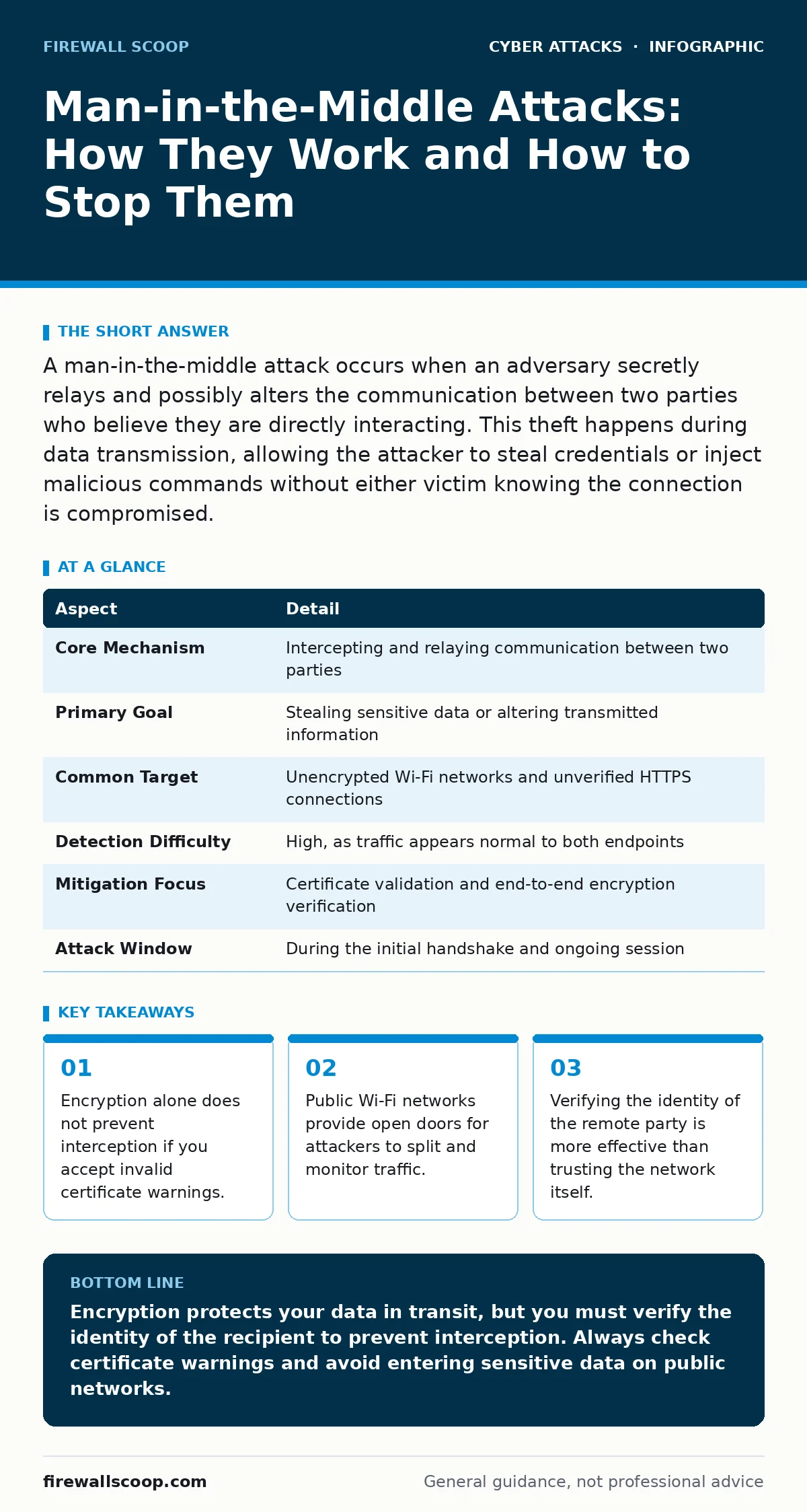
A man-in-the-middle attack occurs when an adversary secretly relays and possibly alters the communication between two parties who believe they are directly interacting. This theft happens during data transmission, allowing the attacker to steal credentials or inject malicious commands without either victim knowing the connection is compromised.
The Mailroom Analogy for Data Interception
Imagine you send a sealed letter to a colleague. A rogue employee in the mailroom intercepts it, copies the contents, alters the message, reseals it, and delivers it. Your colleague receives the altered letter and replies to what they believe is your original message. The rogue employee reads the reply too. Neither sender nor receiver knows the mailroom staff altered the exchange. This is exactly how a man-in-the-middle attack functions in digital communications. The attacker sits between two endpoints, observing and modifying the data stream in real time.
| Aspect | Detail |
|---|---|
| Core Mechanism | Intercepting and relaying communication between two parties |
| Primary Goal | Stealing sensitive data or altering transmitted information |
| Common Target | Unencrypted Wi-Fi networks and unverified HTTPS connections |
| Detection Difficulty | High, as traffic appears normal to both endpoints |
| Mitigation Focus | Certificate validation and end-to-end encryption verification |
| Attack Window | During the initial handshake and ongoing session |
How the Interception Actually Happens
You connect to a network to send sensitive information. The attacker positions their device between your computer and the destination server. They do not need to break into your device or the server directly. They simply redirect the traffic flow through their own machine. Your computer sends data to what it thinks is the server.
The attacker receives it, reads it, and forwards it to the real server. The server sends a response back to the attacker. The attacker reads that response and forwards it to you. The entire exchange happens in milliseconds. You see no delay. The attacker sees everything. This technique relies on the assumption that the network path is trusted. In public spaces, that assumption is often false.
Who Bears the Risk of Interception
Anyone who transmits data over an untrusted network is a target. Students connecting to campus Wi-Fi, remote workers using coffee shop networks, and corporate users accessing cloud services are all exposed. The attack does not discriminate by skill level. It targets the communication channel, not the device. If you are browsing, emailing, or logging into a service, you are generating traffic that can be captured. The risk increases when you use services that do not enforce strict encryption standards. It also increases when you disable security warnings to access a site quickly. Convenience often overrides security in these moments, creating the opening the attacker needs.
Common Forms of Man-in-the-Middle Attacks
Attackers use several techniques to position themselves in the middle. SSL stripping downgrades a secure connection to an insecure one. The attacker intercepts the initial request and serves an unencrypted version of the site. You see a standard HTTP URL instead of HTTPS. You type your password, and the attacker captures it in plain text. Evil Twin attacks create a fake Wi-Fi access point with a legitimate name.
Your device connects automatically. All your traffic flows through the attacker's router. DNS spoofing manipulates the address book of the internet. When you type a website name, the attacker sends you the wrong IP address. You connect to a fake site that looks identical to the real one.
What People Usually Get Wrong
Many users believe that seeing a padlock icon means they are safe. The padlock only confirms that the connection is encrypted. It does not confirm that you are talking to the correct server. If an attacker performs a successful interception, the browser may still show a padlock if the attacker presents a valid-looking certificate. Another misconception is that private browsing modes prevent interception. Private mode only clears local history and cookies. It does not hide your traffic from the network administrator or an attacker on the same Wi-Fi segment. You are still sending data across the airwaves. The network sees what you send.
See also: Lateral Movement Prevention Checklist for Network Security · Network Traffic Analysis: How to Detect Hidden Threats in Data Flow
The Hidden Cost of Weak Validation
The biggest vulnerability in modern systems is not weak encryption algorithms. It is the failure to validate the identity of the peer. When your browser receives a security certificate, it checks if the certificate is signed by a trusted authority. If you ignore a warning and proceed, you are manually telling the browser to trust the attacker. This action creates a persistent risk. Some malware configures the system to ignore these warnings automatically. Once you bypass the check once, the software may remember your choice for that domain. Future connections will proceed without alerting you. This silent acceptance allows long-term monitoring of your activities.
Reducing the Risk Through Verification
You must verify the identity of the site you are visiting. Check the URL carefully. Look for subtle changes in the domain name. Attackers often use typosquatting to create domains that look similar to popular services. A single missing letter or swapped character can lead you to a trap. Use a virtual private network to encrypt your traffic from the device to the VPN server.
This prevents local attackers on the Wi-Fi network from reading your data. However, it does not protect you if the VPN server itself is compromised or if you visit a fraudulent site. Combine network encryption with strict certificate pinning where possible. This forces the application to reject any certificate that does not match a known key.
Beyond Basic Encryption Practices
Encryption protects the content of your message, but it does not guarantee the destination. You must also protect the integrity of the routing. IP spoofing allows an attacker to disguise their origin, making it harder to trace the interception point. By using protocols that include mutual authentication, you ensure that both parties verify each other's identity.
Standard web browsers do not always do this by default. Corporate environments often use additional layers of security to validate endpoints. For personal use, enabling multi-factor authentication adds a layer of protection. Even if an attacker steals your password via interception, they cannot access your account without the second factor. This limits the damage of a successful man-in-the-middle attempt.
Recognizing the Signs of Compromise
Look for unexpected changes in your browsing experience. If a site that usually uses HTTPS suddenly loads with HTTP, stop immediately. Do not enter any data. Check your connection settings. If you are on a public network, consider turning off auto-connect for that specific access point. Monitor your network traffic for unusual spikes in data usage.
An attacker relaying your traffic may increase the overall volume slightly. While this is not a definitive sign, it is a clue. If you suspect an attack, disconnect from the network and change your passwords from a trusted, secure connection. Use a mobile data connection if available. This removes you from the compromised network environment entirely.
The Role of Social Engineering in Technical Attacks
Technical exploits often require a human element to succeed. Attackers may use phishing emails to trick you into clicking a link that initiates a man-in-the-middle setup. The link might lead to a page that requests permission to install a malicious browser extension.
This extension can intercept your traffic locally, before it even leaves your device. Spear phishing targets specific individuals with personalized messages, increasing the likelihood of compliance. The technical interception is only the final step. The initial breach often happens through deception. You must scrutinize the source of any link or attachment. Verify the sender through an out-of-band channel. Do not trust the email header alone.
Long-Term Protection Strategies
Building a defense against interception requires a layered approach. Keep your operating system and browser updated to patch known vulnerabilities. Outdated software may have weaknesses that allow attackers to bypass certificate checks. Use applications that support end-to-end encryption for sensitive communications. These applications ensure that only the sender and recipient can read the messages.
The server hosting the communication cannot read them either. This removes the server as a potential point of failure. For network security, prefer wired connections over Wi-Fi when possible. Ethernet connections are physically harder to intercept than wireless signals. If you must use Wi-Fi, ensure it requires a strong password and uses WPA3 encryption.
Key takeaways
- Encryption alone does not prevent interception if you accept invalid certificate warnings.
- Public Wi-Fi networks provide open doors for attackers to split and monitor traffic.
- Verifying the identity of the remote party is more effective than trusting the network itself.
Encryption protects your data in transit, but you must verify the identity of the recipient to prevent interception. Always check certificate warnings and avoid entering sensitive data on public networks.
Frequently asked questions
Can a man-in-the-middle attack happen on a secure Wi-Fi network?
Yes, if the network administrator is malicious or if the attacker gains control of the router. Encryption on the network layer does not prevent interception if the endpoint trust is compromised.
Does using HTTPS prevent man-in-the-middle attacks?
HTTPS prevents passive eavesdropping, but it does not stop active interception if you accept invalid certificates. The attacker can still relay traffic if they can trick the browser into trusting them.
How do I know if I am being targeted?
Look for certificate warnings, unexpected HTTP connections, or slow browsing speeds. These signs may indicate that traffic is being redirected and processed by an intermediary device.
Are mobile devices safe from these attacks?
Mobile devices are vulnerable, especially when connecting to public Wi-Fi. They often auto-connect to known networks, making evil twin attacks effective. Use mobile data or a trusted VPN for sensitive tasks.
How this guide was produced: written by the Firewall Scoop editorial team with AI assistance, checked against the public references listed below, and reviewed when the facts change. See our editorial policy or report an error.