Security Misconfigurations Explained: Why Default Settings Fail You
Most security breaches exploit misconfigurations rather than software flaws, meaning your own setup choices often create the entry point attackers use.
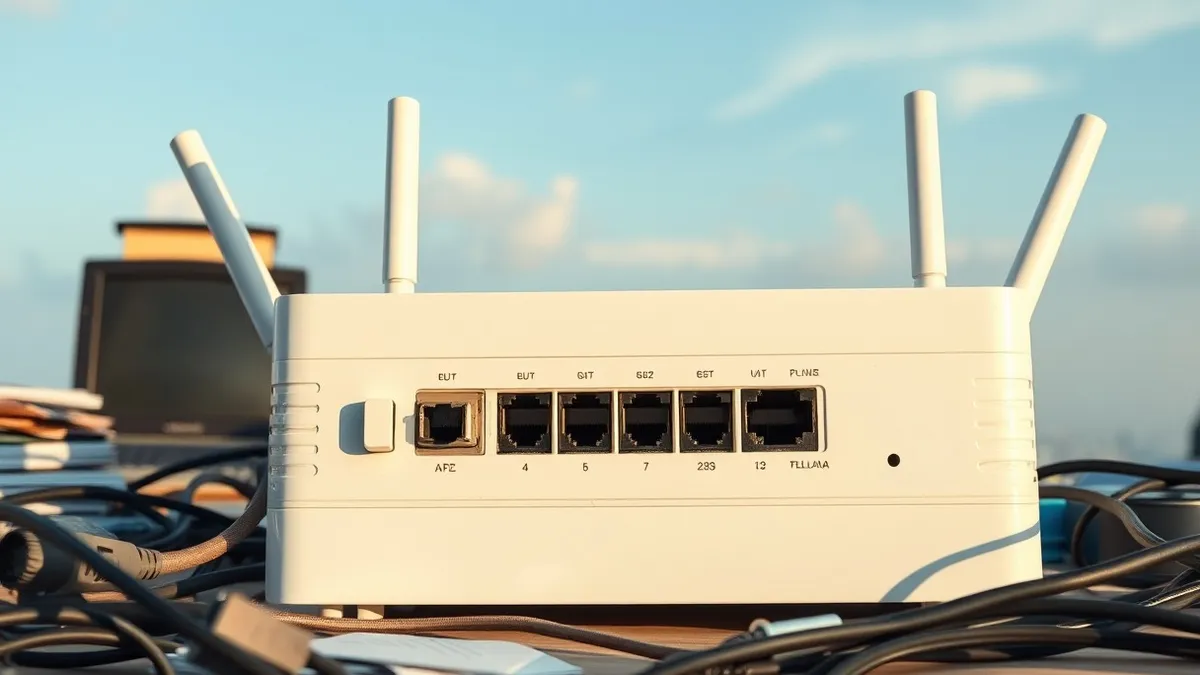
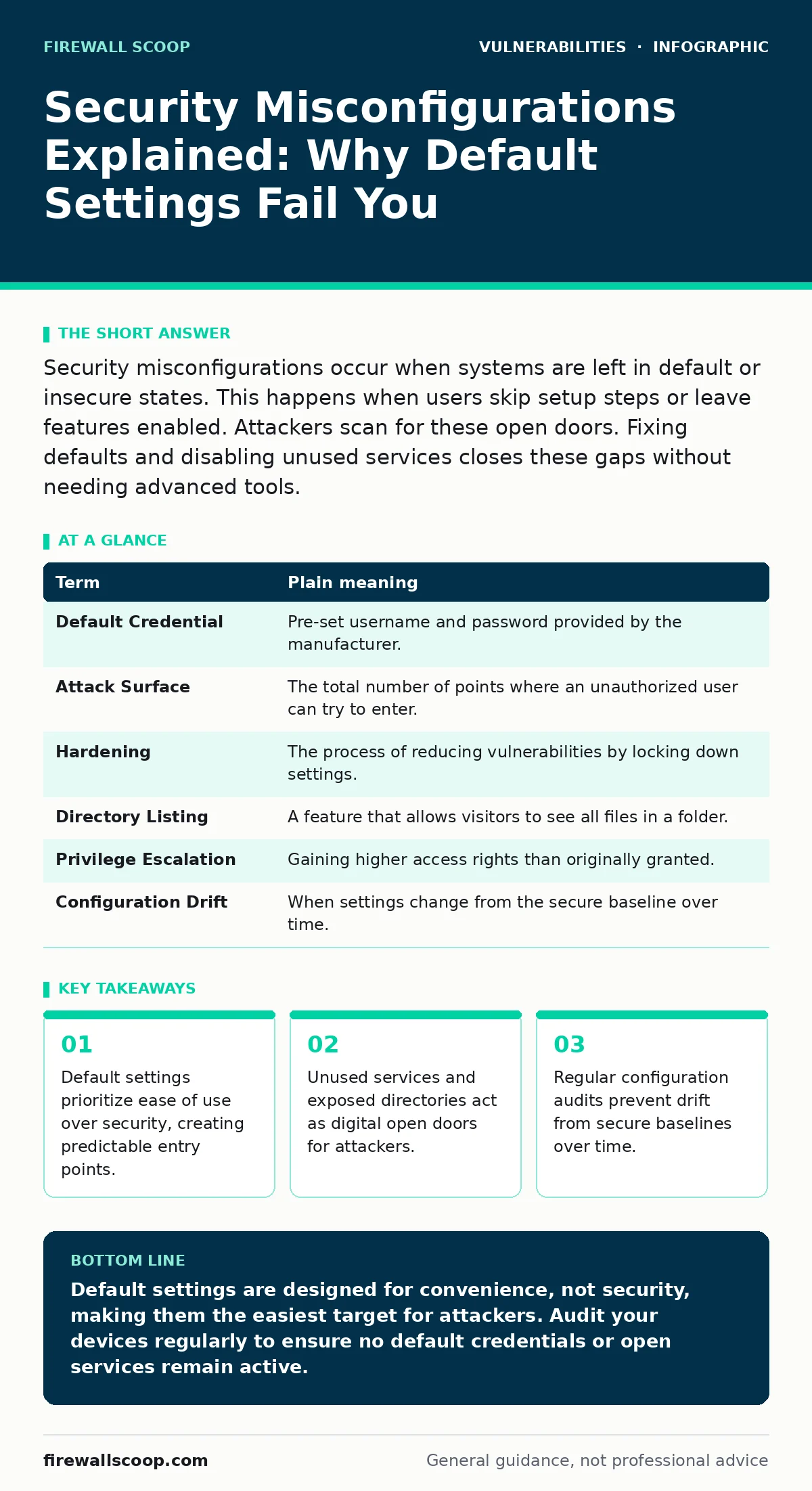
Security misconfigurations occur when systems are left in default or insecure states. This happens when users skip setup steps or leave features enabled. Attackers scan for these open doors. Fixing defaults and disabling unused services closes these gaps without needing advanced tools.
The House With Open Windows
Imagine you build a sturdy house with reinforced walls and a heavy steel door. You install a high-tech alarm system and hire a guard. Yet, you leave the back window wide open because the manufacturer shipped it that way. An attacker does not need to break down the steel door. They simply walk in through the window. This is exactly what happens with security misconfigurations. The software or hardware itself may have no known bugs, but the way it is set up creates a direct path for intrusion.
Defining the Gap
A security misconfiguration occurs when a system, application, or network is not set up securely. This often happens because administrators accept default settings to save time. These defaults are designed for ease of installation, not for protection. Over time, settings can drift from their secure state due to changes or neglect. This creates a gap between how the system should work and how it actually behaves. You must treat configuration as a security control, not just a setup step.
The Hidden Cost of Convenience
The most dangerous aspect of misconfigurations is their invisibility. Unlike a software bug, there is no error message or crash to warn you. The system runs perfectly, just with the door unlocked. Attackers use automated tools to scan the internet for these common mistakes. They look for default usernames, open ports, and exposed management interfaces. Because these targets are so common, they are often the first places attackers look. This makes them highly efficient targets for both human adversaries and automated bots.
Glossary of Key Terms
| Term | Plain meaning |
|---|---|
| Default Credential | Pre-set username and password provided by the manufacturer. |
| Attack Surface | The total number of points where an unauthorized user can try to enter. |
| Hardening | The process of reducing vulnerabilities by locking down settings. |
| Directory Listing | A feature that allows visitors to see all files in a folder. |
| Privilege Escalation | Gaining higher access rights than originally granted. |
| Configuration Drift | When settings change from the secure baseline over time. |
What This Means for You
Even if you are not an administrator, you interact with misconfigured systems daily. Consider a personal smart home device or a cloud storage account. If you use the default password printed on the label, you are inviting entry. If you leave a cloud bucket open to the public, anyone can read your files. These are not complex hacks. They are simple oversights. The responsibility for security often shifts to the user when defaults are left unchanged. You must verify that your personal devices are not broadcasting information they should keep private.
The Risk of Exposure
One common mistake is leaving directory listing exposure enabled on web servers. This allows anyone to view the contents of a folder without knowing the specific file names. It is like leaving your filing cabinet unlocked in a public hallway. Attackers can find sensitive documents, backup files, or configuration files this way. Another risk is leaving test accounts or debug modes active in production. These features are meant for developers but provide full access to attackers who find them. Always disable features you do not actively use.
Try This Now
- Change all default passwords on your home network devices, including routers and smart cameras. Use unique, complex passwords for each device.
- Disable remote management features on your router unless you specifically need them. Accessing your router from the internet is rarely necessary for home users.
- Review the privacy settings on your cloud storage accounts. Ensure that files are set to private by default and that sharing links expire automatically.
Maintaining Secure Settings
Security is not a one-time task. Settings can change due to software updates or accidental clicks. This is known as configuration drift. You should periodically review your critical settings to ensure they match your security policy. For larger organizations, this involves risk-based vulnerability management to prioritize which misconfigurations pose the greatest threat. For individuals, it means checking your device settings every few months. Keep a record of your secure settings so you can restore them if they change.
Beyond Basic Fixes
While fixing misconfigurations is critical, it is only one layer of defense. You must also stay aware of firmware vulnerabilities that require firmware updates to fix. These updates often reset settings to defaults, so you must re-apply your hardening steps after every update. Understanding attack vectors in CVSS helps you prioritize which issues to fix first. Monitoring security bulletins from manufacturers alerts you to new default credential leaks. Integrating these practices into your routine patch management strategy ensures long-term security.
Key takeaways
- Default settings prioritize ease of use over security, creating predictable entry points.
- Unused services and exposed directories act as digital open doors for attackers.
- Regular configuration audits prevent drift from secure baselines over time.
Default settings are designed for convenience, not security, making them the easiest target for attackers. Audit your devices regularly to ensure no default credentials or open services remain active.
Frequently asked questions
How do I know if my device has default settings?
Check the manual or label for the original username and password. If you have not changed them, they are likely still active.
Can a misconfiguration cause data loss?
Yes, open permissions or exposed directories can allow attackers to delete or steal your files without breaking encryption.
Do security tools fix misconfigurations automatically?
Most tools detect misconfigurations but require manual intervention to change settings, as they cannot guess your intended configuration.
Is it safe to use cloud services?
Cloud services are safe if you configure them correctly. Always disable public access to storage buckets and use strong authentication.
How this guide was produced: written by the Firewall Scoop editorial team with AI assistance, checked against the public references listed below, and reviewed when the facts change. See our editorial policy or report an error.