Firmware Vulnerabilities Explained: The Hidden Layer
Your device’s core instructions remain active even when the screen is off, making them a persistent target that standard antivirus software often misses entirely.

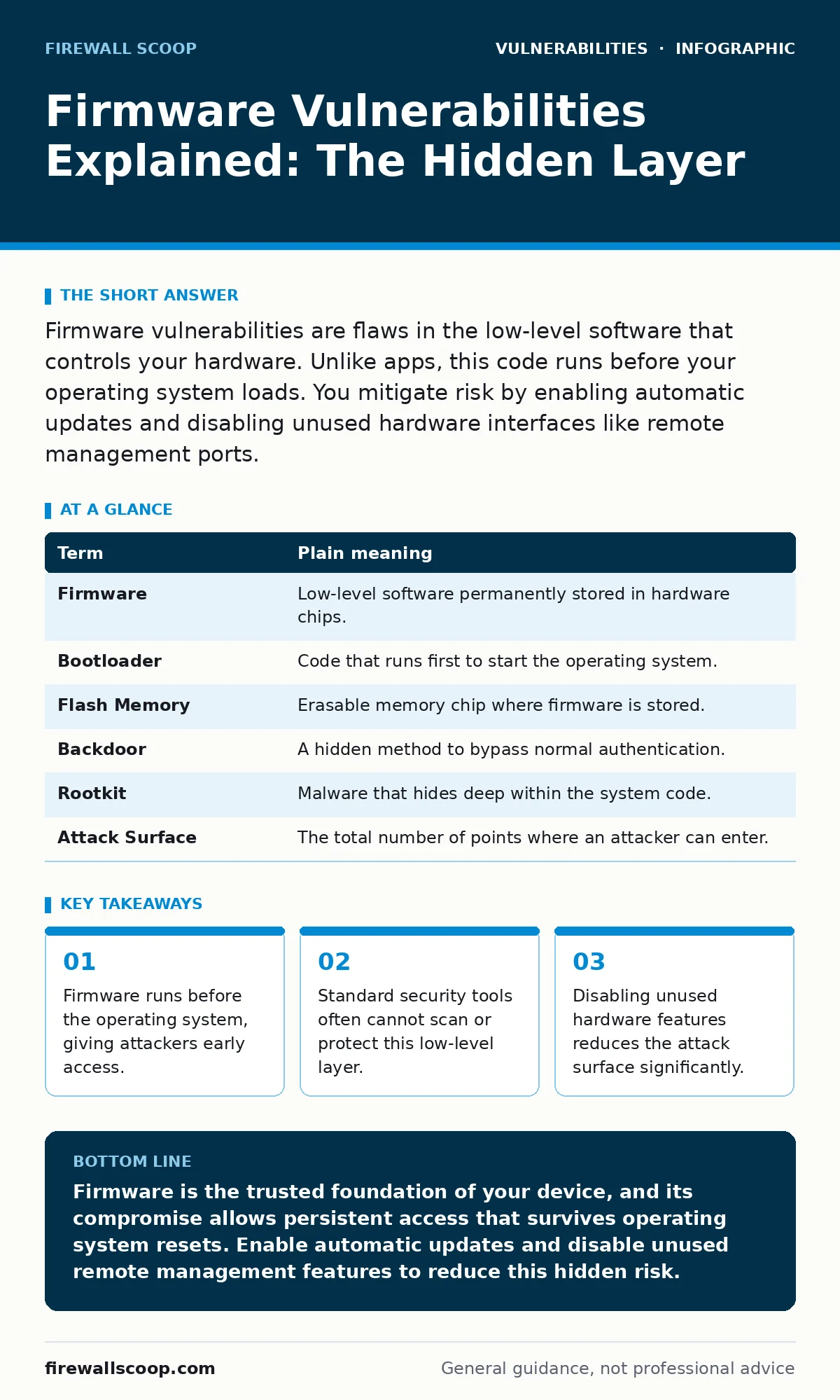
Firmware vulnerabilities are flaws in the low-level software that controls your hardware. Unlike apps, this code runs before your operating system loads. You mitigate risk by enabling automatic updates and disabling unused hardware interfaces like remote management ports.
The Blueprint Inside The Walls
Imagine a smart home automation system. You interact with the lights and locks through a mobile app, which is easy to change or delete. But behind the scenes, a small circuit board controls the actual electricity flowing to those devices. If someone alters the instructions on that board, they can lock you out regardless of what your phone says.
Firmware is that circuit board. It is the permanent software embedded in hardware components. It tells your router how to route data or your laptop how to start up. Because it sits between the physical hardware and the operating system, it holds a level of trust that most security tools do not question.
Why The Base Layer Matters
Most users focus on the applications they install. They worry about a malicious browser extension or a shady download. This is understandable, but it ignores the foundation. If the foundation is cracked, reinforcing the walls does not stop the structure from collapsing.
Firmware vulnerabilities allow attackers to bypass the operating system entirely. An attacker who compromises the firmware can hide their presence from the operating system. They can reinstall their access even after you format the hard drive. This persistence is what makes these flaws particularly dangerous for anyone entering the security field.
Key Terms For Beginners
To understand the mechanics, you need to know the language. Here is a mini glossary of the concepts that define this layer of security.
| Term | Plain meaning |
|---|---|
| Firmware | Low-level software permanently stored in hardware chips. |
| Bootloader | Code that runs first to start the operating system. |
| Flash Memory | Erasable memory chip where firmware is stored. |
| Backdoor | A hidden method to bypass normal authentication. |
| Rootkit | Malware that hides deep within the system code. |
| Attack Surface | The total number of points where an attacker can enter. |
The Hidden Cost Of Convenience
Modern devices are designed to be easy to manage. Manufacturers often include remote management features so IT staff can fix issues without touching the device. This is convenient, but it creates a large attack surface.
Suppose a router has a remote administration port open to the internet. An attacker does not need to guess your Wi-Fi password. They can try to guess the administrative credentials for the firmware interface directly. If they succeed, they control the traffic flowing to every device in your home. This is a classic example of how security misconfigurations turn a useful feature into a liability.
What Ordinary Users Face
You might wonder if this affects you. It does. Your smartphone, laptop, and IoT devices all contain firmware. When you see a notification for a firmware updates, it is not just a bug fix. It is often a patch for a critical vulnerability that could allow total device takeover.
Ignoring these updates leaves you exposed. The risk is not just data theft. It is the potential for your device to become part of a botnet or to spy on your environment without your knowledge. The firmware runs in the background, silent and unseen, executing commands that your operating system cannot override.
Simple Safety Habits
You cannot rewrite the firmware yourself, but you can control how it is managed. Start by enabling automatic updates on every device. This ensures you receive security patches as soon as the manufacturer releases them.
Next, audit your hardware settings. Disable any remote management features you do not actively use. If you do not need to control your router from a different city, turn off that capability. This reduces the number of doors an attacker can try to kick in.
Finally, understand the severity of disclosed flaws. When you read security bulletins, look for the severity rating. This helps you prioritize which updates to apply first. Understanding attack vectors in CVSS can help you grasp how an exploit moves from discovery to execution.
Try This Now
Take three concrete steps to harden your current setup.
- Enable automatic updates on all network-connected devices, including routers and smart home hubs.
- Log into your router’s administrative interface and disable remote management or WAN-side access.
- Review your device’s BIOS or UEFI settings to ensure secure boot is enabled, which verifies the integrity of the boot process.
The Limits Of Protection
No measure guarantees safety. Even with updates enabled, there is a window of time between when a vulnerability is discovered and when a patch is released. During this time, you are vulnerable.
This is why defense in depth matters. You rely on multiple layers. If one layer fails, another might stop the attack. You might use software composition analysis to check the libraries your applications use, but that does not protect the firmware itself. Each layer has its own blind spots.
Key takeaways
- Firmware runs before the operating system, giving attackers early access.
- Standard security tools often cannot scan or protect this low-level layer.
- Disabling unused hardware features reduces the attack surface significantly.
Firmware is the trusted foundation of your device, and its compromise allows persistent access that survives operating system resets. Enable automatic updates and disable unused remote management features to reduce this hidden risk.
Frequently asked questions
Can antivirus software detect firmware malware?
Standard antivirus tools often cannot see firmware because it operates below the operating system level. Specialized tools are required to scan this low-level code.
How do I know if my firmware is outdated?
Check your device manufacturer’s website or the device settings menu for the current version number. Compare it against the latest version listed in their public **National Vulnerability Database** entries.
Is disabling remote management safe for home users?
Yes, for most home users, remote management is unnecessary. Disabling it prevents external attackers from attempting to access your device configuration directly.
What is the difference between a software update and a firmware update?
Software updates change applications and the operating system. Firmware updates change the low-level instructions that control the hardware itself, such as the BIOS or router logic.
How this guide was produced: written by the Firewall Scoop editorial team with AI assistance, checked against the public references listed below, and reviewed when the facts change. See our editorial policy or report an error.