Container Escape Response: Containment, Recovery, and Prevention Steps
You must assume the host kernel is compromised because a container escape grants direct access to underlying system resources and processes.

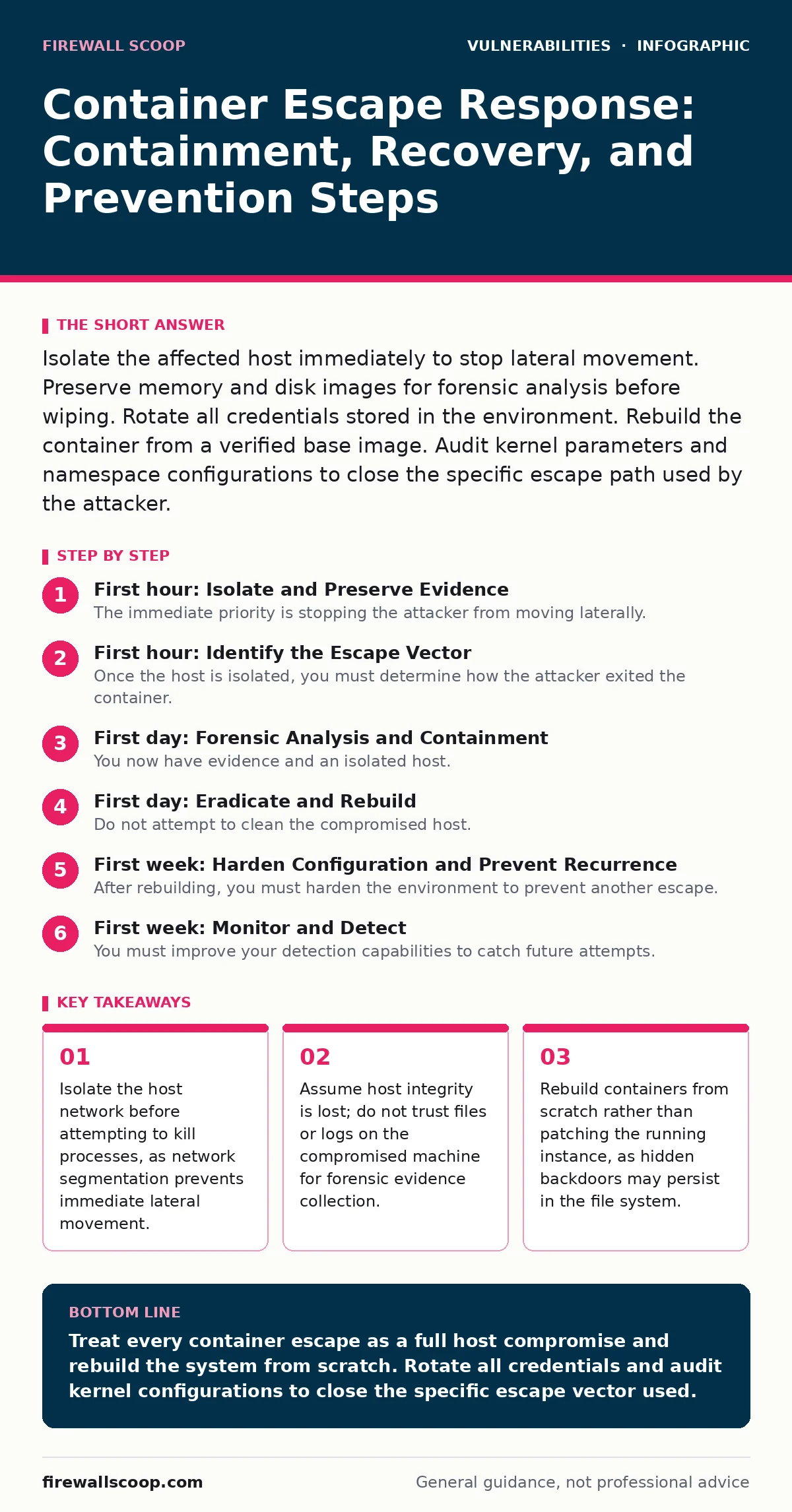
Isolate the affected host immediately to stop lateral movement. Preserve memory and disk images for forensic analysis before wiping. Rotate all credentials stored in the environment. Rebuild the container from a verified base image. Audit kernel parameters and namespace configurations to close the specific escape path used by the attacker.
First hour: Isolate and Preserve Evidence
The immediate priority is stopping the attacker from moving laterally. A container escape means the adversary has broken out of the isolated environment and accessed the host kernel. You must treat the host as fully compromised. Do not attempt to debug the running container. Do not try to fix the vulnerability while the system is live.
- Isolate the host: Disconnect the server from the network physically or via software-defined segmentation. This stops data exfiltration and prevents the attacker from using the host to attack other systems.
- Capture memory: Use a trusted forensic tool to dump the physical memory of the host. This preserves running processes, network connections, and kernel modules that might not exist on disk.
- Freeze disk writes: If possible, prevent new writes to the disk. Attacker tools often overwrite logs to hide their tracks. Stopping writes preserves the current state for analysis.
- Network isolation confirmed
- Memory dump initiated
- Disk write protection enabled
First hour: Identify the Escape Vector
Once the host is isolated, you must determine how the attacker exited the container. Container escapes often exploit misconfigurations in namespace isolation or kernel capabilities. Check the container runtime logs for unexpected privilege escalation events. Look for processes running with capabilities that should be restricted, such as CAP_SYS_ADMIN.
Inspect the container security profile. Many escapes occur when a container is granted privileged mode. This mode grants access to all host devices and bypasses most security restrictions. Review the manifest or deployment configuration to see if privileged flags were enabled. Check for mounted host directories. An attacker can mount the host root file system into a container and modify critical system files.
Consider if the escape involved a kernel vulnerability. Some exploits target the Linux kernel itself, allowing code execution on the host. If you suspect a kernel exploit, refer to security bulletins for recent patches related to your kernel version. This helps determine if the escape was due to a known flaw or a configuration error.
First day: Forensic Analysis and Containment
You now have evidence and an isolated host. The next step is deep analysis. You need to understand the extent of the breach. Did the attacker move to other containers? Did they install persistence mechanisms like cron jobs or systemd services?
Start by analyzing the memory dump. Look for unusual network connections or hidden processes. Compare the current running processes against a known good baseline. Any process that should not be there is suspect. Check for modified system binaries. Attackers often replace legitimate tools with malicious versions to maintain access.
Review the container orchestration logs. If you use a platform like Kubernetes, check the audit logs for unusual API calls. Attackers often use stolen credentials to create new pods or modify existing ones. Look for changes to network policies or service accounts. These changes indicate the attacker is trying to expand their control.
If the escape involved a Java deserialization vulnerabilities in an application running inside the container, the impact might be limited to the application layer. However, if the attacker reached the host, the application layer is no longer the boundary. You must assume the host is the new perimeter.
First day: Eradicate and Rebuild
Do not attempt to clean the compromised host. It is nearly impossible to remove all traces of a sophisticated attack. Hidden rootkits can survive system updates and patching. The only safe option is to rebuild the host from scratch.
Destroy the compromised virtual machine or physical server instance. Provision a new host with a clean operating system image. Apply all security patches before deploying any workloads. Configure the host with minimal privileges. Disable unused kernel modules and restrict network access to only what is required.
Rebuild the containers from verified base images. Do not use the images from the compromised host. Pull images from a trusted registry and verify their cryptographic signatures. This ensures the base image has not been tampered with. Reapply the application code from a secure source control repository. Never copy files from the compromised environment to the new one.
First week: Harden Configuration and Prevent Recurrence
After rebuilding, you must harden the environment to prevent another escape. Start by reviewing container runtime configurations. Ensure that containers run as non-root users. Use read-only file systems wherever possible. This prevents attackers from writing malicious scripts to disk.
Restrict Linux capabilities. By default, containers may have more capabilities than necessary. Drop all capabilities and add only those required for the application. For example, a web server may need CAP_NET_BIND_SERVICE to bind to low ports, but it does not need CAP_SYS_ADMIN.
Implement strict seccomp profiles. These profiles restrict the system calls a container can make. A tight seccomp profile prevents the container from executing kernel-level operations that could lead to an escape. Test these profiles in a staging environment to ensure they do not break the application.
See also: DFIR Training for Small Business Threat Readiness · Memory Forensics: Benefits, Limits, and When to Use It
First week: Monitor and Detect
You must improve your detection capabilities to catch future attempts. Standard logs may not capture container escape attempts. Enable audit logging on the host kernel. Configure the audit system to log all execve calls. This records every new process launched, even those started by an attacker inside a container.
Set up alerts for unusual network traffic. Look for connections to known command-and-control servers or unexpected outbound data flows. Monitor for resource spikes. An attacker may use the host for cryptocurrency mining, which consumes significant CPU and memory.
Integrate these logs into a central security information and event management system. Correlate events across multiple hosts to identify patterns. If one host shows signs of compromise, check other hosts for similar indicators. This helps you detect lateral movement early.
Refer to risk-based vulnerability management practices to prioritize patches. Focus on vulnerabilities that allow remote code execution or privilege escalation. These are the most likely to lead to container escapes. Regularly update your base images and host operating systems to reduce the attack surface.
Who to Tell and Legal Obligations
Notify your internal security team and management immediately. Provide a clear timeline of events and the potential impact. If customer data was accessed, you may need to notify regulatory bodies. Check local laws regarding data breach notification requirements.
Inform your cloud provider or infrastructure team. They may have additional logs or telemetry data that can help with the investigation. They can also provide guidance on best practices for your specific platform.
Do not disclose details to the public until you have a clear understanding of the incident. Premature disclosure can alert other attackers to the vulnerability. It can also damage customer trust. Coordinate with legal counsel to ensure compliance with all reporting obligations.
Long-Term Strategy and Culture
Container security is not a one-time fix. It requires continuous monitoring and improvement. Implement a culture of security within your development teams. Educate developers on secure coding practices and container configuration.
Use automated security scanning in your CI/CD pipeline. Scan images for known vulnerabilities before they are deployed. Enforce policies that prevent the deployment of vulnerable or misconfigured containers.
Regularly test your defenses with penetration testing and red team exercises. Simulate container escape scenarios to test your detection and response capabilities. Identify gaps in your monitoring and hardening strategies.
Refer to end-of-life software management guidelines to ensure you are not running unsupported software. Unsupported software does not receive security patches, leaving you exposed to known vulnerabilities. Keep all components, including the container runtime and orchestrator, up to date.
Review buffer overflow vulnerabilities in your custom applications. These are common entry points for attackers. Use static and dynamic analysis tools to find and fix these issues before deployment.
Consider web application firewall tuning to block common attack patterns at the edge. While this does not prevent container escapes, it reduces the likelihood of an attacker reaching the container in the first place.
Implement directory listing exposure controls to prevent attackers from discovering sensitive files. This is a basic security measure that can prevent initial reconnaissance.
Final Checks and Verification
Before declaring the incident resolved, perform a final review. Verify that all compromised accounts have been disabled and credentials rotated. Ensure that all network rules are tight and only allow necessary traffic.
Confirm that all forensic evidence has been securely stored. This may be needed for legal proceedings or future analysis. Document the incident thoroughly, including the root cause, impact, and remediation steps.
Conduct a post-mortem meeting with all stakeholders. Discuss what went well and what could be improved. Identify lessons learned and update your incident response plan accordingly. This helps you respond faster and more effectively next time.
Key takeaways
- Isolate the host network before attempting to kill processes, as network segmentation prevents immediate lateral movement.
- Assume host integrity is lost; do not trust files or logs on the compromised machine for forensic evidence collection.
- Rebuild containers from scratch rather than patching the running instance, as hidden backdoors may persist in the file system.
Treat every container escape as a full host compromise and rebuild the system from scratch. Rotate all credentials and audit kernel configurations to close the specific escape vector used.
Frequently asked questions
How do I know if a container escape occurred?
Look for processes running on the host that were not started by the container runtime. Check for unexpected network connections originating from the host interface. Monitor for privilege escalation events in audit logs.
Can I patch a compromised container without rebuilding?
No. A container escape implies the host kernel is compromised. Patching the container does not remove attacker access to the host. You must rebuild the host and the container from trusted sources.
Does using a privileged container always lead to an escape?
Privileged containers have direct access to the host kernel and devices. While not an automatic escape, it removes most isolation barriers, making exploitation trivial. Avoid privileged mode unless absolutely necessary.
What is the role of seccomp in preventing escapes?
Seccomp restricts the system calls a process can make. A strict seccomp profile prevents the container from executing kernel operations that could be used to break out of the namespace isolation.
How this guide was produced: written by the Firewall Scoop editorial team with AI assistance, checked against the public references listed below, and reviewed when the facts change. See our editorial policy or report an error.