Detect Rootkits: Find Hidden Code in Logs and System Behavior
Rootkits hide by intercepting system calls, meaning standard security tools often report a clean system even when the kernel is compromised and data is being exfiltrated.

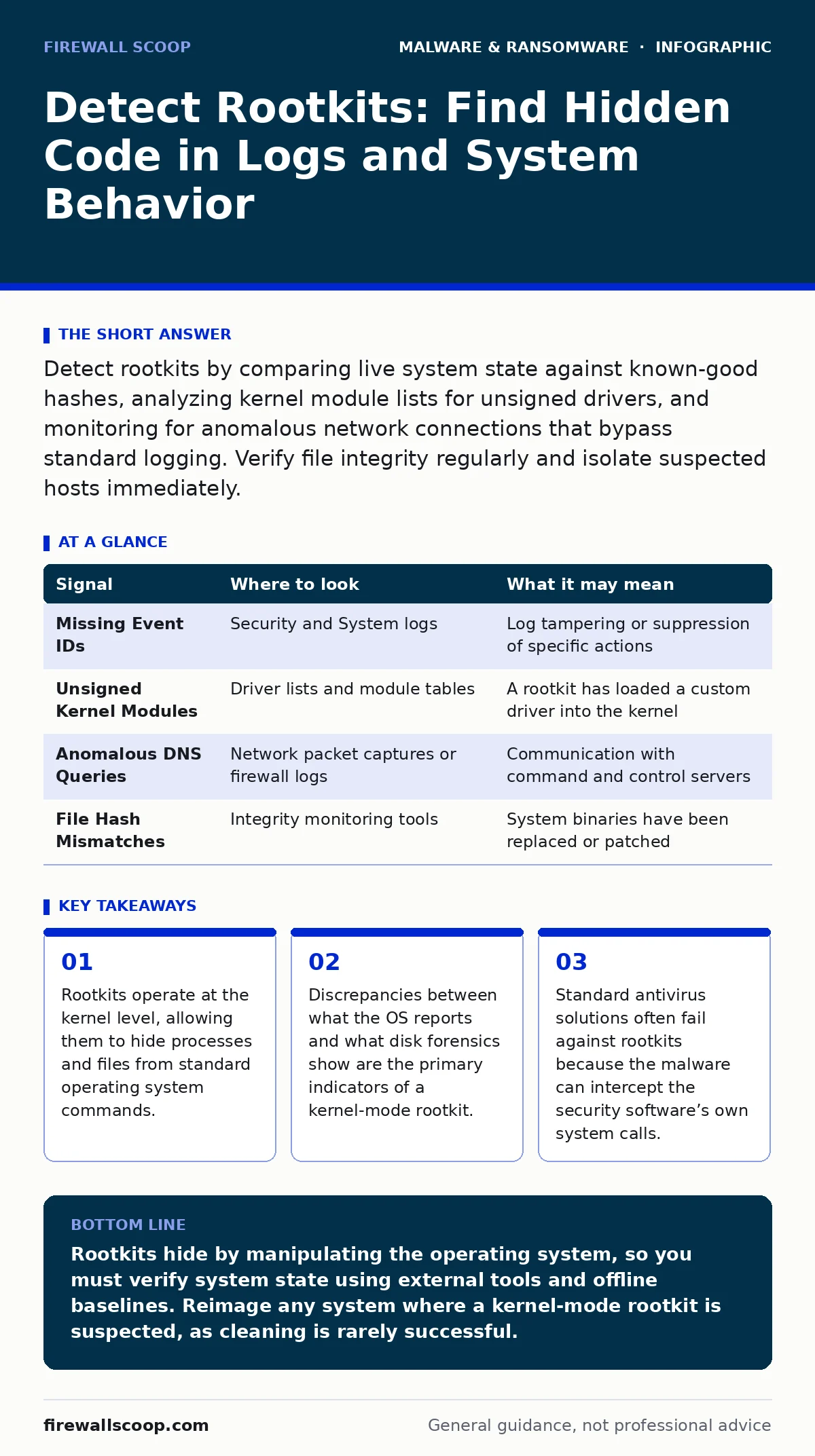
Detect rootkits by comparing live system state against known-good hashes, analyzing kernel module lists for unsigned drivers, and monitoring for anomalous network connections that bypass standard logging. Verify file integrity regularly and isolate suspected hosts immediately.
The Kernel Interception Problem
Rootkits differ from typical malware because they aim for invisibility rather than immediate destruction. They install themselves within the kernel, the core component of an operating system that manages hardware and software resources. By hooking into system calls, the rootkit can filter out its own presence from system queries. When you run a command to list running processes, the operating system asks the kernel for data. The rootkit intercepts this request, removes its own entry from the list, and returns a clean result.
This mechanism creates a fundamental trust issue. You cannot rely on the compromised system to tell you it is compromised. The system lies by design. This is why detection requires external validation or deep forensic analysis that bypasses the standard application programming interfaces. If the kernel is untrustworthy, the data it provides is suspect.
Signal Versus Noise in System Logs
Logs are often the first place teams look, but rootkits actively manipulate log files. They may delete entries or inject false records to create a plausible history of normal activity. You must look for gaps in the timeline. A missing sequence of event IDs in Windows Event Logs or syslog entries on Linux can indicate tampering.
Imagine a scenario where a server shows a continuous uptime of thirty days. However, the hardware logs indicate a reboot occurred four days ago. This discrepancy suggests a user-mode rootkit is falsifying uptime counters to avoid triggering alerts based on restart patterns.
| Signal | Where to look | What it may mean |
|---|---|---|
| Missing Event IDs | Security and System logs | Log tampering or suppression of specific actions |
| Unsigned Kernel Modules | Driver lists and module tables | A rootkit has loaded a custom driver into the kernel |
| Anomalous DNS Queries | Network packet captures or firewall logs | Communication with command and control servers |
| File Hash Mismatches | Integrity monitoring tools | System binaries have been replaced or patched |
Verifying Binary Integrity
File integrity monitoring is one of the most reliable methods for detecting rootkits. You compare the current cryptographic hash of system files against a known-good baseline. If the hash changes, the file has been modified. Rootkits often replace legitimate system binaries with modified versions that include the rootkit code. This allows them to persist even if you delete the malicious files, as the original legitimate files are gone.
You must establish this baseline on a clean, trusted system. If you create a baseline on an already infected machine, the rootkit becomes the "known good" state. Any future changes will be missed. This is a common blind spot in automated deployment scripts that snapshot systems after initial configuration.
Analyzing Network Behavior
Rootkits need to communicate. They send stolen data to command and control servers and receive new instructions. This traffic often looks like normal background noise. However, rootkits may use unusual ports or protocols to avoid detection. They might tunnel traffic over DNS or HTTPS, which are often allowed through firewalls.
Look for connections that occur at irregular intervals or to destinations with no legitimate business purpose. A server that suddenly begins sending small packets to a newly registered domain is a strong indicator of compromise. Compare current network connections against a historical baseline. Any new, persistent outbound connection that does not match known application behavior warrants investigation.
The Danger of Trusted Tools
When a rootkit operates at the kernel level, it can hide from standard system utilities. Commands like tasklist or ps rely on the kernel to provide process information. The rootkit intercepts these calls and returns a filtered list. This means your standard monitoring tools are blind.
You need tools that operate outside the normal system call chain. Bootable forensic disks are effective because they run from an external environment, bypassing the infected operating system entirely. These tools can read the disk directly and compare the file system state against what the running OS reports. If the running OS says a file does not exist, but the forensic disk shows it is present, you have detected a rootkit.
See also: 7 Computer Virus Mistakes That Leave Your System Exposed
Common Blind Spots in Detection
Teams often miss rootkits because they focus on user-mode indicators. They check for suspicious processes and unknown files but ignore the kernel. Another blind spot is hardware-based rootkits. These reside in the firmware of network cards, hard drives, or BIOS. They survive operating system reinstalls because they are stored in non-volatile memory on the hardware itself.
Suppose you wipe the drive and reinstall the operating system. The system appears clean. However, the network interface card firmware still contains the rootkit. As soon as the OS boots and loads the driver for the network card, the rootkit activates. This type of persistence is extremely difficult to detect without specialized firmware analysis tools.
Integrating with Broader Security
Rootkits are often part of a larger attack chain. They may be installed after an initial compromise via remote access trojans or infostealers. Understanding how the attacker gained access helps in detection. If you see signs of credential theft, assume a rootkit may be present to maintain access.
Recovery from a rootkit infection is complex. You cannot simply remove the malicious files. You must rebuild the system from trusted sources. This aligns with the principles found in our guide on ransomware recovery plans, which emphasize the importance of known-good backups. See also our section on offline backups to ensure your recovery media is not compromised.
Key takeaways
- Rootkits operate at the kernel level, allowing them to hide processes and files from standard operating system commands.
- Discrepancies between what the OS reports and what disk forensics show are the primary indicators of a kernel-mode rootkit.
- Standard antivirus solutions often fail against rootkits because the malware can intercept the security software’s own system calls.
Rootkits hide by manipulating the operating system, so you must verify system state using external tools and offline baselines. Reimage any system where a kernel-mode rootkit is suspected, as cleaning is rarely successful.
Frequently asked questions
Can antivirus software detect rootkits?
Some modern antivirus solutions have rootkit detection features, but they are not foolproof. Kernel-mode rootkits can often evade these tools by intercepting their system calls.
How do I know if my system is infected?
Look for discrepancies between live system reports and forensic disk analysis. Unexplained network traffic, missing log entries, and unsigned kernel modules are strong indicators.
Can a rootkit survive a system reinstall?
User-mode rootkits are removed by a reinstall. However, firmware-based rootkits stored in hardware components like BIOS or network cards can survive and reinfect the new operating system.
What is the difference between a rootkit and a backdoor?
A backdoor provides unauthorized access. A rootkit hides that access and the presence of the malware. Rootkits often include backdoor functionality but focus on stealth.
How this guide was produced: written by the Firewall Scoop editorial team with AI assistance, checked against the public references listed below, and reviewed when the facts change. See our editorial policy or report an error.