Ransomware Recovery Plans: Benefits, Limits and When to Build One
A recovery plan buys time and control during an attack, but it cannot restore data that was never saved or systems that lack trusted reference states.

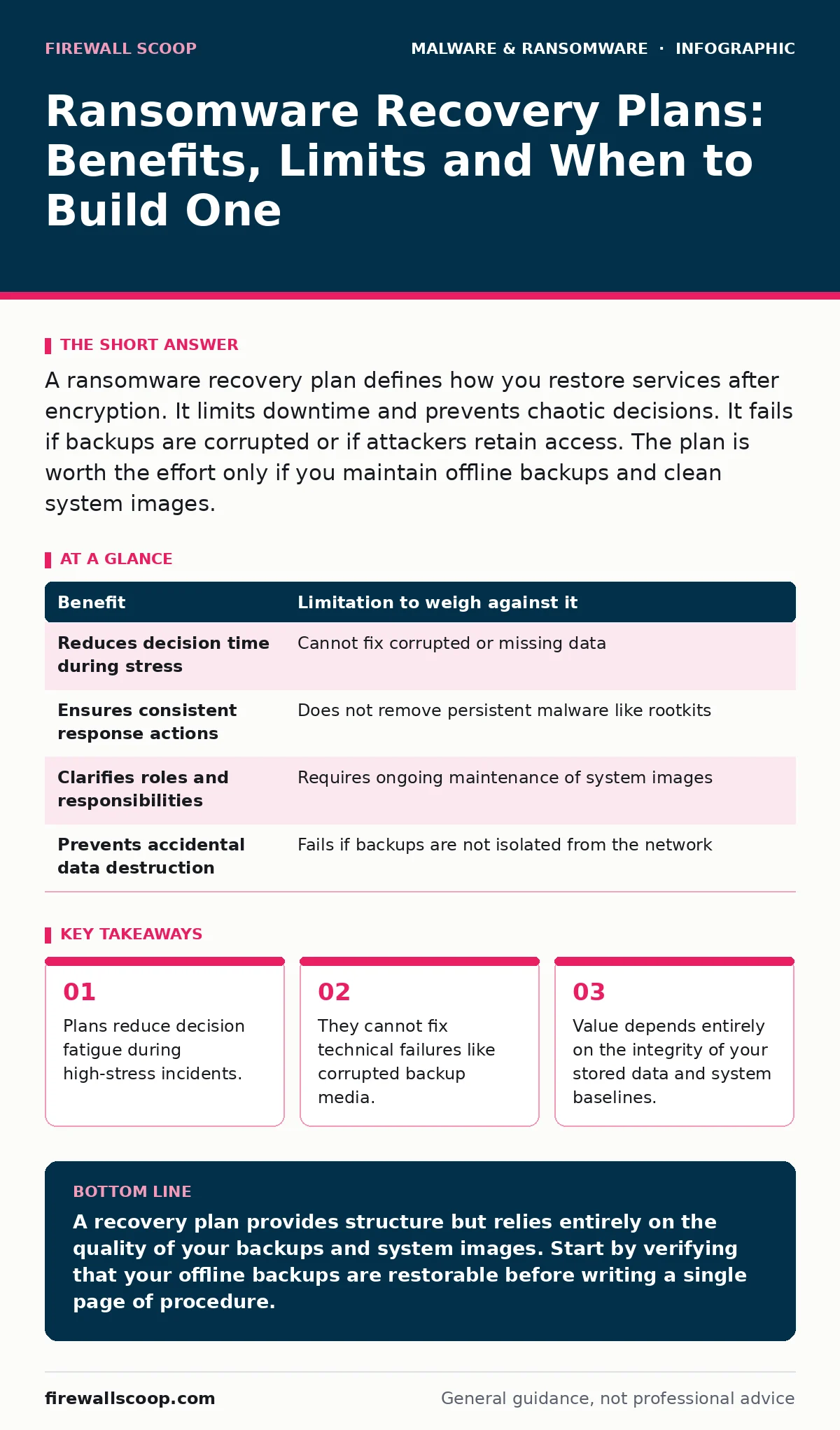
A ransomware recovery plan defines how you restore services after encryption. It limits downtime and prevents chaotic decisions. It fails if backups are corrupted or if attackers retain access. The plan is worth the effort only if you maintain offline backups and clean system images.
The Psychology of Structured Response
Imagine your organization faces sudden data encryption. Panic sets in. Teams shout over each other. Someone unplugs a critical server without documenting the state. This chaos often causes more damage than the malware itself. A ransomware recovery plan acts as a pre-written script. It tells you exactly which switches to throw and who calls whom.
The primary benefit is cognitive offloading. When adrenaline spikes, your ability to recall complex procedures drops. A plan places the logic outside your head. It ensures that the first actions taken are deliberate rather than reactive. This structure prevents well-meaning staff from accidentally spreading the infection to clean systems.
However, a document on a shelf is useless if it is not tested. You must treat the plan as a living process. Regular drills reveal gaps that theory misses. If you have never practiced restoring from your backups, the plan is merely fiction.
Technical Dependencies and Hidden Costs
A recovery plan relies on two technical pillars: valid backups and known-good system states. Without these, the plan has no foundation. You cannot restore data that does not exist. You cannot rebuild a server if you do not know how it was configured originally.
This is where golden images become relevant. A golden image is a pre-configured disk image containing the operating system and baseline software. It allows you to rebuild servers quickly without manually reinstalling every component. If you rely on manual configuration, your recovery time will stretch from hours to weeks.
The hidden cost here is maintenance. Golden images drift from reality over time. If you update software on production servers but forget to update the image, the restored system will be out of sync. You must update your images as often as you patch your live systems. This adds ongoing labor to your security operations.
The Backup Integrity Trap
Many organizations believe they have a plan because they have backups. This is a dangerous misconception. Backups must be isolated from the production network. If your backup storage is connected to the same network as your servers, ransomware can encrypt the backups too.
This is why offline backups are a separate topic of critical importance. Offline storage, or air-gapped media, is not connected to the network. It cannot be reached by remote attackers. If your only backups are online, your recovery plan is likely void. You must verify that your backups are readable and complete.
Testing backup integrity is not a one-time task. It is a continuous verification process. You must attempt to restore files periodically. If the restore fails, you do not have a backup; you have a hope.
Limitations of Procedural Documents
A recovery plan is a set of instructions, not a technical fix. It cannot remove malware. It cannot decrypt files. It cannot recover data lost before the backup window. These are hard limits that no amount of planning can overcome.
The plan also cannot prevent remote access trojans from lingering in your environment. If an attacker used a remote access trojan to enter your network, they may have installed backdoors. Restoring from backup does not remove these backdoors. You must assume the network is compromised until proven otherwise.
This leads to the concept of rootkits. Rootkits hide at the kernel level, making them invisible to standard tools. If a rootkit is present, your restored systems may be re-infected immediately. Your plan must include a step for thorough forensics or a complete wipe of affected systems.
| Benefit | Limitation to weigh against it |
|---|---|
| Reduces decision time during stress | Cannot fix corrupted or missing data |
| Ensures consistent response actions | Does not remove persistent malware like rootkits |
| Clarifies roles and responsibilities | Requires ongoing maintenance of system images |
| Prevents accidental data destruction | Fails if backups are not isolated from the network |
When It Is Worth It
A recovery plan is worth the investment if you hold sensitive data that cannot be easily recreated. If your business depends on continuous availability, downtime costs more than the effort to plan. Financial institutions, healthcare providers and legal firms fall into this category.
It is also worth it if you lack the expertise to rebuild systems from scratch. A plan documents the steps for less experienced staff. This reduces dependency on a single senior engineer who may be unavailable during an incident.
Finally, it is worth it if you have already established a reliable backup regime. A plan is the final layer of defense. It makes your backups usable. Without a plan, your backups are just stored data.
See also: Memory Forensics: Benefits, Limits, and When to Use It · Audit Logging Best Practices: Secure Logs Against Tampering
When It Is Not Worth It
A recovery plan is not worth the effort if you have no backups. Writing procedures for a restoration that is technically impossible is a waste of time. Focus first on establishing a backup strategy.
It is also not worth it if your data is ephemeral. If your application generates temporary data that is not critical, the cost of planning may exceed the value of the data. Social media caches or temporary log files often fall into this category.
Do not build a complex plan if you cannot afford the hardware to support it. If you cannot afford servers to hold golden images or tape drives for offline storage, the plan is theoretical. Focus on reducing your attack surface instead.
Integrating with Broader Security
Your recovery plan does not exist in a vacuum. It must align with your recovery time objective. This is the maximum acceptable downtime for a service. If your objective is four hours, your plan must enable restoration within that window.
Consider the threat of infostealers. These tools steal credentials and session tokens. If attackers use infostealers before encrypting your data, they may still access your accounts even after you restore your systems. Your plan must include resetting all credentials and revoking sessions.
For users on specific platforms, such as those removing malware from a Mac, the steps differ. macOS has different permission models and recovery modes. Your plan must account for the specific architecture of every operating system you support.
The Human Element of Recovery
Technology fails. People panic. Your plan must address the human side of the incident. Who speaks to the media? Who notifies customers? Who contacts law enforcement?
These roles must be defined clearly. Ambiguity leads to conflicting messages. You must designate a single point of contact for external communications. This person must be trained in crisis communication.
Remember that ransomware attacks are often preceded by reconnaissance. The attackers studied your environment before striking. Your plan should include a post-incident review. Analyze how they got in. Update your defenses to prevent recurrence.
Key takeaways
- Plans reduce decision fatigue during high-stress incidents.
- They cannot fix technical failures like corrupted backup media.
- Value depends entirely on the integrity of your stored data and system baselines.
A recovery plan provides structure but relies entirely on the quality of your backups and system images. Start by verifying that your offline backups are restorable before writing a single page of procedure.
Frequently asked questions
How often should I test my ransomware recovery plan?
Test at least once per quarter. Use a sandboxed environment to restore a critical server from backup and verify data integrity.
Can I use cloud backups for ransomware recovery?
Only if they are immutable or offline. Standard cloud storage can be deleted or encrypted by attackers with valid credentials.
Do I need a plan if I use managed IT services?
Yes. You remain responsible for your data. Verify that your provider’s recovery procedures align with your business needs.
What is the first step after detecting ransomware?
Isolate the affected systems from the network. Do not shut them down if you need to analyze memory, but disconnect all network cables.
How this guide was produced: written by the Firewall Scoop editorial team with AI assistance, checked against the public references listed below, and reviewed when the facts change. See our editorial policy or report an error.