Golden Images: Security Benefits and Hidden Limitations
Golden images reduce deployment time but introduce a shared attack surface that amplifies the impact of any single compromise across your entire infrastructure.

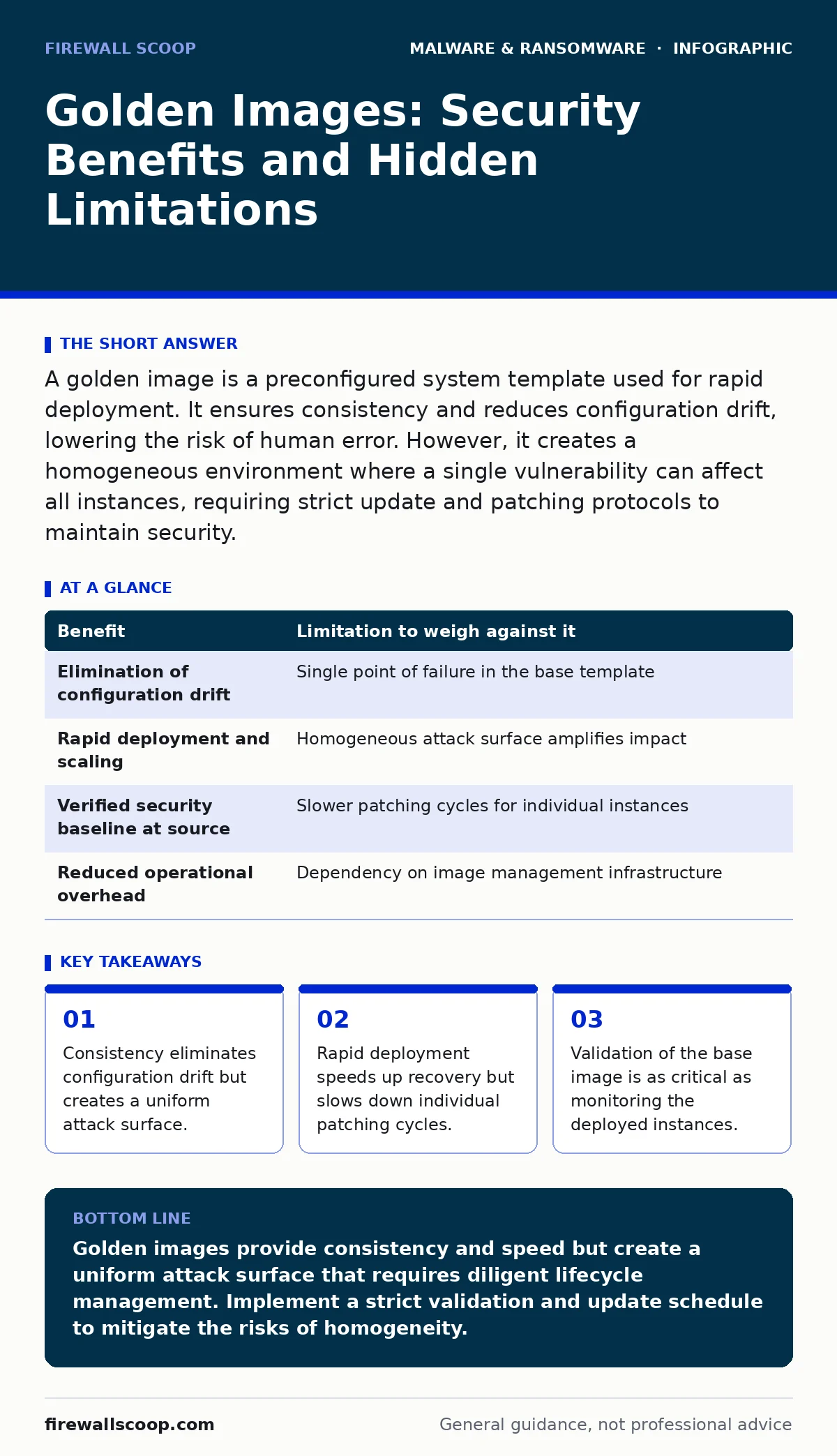
A golden image is a preconfigured system template used for rapid deployment. It ensures consistency and reduces configuration drift, lowering the risk of human error. However, it creates a homogeneous environment where a single vulnerability can affect all instances, requiring strict update and patching protocols to maintain security.
The Mechanism of Uniformity
A golden image is a standardized, preconfigured snapshot of an operating system and software stack. You build this template once, verifying every setting, then clone it to create new virtual machines or physical endpoints. This method replaces manual installation with automated duplication.
The primary security advantage is consistency. When every system starts from the same verified state, you eliminate the variability that often introduces vulnerabilities. Human error during manual configuration is a leading cause of weak security postures. By removing the human from the initial setup, you remove the possibility of a missed setting or a typo in a firewall rule.
However, this uniformity is a double-edged sword. If the base image contains a vulnerability, every system derived from it inherits that flaw. You trade the risk of individual misconfiguration for the risk of systemic exposure. This structural reality dictates how you must manage the lifecycle of these images.
Security Gains and Structural Risks
The benefits of golden images are operational and security-focused. They allow you to enforce security baselines at the source. You can verify that antivirus software, firewall rules, and user permissions are correct before the image ever leaves the lab. This proactive verification is far more reliable than auditing hundreds of deployed systems later.
Yet, the limitations are structural. A homogeneous environment is a dream scenario for an attacker. If they find one entry point, they can assume the same entry point exists on every other system. This reduces the time required for lateral movement within your network. The convenience of cloning directly conflicts with the security principle of diversity.
| Benefit | Limitation to weigh against it |
|---|---|
| Elimination of configuration drift | Single point of failure in the base template |
| Rapid deployment and scaling | Homogeneous attack surface amplifies impact |
| Verified security baseline at source | Slower patching cycles for individual instances |
| Reduced operational overhead | Dependency on image management infrastructure |
The Hidden Cost of Homogeneity
Imagine you deploy five hundred laptops using a single golden image. Three months later, a zero-day vulnerability is discovered in the operating system kernel. In a manually configured environment, you might find some systems were patched, some were not, and some had mitigating controls in place. The impact would be uneven.
With golden images, the impact is uniform. Every system is vulnerable until you create, test, and deploy a new image. This delay between discovery and remediation is the hidden cost. You cannot simply push a patch to one machine and verify it. You must rebuild the image, validate it, and then deploy it to all systems. This process takes time, during which your entire fleet remains exposed.
This scenario highlights why recovery time objective calculations must account for image rebuild times, not just data restoration. If your strategy relies solely on cloning, your ability to respond to a widespread threat is bottlenecked by your image management process.
Managing the Lifecycle
The security of a golden image does not end when you deploy it. It is a living artifact that requires continuous maintenance. You must establish a strict schedule for updating the base image. This includes applying security patches, updating applications, and reviewing configuration settings.
Each update cycle requires testing. You cannot assume that a new patch will not break existing software or introduce new vulnerabilities. This testing phase adds to the time required to maintain the image. If you skip testing to speed up deployment, you risk introducing instability or new security gaps.
Regular auditing of the golden image is also necessary. You must verify that the image still meets your security standards. This includes checking for unused accounts, unnecessary services, and outdated software. Over time, images can drift from their intended state if changes are made manually rather than through the image build process.
When It Is Worth It
Golden images are highly effective for environments where consistency is paramount. Large-scale deployments, such as cloud infrastructure or call centers, benefit greatly from the speed and uniformity they provide. In these settings, the operational efficiency gains outweigh the risks of homogeneity.
They are also valuable for compliance-heavy industries. Regulatory standards often require specific configurations and audit trails. A golden image allows you to bake these requirements into the system at the source, ensuring that every deployment is compliant by default. This reduces the burden of ongoing audits and simplifies reporting.
If your organization struggles with configuration drift or inconsistent security baselines, golden images offer a clear solution. They provide a single source of truth for system configuration, making it easier to manage and secure your infrastructure.
See also: Memory Forensics: Benefits, Limits, and When to Use It
When It Is Not
Golden images are less suitable for environments that require high variability. Research and development teams, for example, often need unique software stacks and configurations for different projects. Forcing these diverse needs into a single template creates friction and reduces productivity.
Small organizations with limited resources may also find the overhead of managing golden images too high. The process of building, testing, and deploying images requires specialized tools and expertise. If you lack the staff or budget to maintain this process, manual configuration might be more practical, provided you implement rigorous change management controls.
Environments with rapidly changing software requirements also struggle with golden images. If your applications update frequently, the time required to rebuild and test the image can become a bottleneck. In these cases, containerization or infrastructure-as-code might offer more flexibility and faster iteration cycles.
Integration with Broader Strategy
Golden images do not exist in a vacuum. They must be part of a broader security strategy that includes monitoring, incident response, and backup procedures. You cannot rely on the image alone to protect your systems. You must also monitor for signs of compromise and have plans in place to respond to incidents.
For example, if a ransomware attack targets your environment, having offline backups is critical. Golden images can help you rebuild systems quickly, but they cannot restore your data. You need a separate strategy for data protection that complements your image management process.
Similarly, you must consider the threat of remote access trojans. These malicious tools can persist across system rebuilds if they are not thoroughly removed. Your incident response plan must include steps for detecting and eliminating such threats before rebuilding systems from a golden image.
Validating the Base
Before deploying a golden image, you must validate its integrity. This involves scanning for malware, checking for unauthorized changes, and verifying that all security controls are active. You should use automated tools to perform these checks consistently.
Manual validation is prone to error and should not be relied upon alone. Automated scans can detect known threats and configuration issues more reliably than a human reviewer. However, automated tools are not infallible. You must also perform manual reviews to catch issues that automated tools might miss.
This validation step is critical for maintaining trust in your golden image process. If you skip it, you risk deploying a compromised image to your entire infrastructure. The time spent validating is an investment in the security of your entire environment.
Key takeaways
- Consistency eliminates configuration drift but creates a uniform attack surface.
- Rapid deployment speeds up recovery but slows down individual patching cycles.
- Validation of the base image is as critical as monitoring the deployed instances.
Golden images provide consistency and speed but create a uniform attack surface that requires diligent lifecycle management. Implement a strict validation and update schedule to mitigate the risks of homogeneity.
Frequently asked questions
How often should I update my golden image?
Update your golden image regularly, aligning with your patch management cycle. Critical security patches should trigger an immediate update, while routine updates can follow a scheduled cadence.
Can golden images prevent ransomware?
No, golden images cannot prevent ransomware. They ensure consistent security configurations, which can reduce the attack surface, but they do not stop malicious code. You need additional controls like backups and endpoint protection.
What is the difference between a golden image and a template?
A golden image is a complete, preconfigured system snapshot, while a template may refer to a partial configuration or a script. Golden images are more comprehensive and ready for immediate deployment, whereas templates often require further setup.
How do I handle unique software requirements?
For unique requirements, consider using layered images or application-specific packages that can be added to the base golden image. This allows you to maintain a consistent base while accommodating specific needs.
How this guide was produced: written by the Firewall Scoop editorial team with AI assistance, checked against the public references listed below, and reviewed when the facts change. See our editorial policy or report an error.