Why Recovery Time Objective Dictates Your Security Budget
Recovery time objective forces you to choose which systems survive an attack and which you accept losing, turning chaos into a calculated trade-off.

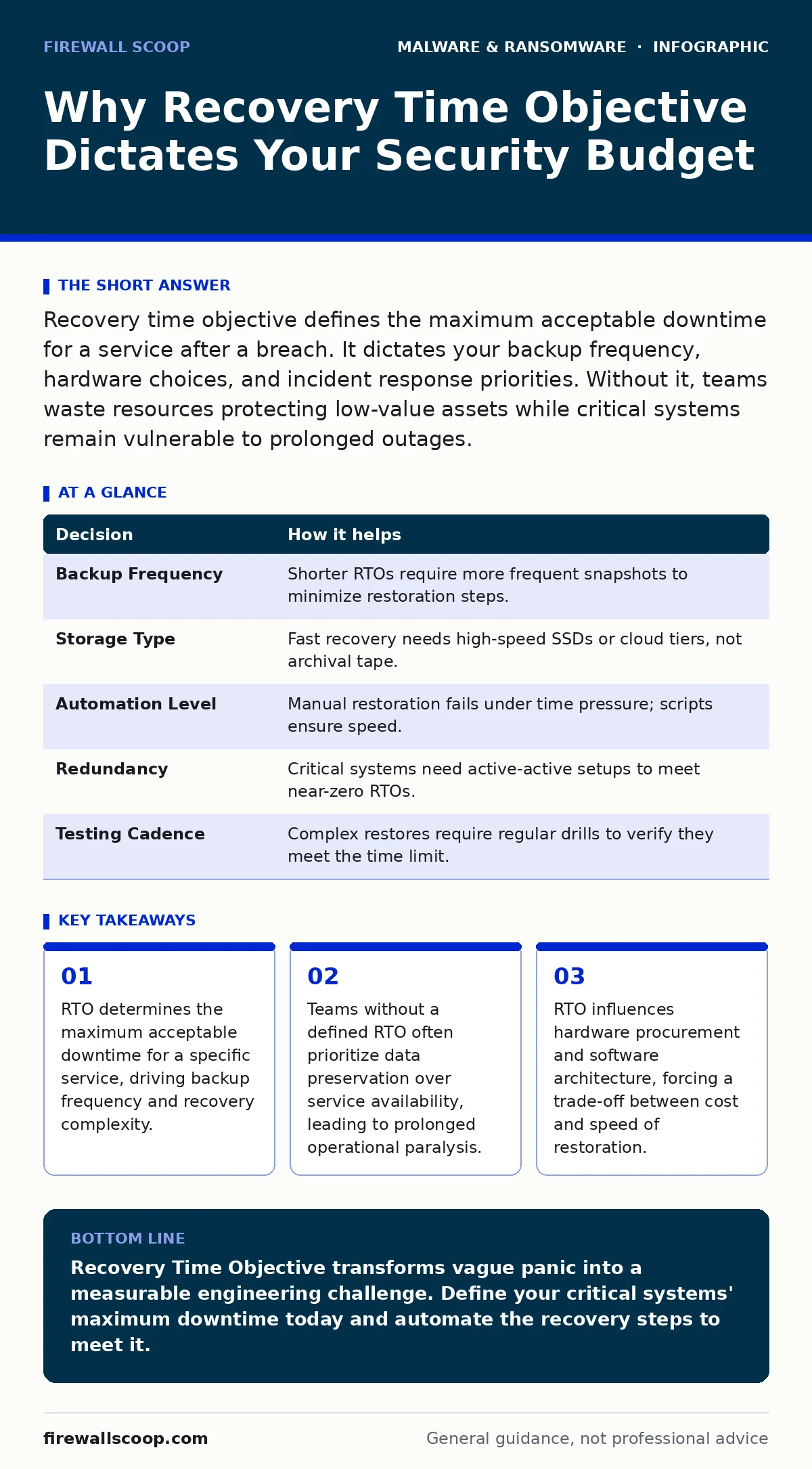
Recovery time objective defines the maximum acceptable downtime for a service after a breach. It dictates your backup frequency, hardware choices, and incident response priorities. Without it, teams waste resources protecting low-value assets while critical systems remain vulnerable to prolonged outages.
Defining the Clock Start
Recovery Time Objective (RTO) is a specific metric used in business continuity planning. It defines the maximum amount of time a system can be offline before the impact becomes unacceptable. This is not a guess. It is a hard deadline agreed upon by leadership and technical teams.
When a breach occurs, the clock starts ticking the moment the service goes down. If your RTO for the customer portal is four hours, you must have a process that restores access within that window. This metric separates critical infrastructure from nice-to-have tools. It forces you to admit which systems can wait and which must run immediately.
Most teams confuse RTO with Recovery Point Objective (RPO). RPO measures how much data you can afford to lose. RTO measures how long you can afford to wait. You can have zero data loss but take a week to restore service. That is a poor RTO. You can restore service in an hour but lose six hours of transactions. That is a poor RPO. Both matter, but RTO drives the urgency of your response.
The Cost of Ambiguity
Imagine a mid-sized logistics company. A ransomware variant encrypts their shipping database. The team has backups, but they are stored on a slow network drive. The IT manager begins restoring files one by one. The shipping department waits. Trucks sit idle.
Without a defined RTO, the team assumes "as fast as possible" is the goal. They work through the night. The business is still paralyzed. The lack of a specific time target meant they did not invest in faster storage or automated scripts. They accepted the slow recovery because no one had quantified the cost of the delay.
This ambiguity creates a hidden cost. Teams spend money on tools that promise speed but lack integration. They hire consultants who focus on data integrity rather than uptime. The result is a bloated security budget that fails to deliver availability. You pay for protection but not for resilience.
Decisions Driven by Time
Your RTO dictates every technical decision in your recovery strategy. It determines how often you back up, where you store copies, and what hardware you buy. A short RTO requires frequent, incremental backups and high-performance storage. A longer RTO allows for weekly full backups on cheaper media.
| Decision | How it helps |
|---|---|
| Backup Frequency | Shorter RTOs require more frequent snapshots to minimize restoration steps. |
| Storage Type | Fast recovery needs high-speed SSDs or cloud tiers, not archival tape. |
| Automation Level | Manual restoration fails under time pressure; scripts ensure speed. |
| Redundancy | Critical systems need active-active setups to meet near-zero RTOs. |
| Testing Cadence | Complex restores require regular drills to verify they meet the time limit. |
You cannot choose these options without a target time. If you do not know your RTO, you cannot justify the expense of enterprise-grade storage. You cannot explain why manual processes are dangerous. The metric provides the justification for every dollar spent on infrastructure.
The Human Factor in Recovery
Technical tools fail when humans panic. During an incident, stress impairs decision-making. Teams often revert to familiar but slow methods. They forget passwords. They misconfigure network settings. They hesitate to delete encrypted files.
A defined RTO reduces this cognitive load. It provides a clear boundary. If the restore script takes longer than the RTO allows, the team knows to switch to a secondary plan. It prevents tunnel vision. Instead of trying to fix a broken server, the team focuses on spinning up a replacement.
This clarity also protects staff. Without a time target, employees work until they drop. They burn out trying to meet an undefined standard. A strict RTO sets expectations. It tells the team when to stop trying to save a compromised system and start rebuilding. It is a permission slip to abandon the old and build the new.
Integration with Other Defenses
RTO does not exist in a vacuum. It interacts with other security controls. For example, if you rely on offline backups for recovery, your RTO must account for the time to retrieve and mount those media. If you use golden images for rapid deployment, your RTO improves significantly because you skip configuration steps.
Consider the threat of remote access trojans. These malware types allow attackers to move laterally and disable defenses. A short RTO helps you isolate and replace infected hosts before the attacker establishes persistence. If your recovery takes days, the attacker has time to plant rootkits that survive a standard reboot.
You must also consider ransomware recovery plans. These plans often include negotiation strategies. A strict RTO may force you to pay a ransom if you cannot restore systems quickly. This is a harsh reality. Your technical capability to recover determines your leverage in a crisis. If you can restore faster than the attacker can damage, you hold the power.
See also: 7 Computer Virus Mistakes That Leave Your System Exposed
The Hypothetical Contrast
This contrast highlights the value of preparation. Team A invested in automation and speed. Team B invested in cheap storage and hope. The outcome was not determined by the severity of the breach, but by the clarity of the objective. Team A knew what mattered. Team B guessed.
Building Your Target
Start by identifying your critical services. These are the systems that generate revenue or ensure safety. Assign an RTO to each. Be realistic. Do not promise one hour if your current process takes a day. Start with a achievable target and improve over time.
Document the steps required to meet that RTO. Write them down. Test them monthly. Update them when systems change. Involve non-technical stakeholders. They define the business impact. You define the technical path. Together, you create a plan that survives reality.
Remember that infostealers and malicious browser extensions can compromise credentials. If your RTO relies on manual login steps, you are vulnerable. Automate authentication where possible. Use service accounts with limited privileges. Reduce the human touchpoints in your recovery chain.
Key takeaways
- RTO determines the maximum acceptable downtime for a specific service, driving backup frequency and recovery complexity.
- Teams without a defined RTO often prioritize data preservation over service availability, leading to prolonged operational paralysis.
- RTO influences hardware procurement and software architecture, forcing a trade-off between cost and speed of restoration.
Recovery Time Objective transforms vague panic into a measurable engineering challenge. Define your critical systems' maximum downtime today and automate the recovery steps to meet it.
Frequently asked questions
What is the difference between RTO and RPO?
RTO is the maximum acceptable downtime, while RPO is the maximum acceptable data loss measured in time. RTO focuses on availability; RPO focuses on data integrity.
How do I calculate my RTO?
Identify the financial and operational cost of downtime for each system. Work with business leaders to determine the point where the cost outweighs the investment in faster recovery tools.
Can I have an RTO of zero?
Technically no, but you can approach it with active-active architectures where traffic switches instantly to a secondary site. This requires significant infrastructure investment.
Does RTO apply to personal devices?
For individuals, RTO translates to how quickly you can restore your life after a device loss. Prioritize cloud-synced critical data to minimize personal recovery time.
How this guide was produced: written by the Firewall Scoop editorial team with AI assistance, checked against the public references listed below, and reviewed when the facts change. See our editorial policy or report an error.