Ransomware Response: Steps to Contain, Recover, and Prevent Recurrence
Disconnecting infected devices immediately stops lateral movement, but restoring files without verifying backup integrity invites a second, more costly infection.

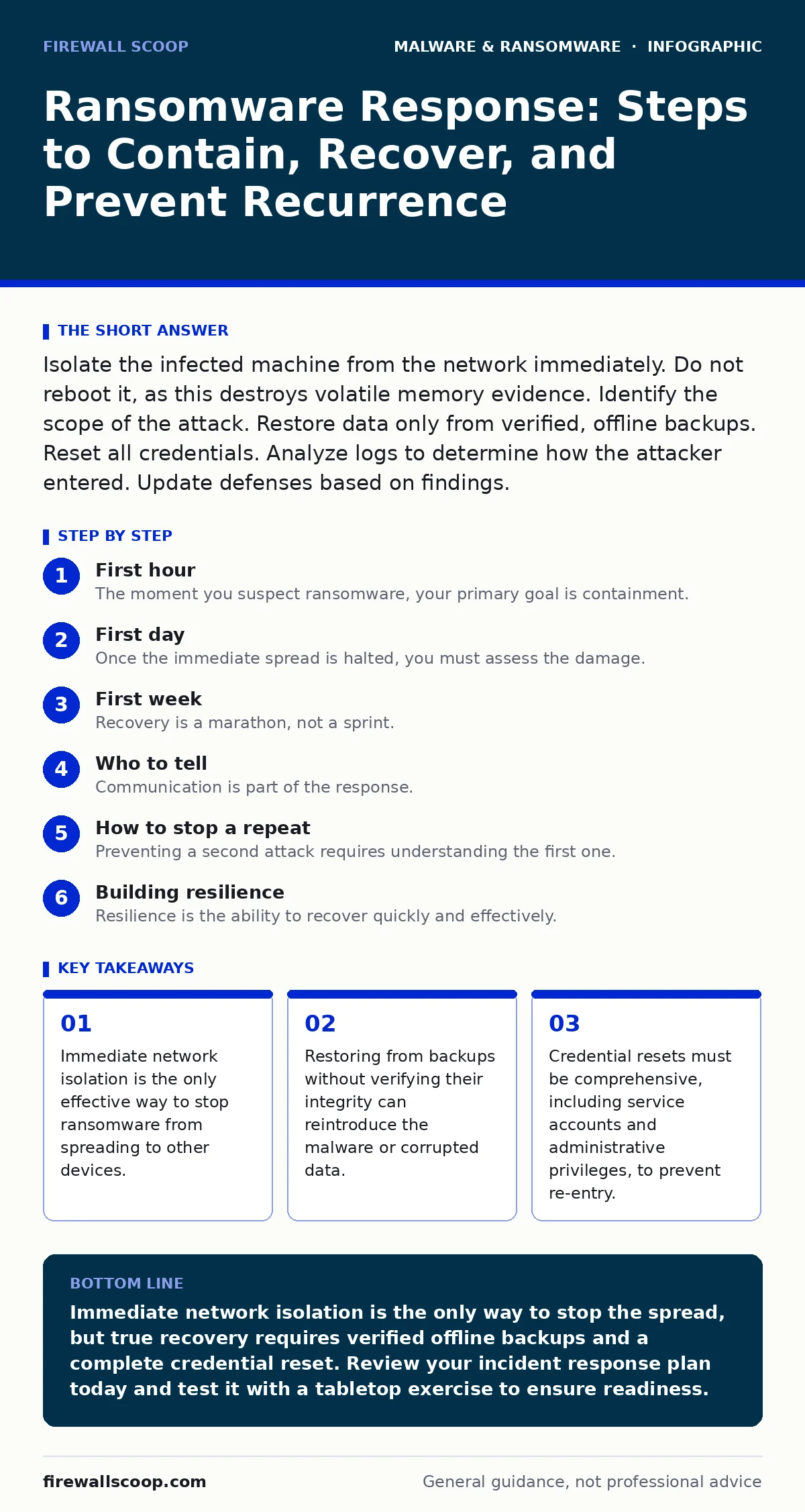
Isolate the infected machine from the network immediately. Do not reboot it, as this destroys volatile memory evidence. Identify the scope of the attack. Restore data only from verified, offline backups. Reset all credentials. Analyze logs to determine how the attacker entered. Update defenses based on findings.
First hour
The moment you suspect ransomware, your primary goal is containment. Speed matters more than perfection in these initial minutes. The malware is likely still running, encrypting files, or searching for other devices on your network.
- Disconnect the infected device from the network. Pull the Ethernet cable or disable Wi-Fi. Do not shut it down.
- Identify other affected systems. Look for lock screens, renamed files, or unusual CPU usage on other devices.
- Isolate critical servers. If you cannot physically disconnect them, use your firewall or network switch to cut their connectivity.
- Preserve volatile memory. If you have the expertise, capture a memory dump before disconnecting power. This helps forensic analysis later.
Imagine a scenario where an employee clicks a malicious link. The ransomware begins encrypting local files. Within minutes, it scans the network for shared drives. If you wait an hour, the entire department’s data is locked. Immediate isolation stops this spread.
First day
Once the immediate spread is halted, you must assess the damage. This phase requires calm, methodical work. Rushing now leads to mistakes that cost weeks to fix. You need to know what was encrypted, what was exfiltrated, and how the attacker got in.
Start by documenting everything. Take screenshots of ransom notes, error messages, and file extensions. Note the time of the first detection. This information helps in forensic analysis and may be required for insurance or legal purposes.
Check your backups. This is not just about having them; it is about verifying they are clean. Ransomware often targets backup systems first. If your backups are online and connected to the infected network, they may already be compromised.
Review access logs. Look for unusual login times, failed password attempts, or new administrative users. Attackers often create backdoor accounts before launching the encryption. These accounts allow them to return even after you clean the system.
First week
Recovery is a marathon, not a sprint. You must rebuild systems, restore data, and strengthen defenses. This phase tests your patience and your planning. A rushed recovery often leaves vulnerabilities that attackers exploit again.
Begin with critical systems first. Prioritize based on business impact, not just data size. A small configuration file might be more vital than a large archive of old documents. Use your recovery time objective to guide this prioritization. This metric defines the maximum acceptable downtime for each system.
Restore data from verified offline backups. Never restore from online backups that were connected to the infected network. Ensure the restored systems are patched and updated before connecting them to the network.
Reset all passwords. This includes user accounts, service accounts, and administrative credentials. Do not just change the password; rotate the encryption keys if possible. Attackers often steal credentials using infostealers before encrypting data. They need these credentials to maintain access.
Who to tell
Communication is part of the response. You must inform the right people at the right time. Silence can lead to legal issues and further damage. Transparency builds trust, but too much detail can cause panic.
Notify your management team. They need to know the scope and the expected downtime. Provide regular updates, even if there is no new information. Silence creates rumors and anxiety.
Inform your IT and security teams. They need to coordinate the technical response. Clear lines of authority prevent conflicting actions. One person should lead the incident response to ensure consistency.
Contact your legal counsel. They will advise on regulatory requirements. Some jurisdictions require notification of data breaches within a specific timeframe. They can also help manage communications with external parties.
How to stop a repeat
Preventing a second attack requires understanding the first one. You must close the entry point and strengthen your defenses. This is not just about technology; it is about process and people.
Analyze the attack vector. Did the attacker exploit a vulnerability? Did they use phishing? Did they use stolen credentials? Address the root cause, not just the symptom. Patching a software flaw is useless if the attacker used a weak password to get in.
Implement multi-factor authentication. This is one of the most effective defenses against credential theft. Even if an attacker steals a password, they cannot access the account without the second factor.
Review your network segmentation. Can the attacker move freely from one device to another? Segment your network to limit lateral movement. This contains the damage if a device is compromised.
Building resilience
Resilience is the ability to recover quickly and effectively. It is not about preventing every attack; it is about minimizing the impact. This requires planning, testing, and continuous improvement.
Develop a ransomware recovery plan. This document outlines the steps to take during an attack. It assigns roles and responsibilities. It includes contact information for key personnel and external partners.
Test your plan regularly. Run tabletop exercises to simulate an attack. Identify gaps and update the plan accordingly. A plan that is never tested is likely to fail when needed.
Invest in offline backups. These are copies of your data that are not connected to your network. They are immune to ransomware that spreads over the network. Ensure they are tested and verified regularly.
Final considerations
Ransomware is a persistent threat. New variants emerge regularly, exploiting new vulnerabilities. Your defenses must evolve continuously. Stay informed about the latest threats and techniques.
Do not rely on a single solution. Layer your defenses. Use firewalls, antivirus, intrusion detection, and user training. Each layer adds a hurdle for the attacker.
Remember that human error is a factor. Train your users to recognize phishing attempts and suspicious behavior. Encourage them to report incidents without fear of blame. A culture of security is your best defense.
By following these steps, you can contain the damage, recover your systems, and prevent future attacks. The process is difficult, but it is necessary. Your organization’s survival depends on it.
Key takeaways
- Immediate network isolation is the only effective way to stop ransomware from spreading to other devices.
- Restoring from backups without verifying their integrity can reintroduce the malware or corrupted data.
- Credential resets must be comprehensive, including service accounts and administrative privileges, to prevent re-entry.
Immediate network isolation is the only way to stop the spread, but true recovery requires verified offline backups and a complete credential reset. Review your incident response plan today and test it with a tabletop exercise to ensure readiness.
Frequently asked questions
Should I pay the ransom to get my files back?
No. Paying does not guarantee you will get your files, and it encourages further attacks. It also may violate local laws and sanctions.
How do I know if my backups are clean?
Test them by restoring a sample file to an isolated device. Verify the file opens correctly and contains no malware. Do not assume they are safe.
Can ransomware spread through Wi-Fi?
Yes. Ransomware can spread through any network connection, including Wi-Fi. Isolate infected devices by disabling their network interface.
What is a rootkit and how does it relate to ransomware?
A rootkit is malware that hides its presence from the operating system. It can persist after a standard cleanup, allowing attackers to return. Reimaging the system is the only sure way to remove it.
How this guide was produced: written by the Firewall Scoop editorial team with AI assistance, checked against the public references listed below, and reviewed when the facts change. See our editorial policy or report an error.