Offline Backups: 10 Questions About Air-Gapped Storage
Physical separation is the only defense that survives when network credentials, encryption keys, and system integrity are all compromised simultaneously.

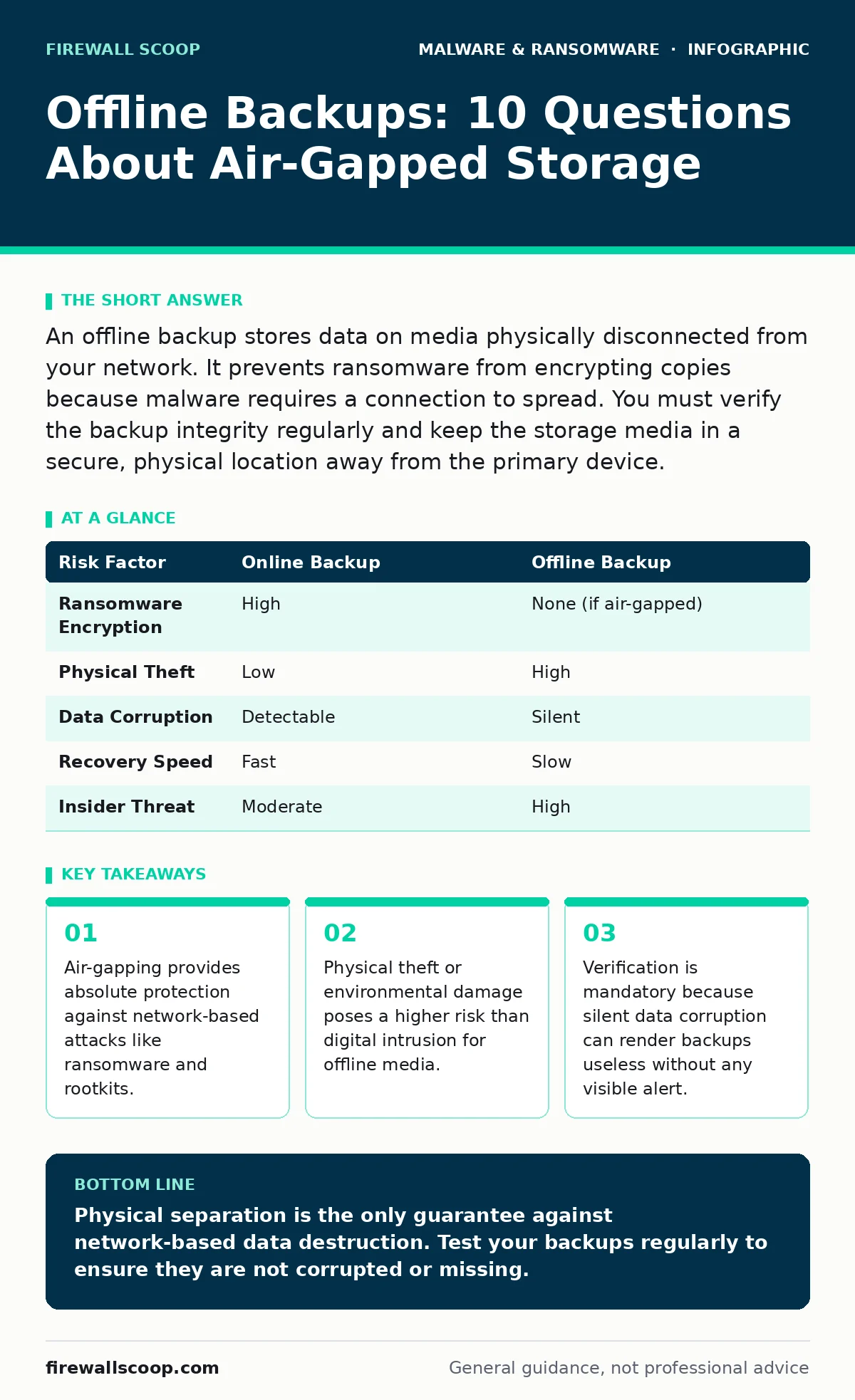
An offline backup stores data on media physically disconnected from your network. It prevents ransomware from encrypting copies because malware requires a connection to spread. You must verify the backup integrity regularly and keep the storage media in a secure, physical location away from the primary device.
What defines an offline backup?
An offline backup is data stored on a medium that has no active connection to your computer or network. This physical separation creates an air gap, which is a security control that isolates a system from untrusted networks. Without a connection, malware cannot reach the storage device to encrypt or delete files. This method is the final line of defense when digital controls fail.
Why is an air gap more secure than a disconnected drive?
Simply unplugging a drive is not enough if the operating system still mounts it or if it remains visible to the file system. An air gap requires that the storage medium be physically absent from the system during normal operations. If a rootkit compromises your operating system, it can still access any drive that is mounted, even if the cable is loose. True air-gapping means the drive is in a different room or a safe when not in use.
How often should you update offline backups?
You must update offline backups frequently enough to meet your recovery time objective, which is the maximum acceptable duration of downtime. Daily updates are ideal for critical data, but weekly updates may suffice for static archives. The frequency depends on how much data you can afford to lose. Infrequent updates create a large window of vulnerability where new work is unprotected.
Where should you physically store the media?
Store the backup media in a location that is secure from theft and protected from environmental hazards. A fireproof safe or a bank deposit box provides protection against fire, flood, and burglary. Do not keep the backup in the same room as the computer it protects. If a fire destroys the primary system, it will likely destroy the backup if they are co-located.
What happens if the backup media is stolen?
Theft is the primary risk of offline storage because the media is physically accessible to anyone who gains entry. You must encrypt the backup drive before writing data to it. Encryption ensures that even if the drive is stolen, the data remains unreadable without the key. Store the encryption key separately from the drive, ideally in a password manager or a different physical location.
See also: Ransomware Response: Steps to Contain, Recover, and Prevent Recurrence
How do you verify the backup is actually working?
You must perform regular test restores to confirm the data is intact and readable. Silent data corruption can occur due to bit rot, magnetic decay, or manufacturing defects, rendering backups useless without any visible error. A verification check only confirms the file exists, not that it opens correctly. You should restore a random sample of files to a clean system to validate integrity.
Can ransomware infect an offline drive?
Ransomware cannot infect an offline drive if the air gap is maintained strictly. However, if you connect the drive to an infected machine, the malware can encrypt the backup before you disconnect it. This is why you must scan the primary machine for threats before connecting any backup media. The act of connection is the moment of highest risk.
What is the risk of using USB ports for backups?
USB ports are convenient but expose the system to potential hardware-based attacks. Some malicious devices can mimic storage drives while installing malware on the host computer. This is known as a bad USB attack. Using a dedicated, write-protected USB drive or a hardware switch that only allows data out reduces this risk.
How do you handle encryption keys for offline backups?
Encryption keys must be stored separately from the encrypted backup media. If the key is stored on the same device or in the same cloud account as the backup, the air gap is effectively broken. You should keep the key in a secure, offline location such as a printed paper copy in a safe. Losing the key means permanent data loss, so redundancy for the key is critical.
What are the limitations of offline backups?
Offline backups do not protect against data deletion by an insider or physical destruction of the media. They also cannot restore data in real-time, leading to longer recovery times. You must have a plan to replace failed media quickly. This method is a recovery tool, not a prevention tool. It buys you time to rebuild, not instant continuity.
| Risk Factor | Online Backup | Offline Backup |
|---|---|---|
| Ransomware Encryption | High | None (if air-gapped) |
| Physical Theft | Low | High |
| Data Corruption | Detectable | Silent |
| Recovery Speed | Fast | Slow |
| Insider Threat | Moderate | High |
Key takeaways
- Air-gapping provides absolute protection against network-based attacks like ransomware and rootkits.
- Physical theft or environmental damage poses a higher risk than digital intrusion for offline media.
- Verification is mandatory because silent data corruption can render backups useless without any visible alert.
Physical separation is the only guarantee against network-based data destruction. Test your backups regularly to ensure they are not corrupted or missing.
Frequently asked questions
Can I use an external hard drive that stays plugged in?
No, if it remains connected, it is part of the network and vulnerable to ransomware. It must be physically disconnected to be considered offline.
Is cloud storage considered offline?
No, cloud storage is online and connected to the internet. It is vulnerable to account compromise and remote attacks.
How long do offline backups last?
USB drives and hard drives degrade over time. You should replace media every three to five years to prevent data loss from hardware failure.
What if I forget the encryption password?
You cannot recover the data. Encryption is designed to be irreversible without the key. You must store the key securely and test access periodically.
How this guide was produced: written by the Firewall Scoop editorial team with AI assistance, checked against the public references listed below, and reviewed when the facts change. See our editorial policy or report an error.