Vendor Email Compromise: Detect, Prevent, and Recover from Attacks
Attackers mimic trusted suppliers to bypass financial controls, using subtle domain variations and social engineering to trick staff into paying fake invoices.
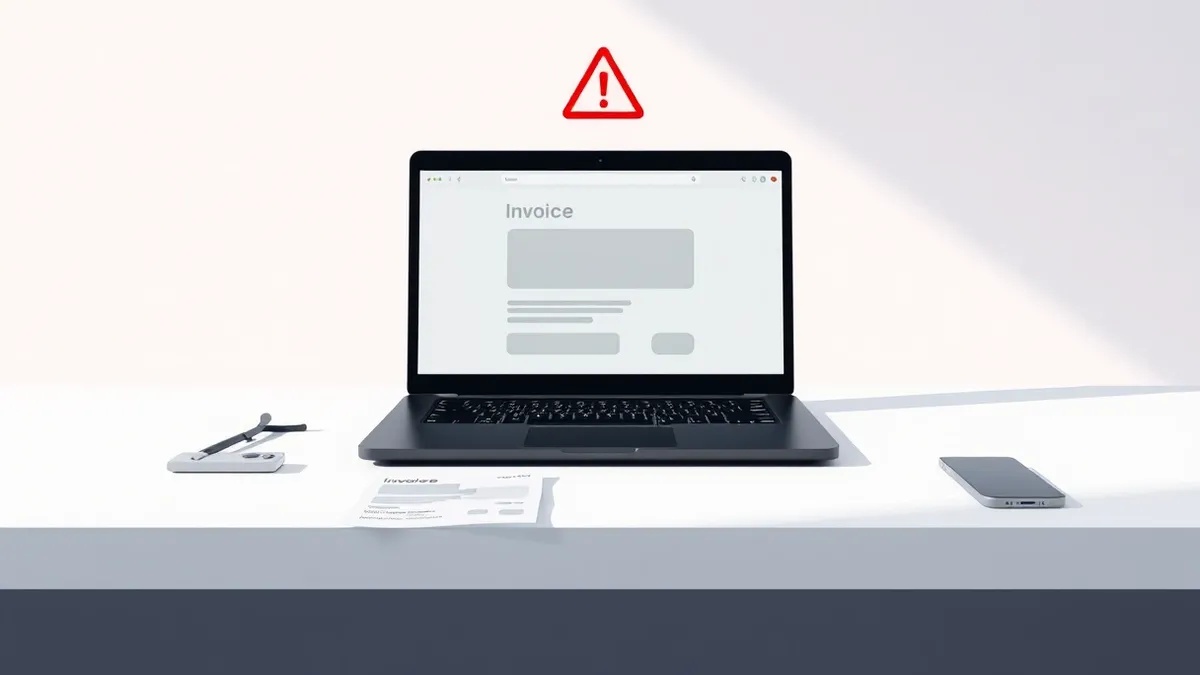
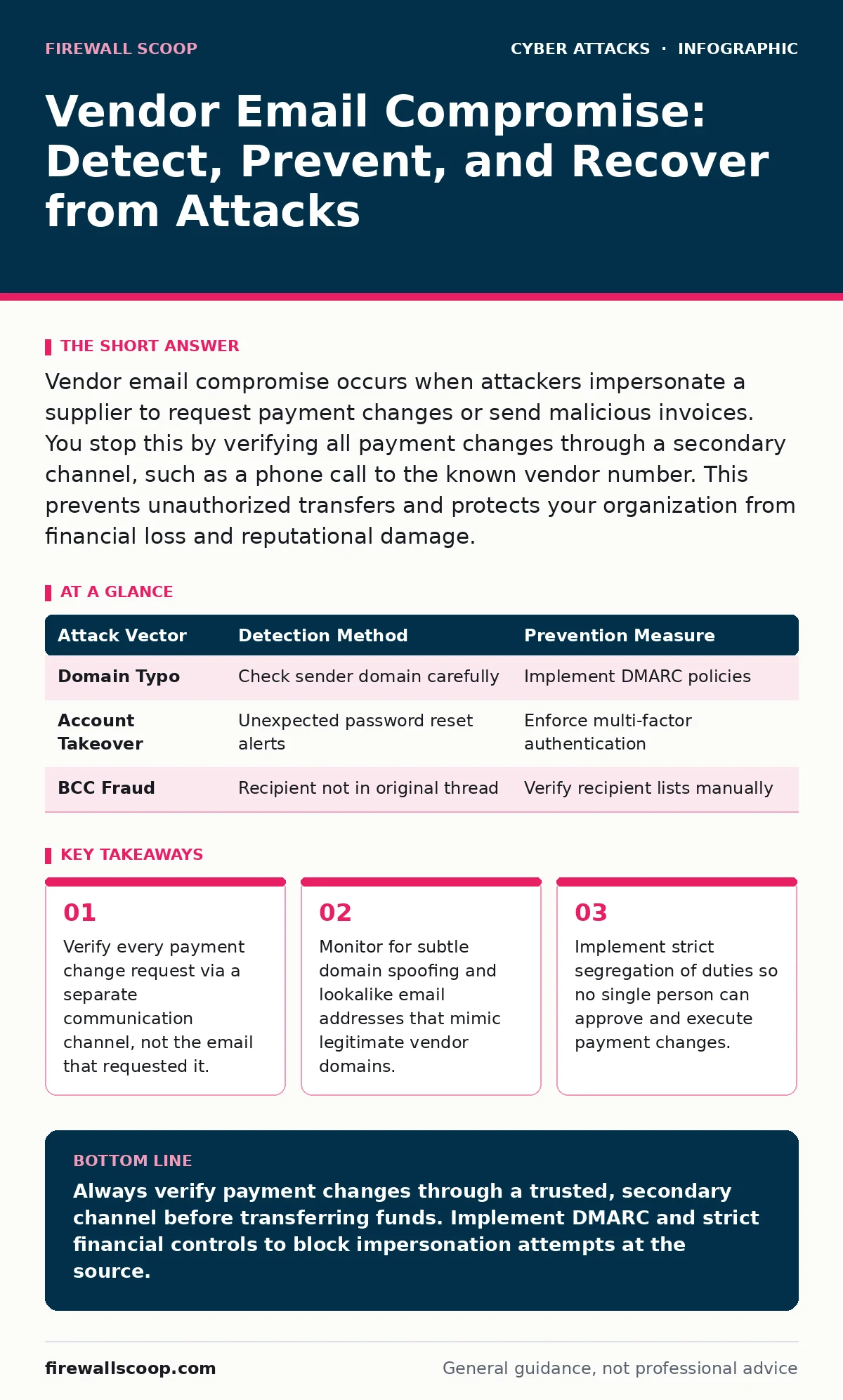
Vendor email compromise occurs when attackers impersonate a supplier to request payment changes or send malicious invoices. You stop this by verifying all payment changes through a secondary channel, such as a phone call to the known vendor number. This prevents unauthorized transfers and protects your organization from financial loss and reputational damage.
What is vendor email compromise?
Vendor email compromise is a fraud scheme where attackers impersonate a business partner to request sensitive data or payment changes. The attacker gains access to a legitimate vendor’s email account or registers a lookalike domain. They then send messages to the vendor’s customers, asking for updated bank details or sending fake invoices. You pay the attacker instead of the real supplier because the email appears to come from a trusted source.
How do attackers impersonate a vendor?
Attackers use domain registration tricks and email header manipulation to mimic legitimate businesses. They register domains that differ by only one or two characters from the real vendor’s domain. They also harvest email signatures and templates from public websites or previous communications. This allows them to craft messages that match the vendor’s tone, formatting, and branding. The visual similarity tricks the human eye into trusting the message without checking the sender’s actual address.
Why do standard email filters fail?
Standard email filters often miss these attacks because the messages contain no malware and no obvious spam keywords. The emails are plain text or simple HTML documents requesting a benign action like updating bank details. Since the content is not malicious code, antivirus and anti-spam tools do not flag them. The attack relies on social engineering rather than technical exploitation. This means your defensive perimeter must include human verification, not just automated scanning.
| Attack Vector | Detection Method | Prevention Measure |
|---|---|---|
| Domain Typo | Check sender domain carefully | Implement DMARC policies |
| Account Takeover | Unexpected password reset alerts | Enforce multi-factor authentication |
| BCC Fraud | Recipient not in original thread | Verify recipient lists manually |
How do you verify payment requests?
You must verify every payment change through a secondary channel that the attacker does not control. This means calling the vendor using a phone number from your existing records, not the number in the email. If you cannot reach them, use a different method like a secure portal or a previously established contact. Never reply to the email to confirm details. This out-of-band verification breaks the attacker’s chain of trust and prevents unauthorized transfers.
What is the role of DMARC?
DMARC, or Domain-based Message Authentication, Reporting, and Conformance, helps prevent email spoofing by linking SPF and DKIM policies. SPF, or Sender Policy Framework, specifies which servers can send email for a domain. DKIM adds a cryptographic signature to verify the message was not altered in transit. DMARC tells receiving servers what to do if a message fails these checks, such as rejecting it outright. This reduces the likelihood that a lookalike email reaches your inbox.
See also: CEO Fraud Detection: Spotting Executive Impersonation in Logs · SPF Record Mistakes That Invite Email Fraud and How to Fix Them
How does account takeover enable this?
Attackers often compromise the actual vendor account using credentials stolen from other breaches. They reset the password and add a forwarding rule to capture replies. You must enforce multi-factor authentication on all business email accounts to prevent this. Without it, a stolen password gives the attacker full control of the communication channel.
What are the financial controls?
Segregation of duties ensures that no single employee can approve and execute a payment change. One person requests the change, a second person verifies it with the vendor, and a third person executes the transfer. This creates multiple checkpoints where an error or fraud can be caught. It also prevents an attacker from targeting just one employee to bypass all controls. Your financial workflow should require dual approval for any change to beneficiary details.
How do you recover from an incident?
If you suspect a vendor email compromise, stop all pending payments immediately. Contact your bank to recall any transferred funds, though success is not guaranteed. Notify the real vendor so they can alert their other customers. Report the incident to your IT security team to block the attacker’s domain and remove any malicious rules from your email system. Document the timeline and steps taken for future reference and potential insurance claims.
What are the long-term fixes?
You must build a culture of verification and technical resilience. Train staff to recognize subtle signs of impersonation, such as slight spelling errors or unusual urgency. Implement email authentication standards like SPF and DMARC across all your domains. Regularly review your email security policies and update them as new threats emerge. Consider using bot protection to filter out automated phishing attempts. Consistent vigilance and layered defenses reduce your exposure to these sophisticated attacks.
How does this relate to other threats?
Vendor email compromise often overlaps with invoice fraud, where attackers manipulate billing details. It can also involve baiting attacks, using enticing offers to get you to click malicious links. Understanding replay attacks helps you see how stolen credentials are reused. Protecting against DNS spoofing ensures your users reach the correct vendor websites. These interconnected threats require a holistic security strategy that addresses both technical and human factors.
Key takeaways
- Verify every payment change request via a separate communication channel, not the email that requested it.
- Monitor for subtle domain spoofing and lookalike email addresses that mimic legitimate vendor domains.
- Implement strict segregation of duties so no single person can approve and execute payment changes.
Always verify payment changes through a trusted, secondary channel before transferring funds. Implement DMARC and strict financial controls to block impersonation attempts at the source.
Frequently asked questions
Can I trust emails from vendors I know well?
No, attackers can compromise legitimate vendor accounts or register lookalike domains that appear identical to trusted senders. Always verify unexpected requests regardless of your relationship with the vendor.
What if the vendor refuses to call back?
Use another official contact method, such as a secure customer portal or a phone number from a past invoice. Do not rely on the contact information provided in the suspicious email.
Does encryption prevent vendor email compromise?
Encryption protects data in transit but does not verify the sender’s identity. You still need authentication protocols like DMARC and human verification to ensure the message is from the legitimate vendor.
How quickly should I act if I suspect fraud?
Act immediately by halting any pending transactions and contacting your financial institution. Speed is critical in recovering funds and minimizing damage to your business relationships.
How this guide was produced: written by the Firewall Scoop editorial team with AI assistance, checked against the public references listed below, and reviewed when the facts change. See our editorial policy or report an error.