Remote Access Trojans: How They Hide and What to Do
You will learn how RATs bypass standard defenses using legitimate tools and how to detect their specific network behaviors before damage occurs.

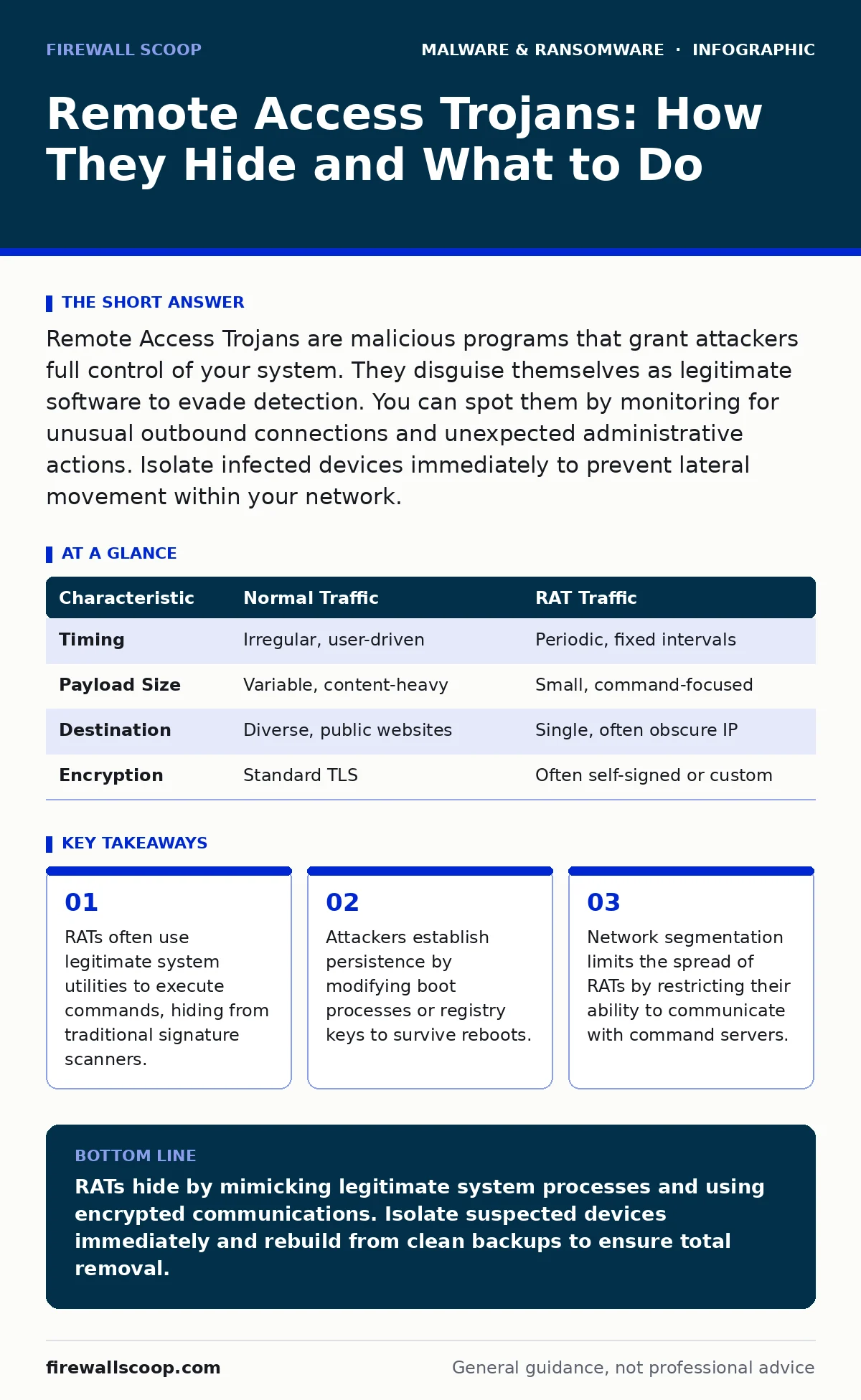
Remote Access Trojans are malicious programs that grant attackers full control of your system. They disguise themselves as legitimate software to evade detection. You can spot them by monitoring for unusual outbound connections and unexpected administrative actions. Isolate infected devices immediately to prevent lateral movement within your network.
What exactly is a Remote Access Trojan?
A Remote Access Trojan, often called a RAT, is a type of malware that gives an attacker full administrative control over your computer. Unlike viruses that replicate themselves, RATs focus on establishing a persistent backdoor. The attacker can view your screen, access files, and execute commands as if they were sitting in front of the keyboard. This control is achieved through a client-server model where your machine acts as the client.
How do RATs differ from standard remote desktop tools?
Legitimate remote desktop software requires explicit permission and authentication before allowing access. RATs bypass these security controls by running in the background without your knowledge. They often hide their processes to avoid detection in standard task managers. While both technologies allow remote control, the intent and method of deployment are fundamentally different. Legitimate tools are installed by administrators; RATs are installed by exploiters through deception or vulnerability.
How does a RAT initially get onto a system?
Attackers typically deliver RATs through social engineering tactics like phishing emails or malicious downloads. They may pose as software updates or cracked versions of popular applications. Once you execute the malicious file, the installer drops the RAT payload onto your system. Some advanced variants exploit unpatched vulnerabilities in operating systems or network services. This allows them to install without any user interaction, making patch management critical.
Why do traditional antivirus programs miss RATs?
Many RATs use techniques called packing and encryption to hide their malicious code inside benign-looking files. This makes signature-based detection difficult because the file looks different to the scanner each time. Advanced RATs also use fileless techniques, executing code directly in the computer’s memory without writing to the disk. Since no malicious file exists on the hard drive, traditional scanners have nothing to scan. Behavior-based detection is required to catch these anomalies.
How do RATs maintain access after a reboot?
Persistence is the mechanism that ensures the malware runs every time the system starts. RATs achieve this by modifying system startup configurations, such as registry keys or scheduled tasks. They may also install themselves as system services that run with high privileges. If you remove the main executable but miss the persistence mechanism, the RAT can re-download itself or reactivate. Checking startup items is a necessary step in incident response.
See also: Man-in-the-Middle Attacks: How They Work and How to Stop Them · Attacker Reconnaissance Prevention Checklist for Systems
What does RAT network traffic look like?
RATs must communicate with a command-and-control server to receive instructions and send data. This traffic often mimics standard web browsing by using HTTPS encryption. However, the timing and volume of data can reveal the intrusion. You might see regular, small data packets being sent at fixed intervals, known as beaconing. This consistent pattern differs from the irregular burst patterns of normal human web usage.
| Characteristic | Normal Traffic | RAT Traffic |
|---|---|---|
| Timing | Irregular, user-driven | Periodic, fixed intervals |
| Payload Size | Variable, content-heavy | Small, command-focused |
| Destination | Diverse, public websites | Single, often obscure IP |
| Encryption | Standard TLS | Often self-signed or custom |
How can you detect a RAT in your environment?
Monitoring for unusual outbound connections is the most effective detection method. Look for connections to unknown IP addresses or domains that resolve to suspicious locations. Use Endpoint Detection and Response tools to watch for processes spawning from unexpected parent applications. For example, a web browser spawning a command shell is highly suspicious. Correlate network logs with host-based alerts to confirm active compromise.
What is the immediate response to a suspected RAT?
Isolate the infected machine from the network immediately to cut off communication with the attacker. Do not shut it down, as this may erase valuable forensic data in memory. Disconnect the Ethernet cable or disable Wi-Fi to preserve the state. Then, begin a thorough investigation to determine the scope of the breach. You must assume the attacker has credentials and has moved laterally to other systems.
How do RATs facilitate further attacks?
RATs are often a stepping stone for more sophisticated intrusions. Attackers use the compromised machine to scan your internal network for other vulnerabilities. They may steal credentials to access email accounts or financial systems. This lateral movement allows them to establish footholds in more critical parts of the infrastructure. The RAT provides the initial access, but the real damage comes from what the attacker does next.
Can you clean a system infected with a RAT?
Complete removal is possible but rarely guaranteed. You must identify and remove all persistence mechanisms, not just the main executable. Rebuilding the system from a known good backup is the safest approach. This ensures no hidden components remain to reactivate the malware. For high-security environments, wiping and reinstalling the operating system is often the only trusted method.
Key takeaways
- RATs often use legitimate system utilities to execute commands, hiding from traditional signature scanners.
- Attackers establish persistence by modifying boot processes or registry keys to survive reboots.
- Network segmentation limits the spread of RATs by restricting their ability to communicate with command servers.
RATs hide by mimicking legitimate system processes and using encrypted communications. Isolate suspected devices immediately and rebuild from clean backups to ensure total removal.
Frequently asked questions
Do remote access trojans steal passwords?
Yes, most RATs include keylogging capabilities that record every keystroke. They can also capture screenshots to grab passwords displayed on the screen. This data is sent directly to the attacker’s command server.
Is a firewall enough to stop a RAT?
A firewall can block known malicious IP addresses, but it cannot stop a RAT from communicating over standard web ports. Many RATs use DNS tunneling or HTTPS to blend in with normal traffic. You need application-layer filtering to catch these subtle behaviors.
How do attackers hide RAT traffic?
Attackers use domain generation algorithms to create random domain names for their command servers. They also use steganography to hide commands inside innocent-looking images or audio files. This makes traffic analysis much more difficult for standard security tools.
Should I use a password manager to stop RATs?
A password manager reduces the risk of keyloggers capturing your credentials since you rarely type them manually. However, if the RAT can take screenshots, it can still see your password when you paste it. Multi-factor authentication adds a layer that keyloggers cannot easily bypass.
How this guide was produced: written by the Firewall Scoop editorial team with AI assistance, checked against the public references listed below, and reviewed when the facts change. See our editorial policy or report an error.