How Encryption at Rest Works: The Hidden Mechanics and Limits
Encryption at rest protects data on storage media but fails completely if the decryption keys are stored on the same compromised device or server.

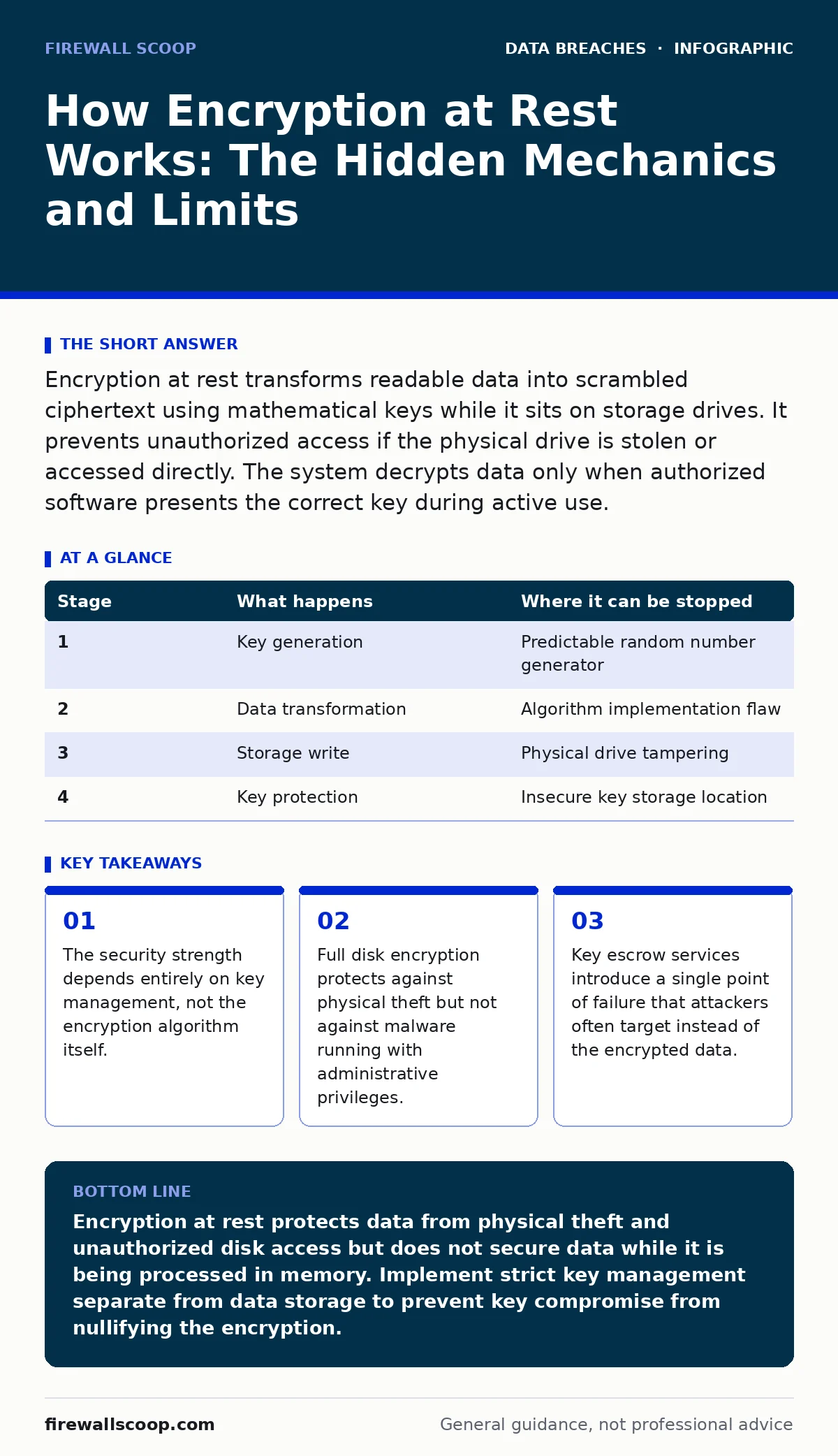
Encryption at rest transforms readable data into scrambled ciphertext using mathematical keys while it sits on storage drives. It prevents unauthorized access if the physical drive is stolen or accessed directly. The system decrypts data only when authorized software presents the correct key during active use.
The Static State of Data
Data exists in three primary states: in transit, in use, and at rest. Encryption at rest focuses on the third state. This is when information sits idle on a hard drive, a solid-state drive, or a cloud storage bucket. The goal is to ensure that even if an attacker gains physical access to the storage medium, the data remains unreadable.
Imagine a file containing sensitive records lying on a server disk. Without encryption, a thief who removes the drive can plug it into another machine and read every byte. With encryption, those bytes are transformed into random-looking noise. This transformation relies on cryptographic algorithms that mix the original data with a secret key. The result is ciphertext, which is useless without the corresponding decryption key.
The mechanism is not a one-time event. It is a continuous process managed by the storage controller or the operating system. You must understand that encryption at rest does not hide the fact that data exists. It only hides the content. Metadata, file names, and size information may still be visible depending on the implementation. This is a critical distinction for threat modeling.
Stage 1: The Initialization and Key Generation
The process begins before any sensitive data is written to the disk. The system must generate a unique encryption key. This key is usually random and cryptographically strong. It is generated by a hardware random number generator or a secure software library. The quality of this randomness determines the security of the entire setup. If the key generation is predictable, the encryption is broken before it starts.
This key is often called the data encryption key. It is distinct from the master key or key encryption key used to protect it. The system creates a hierarchy of keys to balance security and performance. The data encryption key changes frequently, while the master key remains static for longer periods. This separation ensures that a compromise of one key does not expose all historical data.
You must consider where this key lives during initialization. If the key is generated and stored in plain text on the same drive, the encryption provides no security. The key must be generated in secure memory and immediately protected. This initial step sets the foundation for all subsequent operations. A weak start leads to a fragile system.
| Stage | What happens | Where it can be stopped |
|---|---|---|
| 1 | Key generation | Predictable random number generator |
| 2 | Data transformation | Algorithm implementation flaw |
| 3 | Storage write | Physical drive tampering |
| 4 | Key protection | Insecure key storage location |
Stage 2: The Transformation Process
When an application writes data to the storage, the encryption engine intercepts the write operation. The engine takes the plaintext data and applies the encryption algorithm. Common standards include AES, which is widely accepted and efficient. The algorithm mixes the data with the key in a complex mathematical operation. The output is ciphertext that looks like random static.
This happens transparently to the user and the application. The application thinks it is writing normal files. In reality, the storage controller is writing scrambled bits. This transparency is a double-edged sword. It ensures adoption because it requires no changes to existing software. However, it also means the application has no visibility into the security status. It cannot verify if encryption actually occurred.
The speed of this transformation matters. Modern processors include instructions to accelerate AES operations. This minimizes the performance penalty. However, older systems or specialized embedded devices may struggle with the computational load. You must verify that the hardware can handle the encryption overhead without introducing latency that impacts system stability.
Stage 3: Storage and Key Management
The ciphertext is written to the disk sectors. At the same time, the system must manage the keys used to encrypt it. This is the most vulnerable part of the chain. The data encryption key cannot be stored on the same disk it protects, or an attacker with physical access could extract it. Instead, it is encrypted by a master key and stored in a separate, secure location.
This separate location might be a hardware security module, a Trusted Platform Module, or a remote key management service. Each option has trade-offs. Hardware modules offer high security but add cost and complexity. Remote services offer convenience but rely on network availability and trust the provider. You must choose based on your threat model and compliance requirements.
The system must also handle key rotation. Keys should be changed periodically to limit the amount of data exposed if a key is eventually compromised. This requires re-encrypting the data, which is computationally expensive. Many systems use a tiered approach, rotating the master key and re-encrypting the data keys, which is faster but still resource-intensive.
Stage 4: Decryption and Access
When an authorized user or process reads the data, the system reverses the process. It retrieves the ciphertext from the disk. It then fetches the data encryption key, decrypting it with the master key if necessary. The encryption engine uses the key to transform the ciphertext back into plaintext. This happens in memory, where the application can read and process the data.
This stage is where many breaches occur. The data is now in its readable form in the system's RAM. If an attacker has compromised the operating system or the application, they can dump the memory and steal the plaintext data. Encryption at rest does not protect data in use. It only protects it while sitting on the disk.
You must recognize this limit clearly. Encryption at rest is not a silver bullet. It prevents offline attacks, such as drive theft or unauthorized database dumps from backup media. It does not prevent online attacks where the attacker uses legitimate credentials to access the data while the system is running. For those threats, you need additional controls like application security and identity management.
See also: Password Hashing and Salting: Small Business Security Basics · Small Business Backup Strategies That Survive Ransomware
Limits and Misconceptions
One common misconception is that encryption replaces other security measures. It does not. It is a control for data confidentiality in specific scenarios. It does not prevent data leaks caused by employee errors or insider threats. If a legitimate user exports encrypted data to a USB drive, the data remains encrypted. But if they copy it to an unencrypted cloud folder, it is exposed.
Another limit is key loss. If the master key is lost, the data is permanently unrecoverable. There is no backdoor. This is a feature, not a bug. It ensures that even the service provider cannot access the data. However, it means you must have a robust key backup and recovery process. Losing access to your own data is a business continuity disaster.
Encryption also does not protect against all forms of analysis. An attacker might infer information from the size of encrypted files or the frequency of access patterns. This is known as traffic analysis or metadata analysis. While harder to exploit, it is a real risk in high-security environments. You must consider these side channels in your risk assessment.
Integrating with Broader Security
Encryption at rest works best when combined with other controls. For instance, strong database security measures prevent unauthorized queries that could exfiltrate data before it is encrypted. Similarly, strict data retention policies ensure that old, unneeded data is deleted, reducing the attack surface.
You should also consider the impact on incident response. If a breach occurs, encrypted data may be harder to forensically analyze. This can complicate efforts to determine the scope of the breach. Planning for this scenario is part of a mature security program. It aligns with frameworks like ISO 27001, which emphasizes holistic risk management.
The integration with identity management is also critical. Encryption keys should be tied to user identities. If a user leaves the organization, their access to keys should be revoked immediately. This prevents former employees from accessing data through cached keys or forgotten permissions.
Practical Implementation Steps
Start by auditing your current storage architecture. Identify where sensitive data resides. Not all data needs encryption. Low-risk data adds overhead without benefit. Focus on data that poses a significant risk if exposed. This prioritization saves resources and reduces complexity.
Choose a key management solution that fits your infrastructure. If you are on-premise, consider hardware security modules. If you are in the cloud, use the provider's managed key service. Ensure that the solution supports key rotation and audit logging. You need visibility into who accesses the keys and when.
Test your recovery procedures regularly. Simulate a key loss scenario. Verify that you can restore access without losing data. This test reveals gaps in your documentation and processes. It is better to find these gaps in a test than during a real crisis.
Key takeaways
- The security strength depends entirely on key management, not the encryption algorithm itself.
- Full disk encryption protects against physical theft but not against malware running with administrative privileges.
- Key escrow services introduce a single point of failure that attackers often target instead of the encrypted data.
Encryption at rest protects data from physical theft and unauthorized disk access but does not secure data while it is being processed in memory. Implement strict key management separate from data storage to prevent key compromise from nullifying the encryption.
Frequently asked questions
Does encrypting a hard drive protect my computer from viruses?
No, encryption at rest only scrambles data while it is stored. Malware can still run on your system and access data while it is decrypted in memory. You need antivirus and endpoint protection for that.
Can hackers decrypt my data if they steal my password?
If your password protects the encryption key and you use a strong password, they cannot easily decrypt the data. However, if the key is stored insecurely or the system is compromised while unlocked, the password offers no protection.
Is full disk encryption enough for cloud storage?
Full disk encryption protects the underlying drives, but cloud providers may have access to the data if you use their managed keys. For higher security, use client-side encryption where you control the keys outside the cloud provider's infrastructure.
How often should I rotate my encryption keys?
Key rotation frequency depends on your risk tolerance and compliance requirements. Annual rotation is common for many organizations, but high-security environments may rotate keys more frequently or upon staff changes.
How this guide was produced: written by the Firewall Scoop editorial team with AI assistance, checked against the public references listed below, and reviewed when the facts change. See our editorial policy or report an error.