Data Retention Policies: 8 Practices to Reduce Breach Impact
Keeping data longer than necessary increases your attack surface and legal liability without providing operational benefit to your organization.

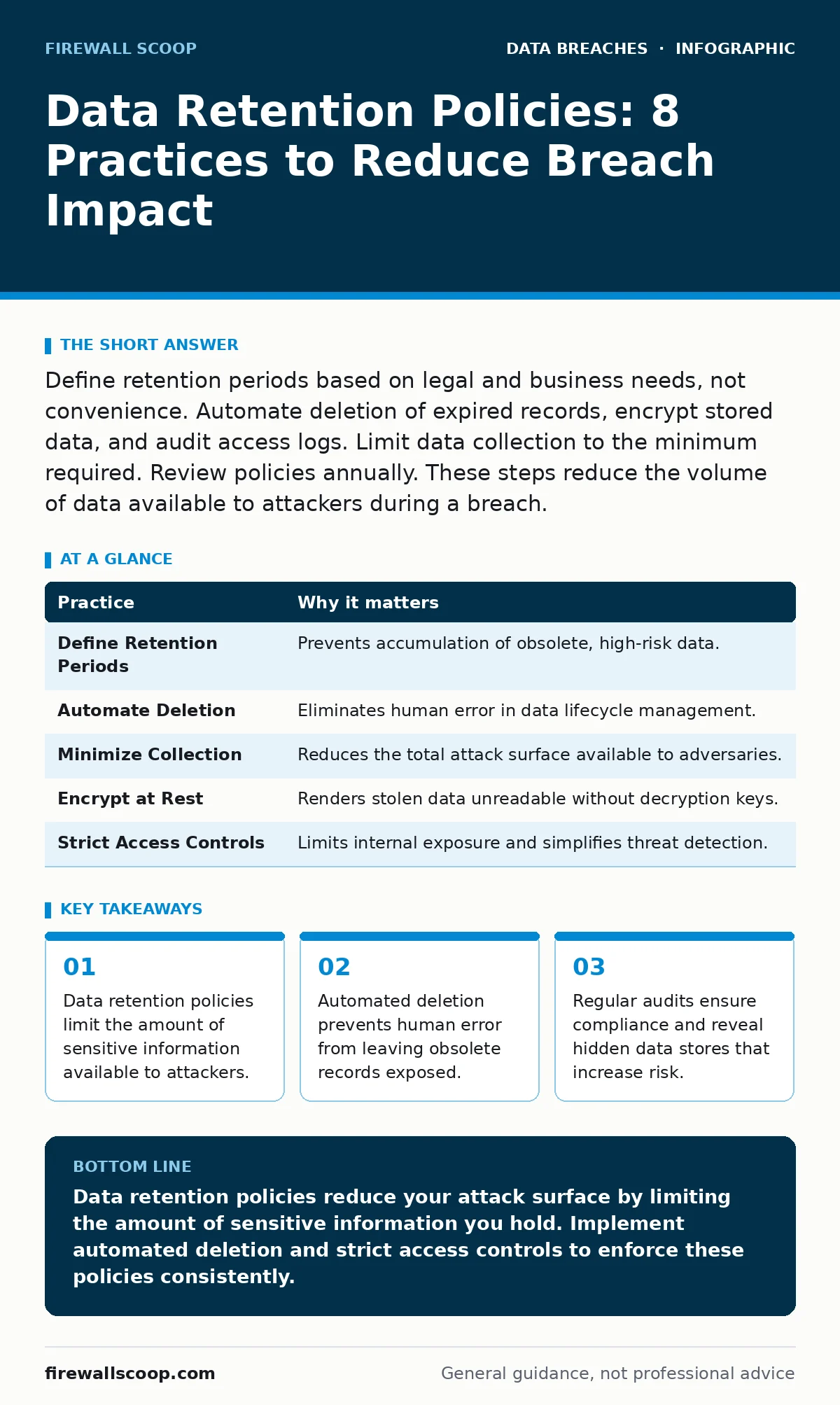
Define retention periods based on legal and business needs, not convenience. Automate deletion of expired records, encrypt stored data, and audit access logs. Limit data collection to the minimum required. Review policies annually. These steps reduce the volume of data available to attackers during a breach.
1. Define Retention Periods by Legal Necessity
Data retention policies dictate how long you keep specific types of information. Without a defined period, organizations often default to "keep everything forever." This habit creates a massive repository of obsolete data that attackers find valuable. You must identify the specific legal, regulatory, and business reasons for keeping each data type. If there is no compelling reason to keep it, you should delete it.
Practical Tip: Create a data inventory that maps each record type to its specific retention requirement. Remove any data that does not have a documented legal or operational justification. This reduces the total volume of sensitive information you must protect.
2. Automate Data Deletion Processes
Manual deletion relies on human memory and discipline, both of which fail under pressure. Employees often forget to purge old records, or they delete the wrong files due to confusion. Automation ensures that data is removed at the exact moment its retention period expires. This removes the variability of human action from the security equation.
Practical Tip: Configure your database management systems or cloud storage buckets to trigger automatic deletion scripts. Set these scripts to run on a schedule that matches your retention periods. Verify the deletion logs monthly to ensure the automation is functioning correctly.
3. Minimize Data Collection at the Source
The most effective way to reduce data risk is to never collect it in the first place. Many organizations gather extensive user data because it is easy to do, not because it is necessary. This practice, known as data minimization, limits the potential impact of a breach. If you do not hold the data, an attacker cannot steal it.
Practical Tip: Review every data field in your intake forms and ask why it is needed. Remove fields that are not strictly required for the service or transaction. Communicate this change to users as a privacy benefit, which can also improve trust.
4. Encrypt Data at Rest
Encryption transforms readable data into unreadable code without a decryption key. Even if an attacker bypasses your perimeter defenses and accesses your storage, encrypted data remains useless to them. This adds a critical layer of defense that protects the confidentiality of the information. It does not prevent the breach, but it mitigates the damage.
Practical Tip: Ensure that all databases and backup drives use strong encryption standards. Manage the encryption keys separately from the encrypted data. If the keys are compromised, the encryption provides no protection. See our guide on encryption at rest for implementation details.
5. Implement Strict Access Controls
Not every employee needs access to every record. Principle of least privilege dictates that users should only have access to the data necessary for their specific job functions. Excessive access increases the risk of internal threats and accidental exposure. It also makes it harder to detect unauthorized activity because normal noise masks malicious behavior.
Practical Tip: Conduct an access review every six months. Revoke permissions for employees who have changed roles or left the organization. Use role-based access control to assign permissions based on job titles rather than individual requests.
| Practice | Why it matters |
|---|---|
| Define Retention Periods | Prevents accumulation of obsolete, high-risk data. |
| Automate Deletion | Eliminates human error in data lifecycle management. |
| Minimize Collection | Reduces the total attack surface available to adversaries. |
| Encrypt at Rest | Renders stolen data unreadable without decryption keys. |
| Strict Access Controls | Limits internal exposure and simplifies threat detection. |
See also: When Should Data Breaches Be Reported: Timing Rules · Why ISO 27001 Matters for Security Decisions and Risk Control
6. Audit Logs Regularly
Logs record who accessed what data and when. Without regular audits, these logs are just wasted storage space. Auditing reveals patterns of misuse, such as employees downloading large volumes of data outside of working hours. It also provides evidence for forensic investigations after a breach. Ignoring logs leaves you blind to ongoing exfiltration attempts.
Practical Tip: Set up automated alerts for unusual access patterns, such as bulk downloads or access from unfamiliar locations. Review these alerts weekly to distinguish between benign anomalies and genuine threats. This proactive monitoring helps you respond before data leaves the network.
7. Secure Third-Party Data Handling
You often share data with vendors, partners, and service providers. These third parties become extensions of your security perimeter. If they have weak data retention or security practices, your data is at risk. You remain liable for breaches that occur within their systems if you shared the data. Due diligence is not optional when outsourcing data management.
Practical Tip: Include specific data retention and deletion clauses in your contracts with third parties. Require them to provide proof of deletion when the contract ends. Verify their security posture through independent assessments or certifications.
8. Review Policies Annually
Business needs and legal requirements change over time. A policy that was correct three years ago may now be obsolete or non-compliant. Annual reviews ensure that your data retention practices align with current realities. They also provide an opportunity to incorporate lessons learned from recent security incidents or near misses. Stagnant policies become liabilities.
Practical Tip: Schedule a formal review of your data retention policy with legal, IT, and compliance teams. Update the policy to reflect new regulations or changes in business operations. Train employees on any changes to ensure consistent application.
9. Prepare for Incident Response
Even with the best policies, breaches can occur. Your data retention policy should inform your incident response plan. Knowing exactly what data you hold and where it is stored speeds up the containment and notification process. This reduces the time attackers have to operate and limits regulatory penalties. Preparation turns chaos into a managed procedure.
Practical Tip: Map your critical data assets to their storage locations in your incident response plan. Include contact information for legal counsel and notification templates. Test this plan regularly to ensure that your team can execute it under pressure. Consider how employee data breaches might trigger specific notification requirements.
10. Educate Staff on Data Hygiene
Technology controls can fail, and policies can be misunderstood. Employees are the first line of defense against data misuse. They need to understand why data retention matters and how their actions affect security. Training should go beyond basic awareness and cover specific scenarios where data handling is risky. Knowledge empowers staff to make secure decisions.
Practical Tip: Conduct regular training sessions that focus on real-world examples of data mishandling. Use hypothetical scenarios to illustrate the consequences of poor retention practices. Reinforce the message that data security is a shared responsibility.
Key takeaways
- Data retention policies limit the amount of sensitive information available to attackers.
- Automated deletion prevents human error from leaving obsolete records exposed.
- Regular audits ensure compliance and reveal hidden data stores that increase risk.
Data retention policies reduce your attack surface by limiting the amount of sensitive information you hold. Implement automated deletion and strict access controls to enforce these policies consistently.
Frequently asked questions
How do I determine the right retention period for my data?
Consult legal counsel to identify statutory requirements and assess business needs. Keep data only as long as it serves a legal or operational purpose.
What happens if I delete data that I later need for a lawsuit?
You may face legal sanctions or adverse inference rulings. Ensure your retention periods account for potential litigation holds and statutory limitation periods.
Can encryption replace the need for data retention policies?
No. Encryption protects data confidentiality but does not reduce the volume of data or the legal liability associated with holding it. Retention policies address both security and compliance.
How often should I audit my data retention practices?
Conduct formal audits at least annually. Perform continuous monitoring of access logs and automated deletion processes to detect failures early.
How this guide was produced: written by the Firewall Scoop editorial team with AI assistance, checked against the public references listed below, and reviewed when the facts change. See our editorial policy or report an error.