Stop DNS Spoofing: Secure Resolution and Validation
Validating the cryptographic signature of DNS responses prevents attackers from redirecting your traffic to malicious servers without user interaction.

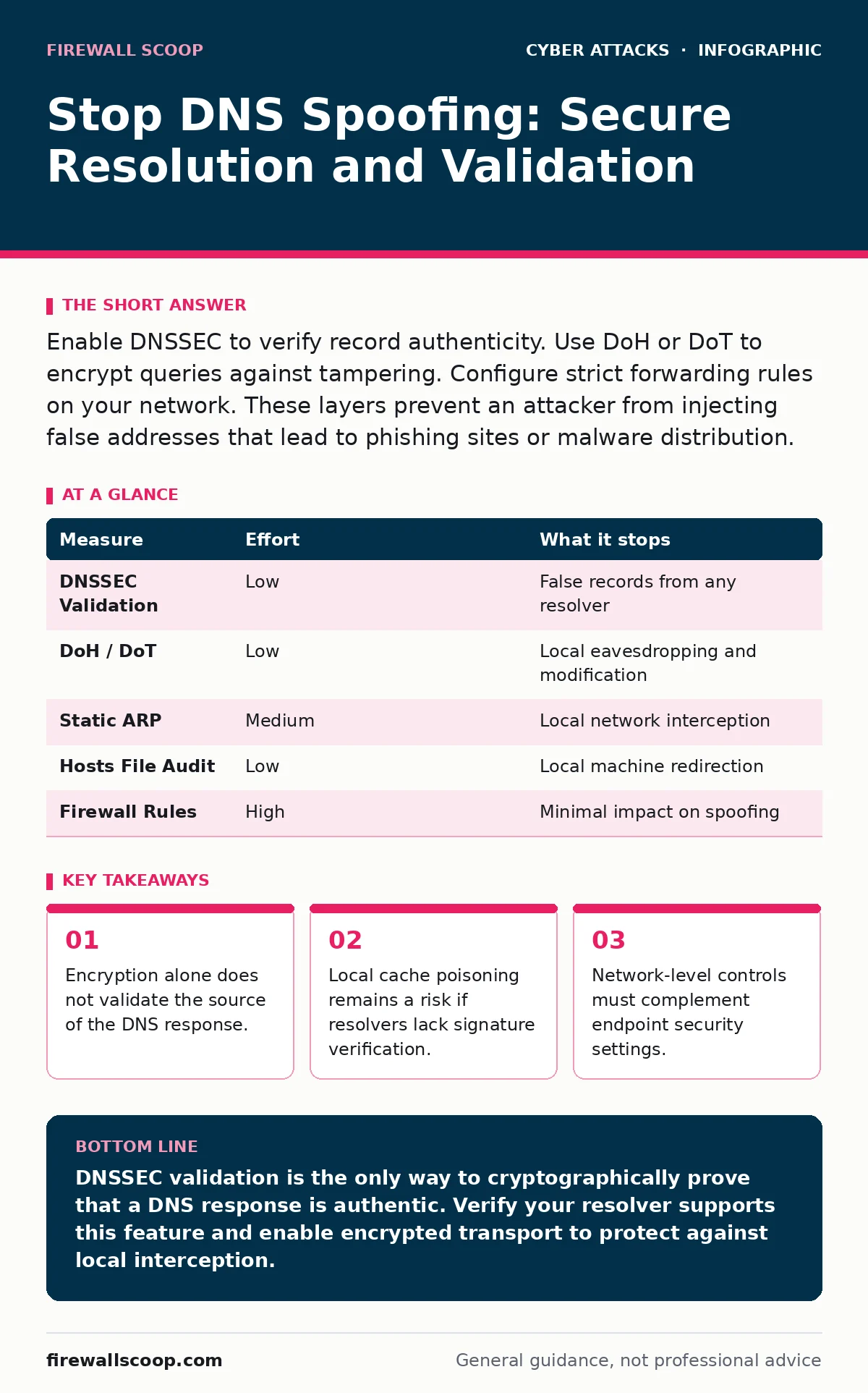
Enable DNSSEC to verify record authenticity. Use DoH or DoT to encrypt queries against tampering. Configure strict forwarding rules on your network. These layers prevent an attacker from injecting false addresses that lead to phishing sites or malware distribution.
The Mechanics of Address Theft
DNS spoofing, also known as DNS cache poisoning, occurs when an attacker inserts fraudulent DNS records into a recursive resolver's cache. This recursive resolver is the server that translates human-readable domain names into IP addresses for your device. When the cache holds a false record, your browser connects to the attacker's server instead of the legitimate website. The connection appears normal because the browser receives a valid IP address, just not the correct one.
The attacker does not need to hack your computer directly. They only need to guess or predict the transaction ID used by your resolver during a query. Once they send a forged response with that ID before the legitimate server responds, the resolver trusts the lie. This trust persists until the record expires from the cache, redirecting every user who queries that domain during that window.
Why Encryption Is Not Enough
Many users assume that using encrypted DNS protocols like DNS over HTTPS (DoH) or DNS over TLS (DoT) stops spoofing. These protocols encrypt the query between your device and the resolver, preventing a local attacker from seeing or modifying the request in transit. However, encryption does not verify the truthfulness of the answer received from the resolver.
If the resolver itself has been poisoned, it returns the wrong IP address inside the encrypted tunnel. Your device receives a secure, but incorrect, answer. This is why encryption is a necessary defense against eavesdropping, but it is not a sufficient defense against data falsification. You must combine transport encryption with data validation to close this gap.
Implementing DNSSEC Validation
The primary defense against DNS spoofing is DNS Security Extensions (DNSSEC). This public key infrastructure adds digital signatures to DNS records. When your resolver queries a domain, it receives the record along with a cryptographic signature. The resolver verifies this signature against a chain of trust leading back to the root zone.
If the signature is invalid or missing, a validating resolver refuses to use the record. It returns an error instead of redirecting you to a fake server. This stops the spoofing attempt at the protocol level. You do not need to sign your own domains to benefit from this; you only need to use a resolver that performs validation.
Check your current DNS settings to see if validation is enabled. Many public resolvers offer this feature by default, but private or corporate resolvers may not. If you manage your own network infrastructure, configure your authoritative servers to sign your zones. For home users, switching to a public resolver that supports DNSSEC validation is the highest-impact change you can make.
Hardening the Local Network
Attackers often target the local network to perform ARP spoofing, which allows them to intercept traffic between your device and the router. ARP spoofing tricks a device into associating the attacker's MAC address with the router's IP address. Once in the middle, the attacker can modify DNS responses before they leave the local segment.
To mitigate this, configure your router to use static ARP entries for critical devices. This prevents the ARP table from being overwritten by false packets. Additionally, isolate IoT devices on a separate VLAN or guest network. This limits the damage if one device is compromised and used as a pivot point for internal attacks.
Segmentation reduces the attack surface. If an attacker compromises a smart bulb, they cannot easily intercept the DNS traffic from your primary workstation. This architectural choice adds friction to the attack chain, forcing the adversary to overcome additional barriers.
Preventing Client-Side Manipulation
Your operating system maintains a local DNS cache to speed up lookups. An attacker with local access or a malicious application can poison this local cache. This is distinct from poisoning a remote resolver. It happens directly on your machine.
Disable unnecessary DNS prefetching in your browser settings. Prefetching resolves links before you click them, which can trigger queries to malicious domains if a page contains hidden links. This technique is often used in drive-by downloads to load scripts from attacker-controlled servers. Turning off prefetching ensures that DNS queries only occur when you explicitly navigate to a destination.
Also, verify that your hosts file is not being modified by malware. This file overrides DNS resolution for specific domains. Regularly scan for unauthorized entries that point legitimate domains to local or private IP addresses. This manual check is a simple way to detect a successful local spoofing attempt that automated tools might miss.
See also: Implement Threat Intelligence Platforms: A Step-by-Step Guide
Measures That Do Not Work
Firewalls that only filter traffic by IP address or port cannot stop DNS spoofing. The spoofed response arrives on the standard DNS port and looks like legitimate traffic. Without deep packet inspection that validates signatures, the firewall passes the fake record through.
Similarly, standard antivirus software often fails to detect DNS spoofing because no malicious executable is running on your device. The compromise happens in the network layer, not the application layer. You might visit a phishing site that looks identical to your bank, and the antivirus will see no virus. This is why credential stuffing attacks succeed so often; the user types their credentials into a site that looks real but is hosted on a spoofed IP.
Comparison of Defense Layers
| Measure | Effort | What it stops |
|---|---|---|
| DNSSEC Validation | Low | False records from any resolver |
| DoH / DoT | Low | Local eavesdropping and modification |
| Static ARP | Medium | Local network interception |
| Hosts File Audit | Low | Local machine redirection |
| Firewall Rules | High | Minimal impact on spoofing |
Immediate Action Checklist
You can reduce your exposure to DNS spoofing today with these three steps. These actions address the most common vectors without requiring complex infrastructure changes.
- Switch your DNS resolver to a public provider that explicitly advertises DNSSEC validation support.
- Enable DNS over HTTPS or DNS over TLS in your browser and operating system settings to encrypt queries.
- Review your hosts file for any entries that redirect known domains to unexpected IP addresses.
Key takeaways
- Encryption alone does not validate the source of the DNS response.
- Local cache poisoning remains a risk if resolvers lack signature verification.
- Network-level controls must complement endpoint security settings.
DNSSEC validation is the only way to cryptographically prove that a DNS response is authentic. Verify your resolver supports this feature and enable encrypted transport to protect against local interception.
Frequently asked questions
Does using a VPN stop DNS spoofing?
A VPN encrypts your traffic to the provider's server, but if the DNS resolver inside the VPN tunnel is poisoned, you still receive false records. The protection depends on the VPN provider's DNS security practices.
How do I know if I am being DNS spoofed?
You often will not notice. The connection speed might be slightly slower, or the site might look slightly off. Use online DNS propagation checkers or compare the IP address you receive with the known IP from a trusted source.
Can DNS spoofing lead to invoice fraud?
Yes. If an attacker spoofs the DNS for your email provider or payment portal, they can intercept messages containing invoice details. This allows them to alter payment instructions before they reach the victim.
Is DNSSEC available for all domain extensions?
Support varies by top-level domain. Most common extensions support DNSSEC, but some newer or specialized extensions do not. Check the registry documentation for your specific domain to see if signing is possible.
How this guide was produced: written by the Firewall Scoop editorial team with AI assistance, checked against the public references listed below, and reviewed when the facts change. See our editorial policy or report an error.