Hirudo RAT Replaces Eight Indonesian Banking Apps With Malicious Clones
The Android trojan tricks users into uninstalling legitimate financial apps to install modified versions that bypass security checks and steal credentials.
Key points
- Hirudo targets eight Indonesian banking applications using a two-stage installation process involving fake shopping apps.
- The malware replaces genuine apps with modified copies that hook into security frameworks to hide its presence.
- Operators use Accessibility permissions to capture PINs, credentials, and screen content while bypassing Play Integrity checks.
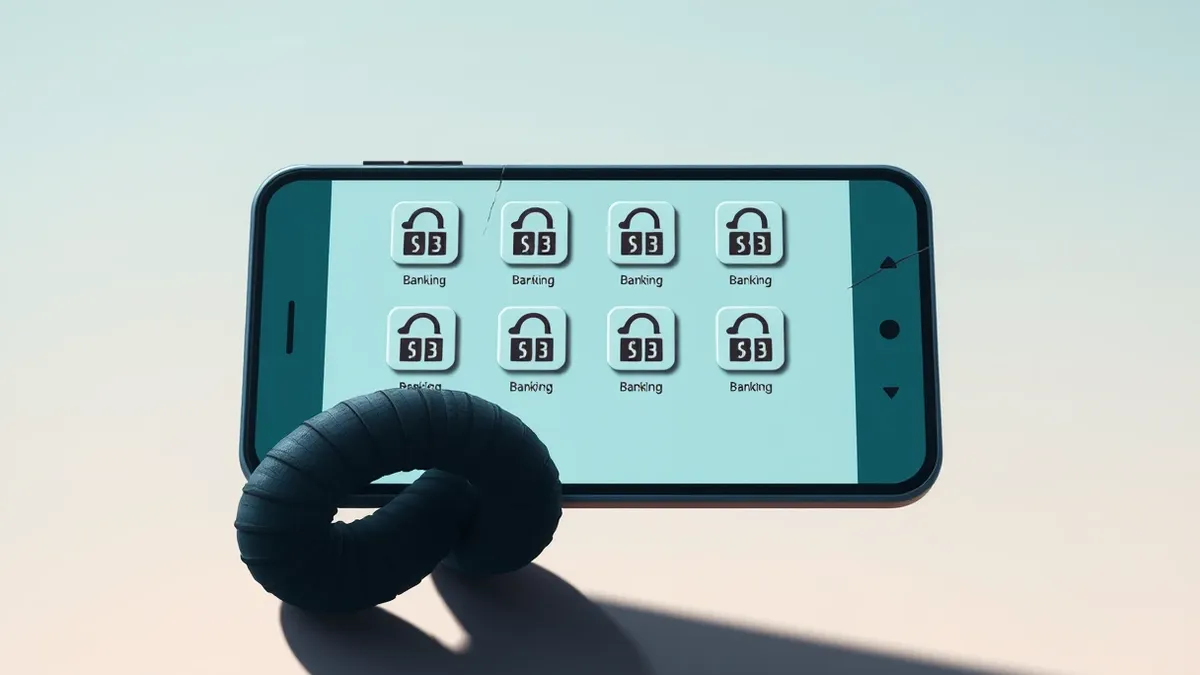
The Android banking remote-access trojan known as Hirudo is actively replacing legitimate financial applications with malicious clones. ThreatFabric researchers identified dedicated replacement packages for eight banking apps across seven Indonesian banks. This malware operates by first convincing victims to install a decoy application, which then facilitates the installation of the main payload. The ultimate goal is to gain persistent remote control over the device and steal sensitive financial data.
How does the initial infection occur?
Hirudo relies on a two-app setup to establish access. Victims first install a convincing shopping or entertainment application. These lures are branded with names such as Shopora, 1V1 X, ZoyaTV, or KoiShort. While these apps display plausible content, they function primarily as droppers. If the main Hirudo payload is not already present on the device, the lure displays a fake in-app update prompt. This prompt tricks the user into installing the malicious payload, which then seeks critical permissions to enable theft and remote control functions.
What permissions does the malware require?
Once installed, the payload requests specific Android permissions to facilitate its operations. It seeks Accessibility access and notification access. With these privileges, operators can collect banking credentials, payment PINs, device-unlock secrets, and SMS messages. The malware also enables the attackers to view the phone screen over WebRTC and access the device cameras. These permissions are essential for the trojan to monitor user activity and capture sensitive information in real time.
How does it replace legitimate banking apps?
Hirudo maintains a registry of forty-two financial apps, but currently has replacement packages for eight Indonesian banks. When the RAT detects a supported app, it presents another fake update prompt. It then opens Android’s uninstaller to remove the genuine application. Afterward, it downloads a modified version. This replacement retains the original package name and version but uses a public Android test key. Because of this, it cannot be installed as a normal update over the bank-signed original; the genuine app must be removed first.
What technical tricks does the clone use?
The modified app leaves most of the bank’s code intact but adds a startup instruction. This instruction loads a hooking engine built on the open-source YAHFA and Dobby frameworks. Once activated, the engine can falsify the app’s view of its signing certificate. It can also hide enabled Android Accessibility services, remove the FLAG_SECURE screen-capture restriction, and tamper with key-attestation and Play Integrity checks. These modifications allow the malware to return attacker-controlled results to security checks that would ordinarily identify a compromised environment.
Detection notes
Security teams should monitor for unexpected uninstallations of critical financial applications followed immediately by the installation of similar packages. Look for applications requesting Accessibility or notification access without a clear business reason. Verify the signing certificates of installed apps, as mismatched keys can indicate tampering. Check for the presence of known hooking frameworks like YAHFA or Dobby in app memory. Investigate any fake update prompts or transparent overlays that appear within legitimate applications.
What to do and how to stay safe: Hirudo
- Verify the integrity of installed banking applications by checking their digital signatures against official vendor records.
- Review device permissions to identify any applications with unnecessary Accessibility or notification access rights.
- Monitor for unusual uninstallation and installation patterns, particularly when legitimate apps are removed and quickly replaced.
- Educate users to recognize fake update prompts and avoid installing apps from untrusted sources or within suspicious overlays.
Step-by-step guide: 7 Phishing Mistakes That Bypass Your Defenses
General security guidance from the Firewall Scoop newsroom. It is not confirmed advice from the organisations named in this story.
Frequently asked questions
Which banking apps are targeted by Hirudo?
ThreatFabric found dedicated replacement packages for eight Indonesian banking apps across seven banks, though the malware maintains a registry of 42 financial apps.
Can the malicious app be installed over the original?
No, the replacement uses a public Android test key, so it cannot be installed as a normal update over the bank-signed original; the genuine app must first be removed.
What frameworks does Hirudo use to bypass security checks?
The malware uses a hooking engine built on the open-source YAHFA and Dobby frameworks to tamper with key-attestation and Play Integrity checks.