Multi-Cloud Security Misconceptions That Leave Data Exposed
Multi-cloud security fails when teams treat separate providers as a single environment, ignoring distinct identity models and network boundaries.

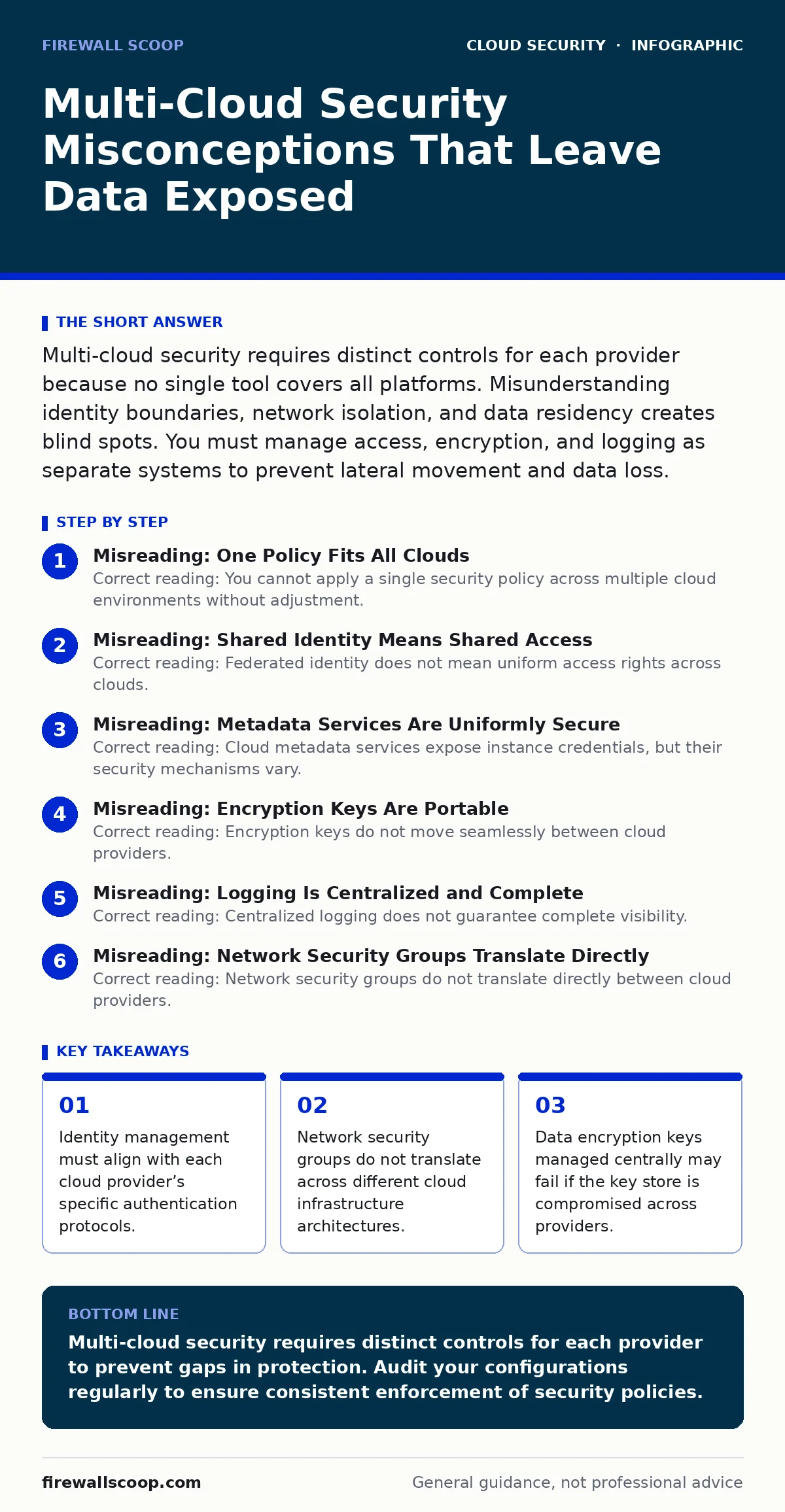
Multi-cloud security requires distinct controls for each provider because no single tool covers all platforms. Misunderstanding identity boundaries, network isolation, and data residency creates blind spots. You must manage access, encryption, and logging as separate systems to prevent lateral movement and data loss.
Misreading: One Policy Fits All Clouds
Correct reading: You cannot apply a single security policy across multiple cloud environments without adjustment. Each provider implements security controls differently. A rule that blocks traffic in one environment may fail silently in another. You must map controls to the specific implementation details of each platform. This prevents gaps where attackers exploit inconsistent enforcement.
Imagine you deploy a firewall rule to block external access to administrative ports. In one cloud, this rule applies globally. In another, it only affects specific subnets. The difference is invisible until an attacker scans your infrastructure. You must verify the scope of every control in each environment separately.
Misreading: Shared Identity Means Shared Access
Correct reading: Federated identity does not mean uniform access rights across clouds. Identity providers connect to each cloud, but permission models differ. A user with read-only access in one cloud may have elevated privileges in another due to misaligned role definitions. You must audit roles independently for each provider.
Suppose you link your corporate directory to three cloud platforms. You assume that revoking access in one platform revokes it everywhere. This is false. Each cloud maintains its own session tokens and cached permissions. You must enforce strict session timeouts and validate access continuously. See our guide on federated identity for details on managing these connections.
Misreading: Metadata Services Are Uniformly Secure
Correct reading: Cloud metadata services expose instance credentials, but their security mechanisms vary. Some require explicit headers for access, while others rely on network isolation. Attackers exploit these differences to steal credentials. You must restrict access to metadata endpoints at the network level.
Imagine a container running in one cloud that can query its metadata service to obtain temporary keys. In another cloud, the same container might fail to authenticate due to stricter header requirements. This inconsistency creates a false sense of security. You must treat each metadata endpoint as a high-value target. Review our guide on cloud metadata service attacks to understand the risks.
Misreading: Encryption Keys Are Portable
Correct reading: Encryption keys do not move seamlessly between cloud providers. Each provider uses its own key management service. Moving data between clouds requires re-encryption with new keys. This process introduces complexity and potential exposure points. You must manage key rotation and access controls for each provider separately.
Suppose you store sensitive data in two clouds. You use a single master key to encrypt both. If that key is compromised, both environments are exposed. You must use distinct keys for each provider. This limits the blast radius of a breach. You must also ensure that key management services are not accessible from the same network segment.
Misreading: Logging Is Centralized and Complete
Correct reading: Centralized logging does not guarantee complete visibility. Each cloud provider generates logs in different formats and with different retention policies. Aggregating these logs requires normalization. Without normalization, critical events may be missed or misinterpreted. You must define a common schema for log analysis.
Imagine an attacker modifies a configuration setting in one cloud. The log entry uses a specific format unique to that provider. Your centralized system may not parse it correctly. You miss the alert. You must validate that your logging pipeline handles all provider-specific formats. This ensures consistent detection of security events.
See also: Firewalls in Cloud Computing: How They Work and Where They Fail · What Does DevSecOps Mean: Integrating Security Into The Software Pipeline
Misreading: Network Security Groups Translate Directly
Correct reading: Network security groups do not translate directly between cloud providers. Each provider defines rules differently. A rule allowing traffic from a specific IP range in one cloud may behave differently in another. You must test network rules in each environment. This prevents unintended exposure of services.
Suppose you configure a rule to allow traffic from your office IP. In one cloud, this works as expected. In another, the rule fails because the IP range is not correctly formatted. You must validate rules in each environment. This ensures that your network boundaries are enforced consistently.
Misreading: DevSecOps Pipelines Are Cloud-Agnostic
Correct reading: CI/CD pipeline attacks can exploit differences in cloud deployment configurations. A pipeline that works securely in one cloud may introduce vulnerabilities in another. You must secure the pipeline for each target environment. This includes validating infrastructure-as-code templates.
Imagine a deployment script that creates resources in one cloud. You reuse it for another cloud without modification. The script may create overly permissive security groups. You must review and adjust scripts for each provider. See our guide on CI/CD pipeline attacks for strategies to secure your deployment processes.
Misreading: Workload Protection Is Universal
Correct reading: Cloud workload protection solutions do not provide universal coverage. Each provider has unique runtime environments. A solution effective for virtual machines may not protect containers. You must select tools that support the specific workloads in each cloud. This ensures comprehensive protection.
Suppose you use an agent-based security tool for virtual machines. You deploy the same tool for containers. The tool may not detect container-specific threats. You must use specialized tools for each workload type. See our guide on cloud workload protection for recommendations on securing diverse environments.
Misreading: Privilege Escalation Paths Are Identical
Correct reading: Cloud privilege escalation techniques vary by provider. Attackers exploit specific service permissions to gain higher access. You must understand the privilege model of each cloud. This helps you identify and block potential escalation paths.
Imagine an attacker gains access to a low-privilege account. In one cloud, they can escalate to admin by exploiting a misconfigured service. In another, this path is blocked. You must map privilege escalation paths for each provider. See our guide on cloud privilege escalation to learn how to mitigate these risks.
Misreading: Data Residency Rules Are Simple
Correct reading: Data residency requirements are complex in multi-cloud environments. Data may be replicated across regions and providers. You must track data location and ensure compliance with local regulations. This requires careful planning and monitoring.
Suppose you store customer data in one cloud. Replication to another cloud may violate residency laws. You must configure replication settings to keep data within required boundaries. Use tagging and labeling to track data location. This ensures compliance with legal requirements.
Key takeaways
- Identity management must align with each cloud provider’s specific authentication protocols.
- Network security groups do not translate across different cloud infrastructure architectures.
- Data encryption keys managed centrally may fail if the key store is compromised across providers.
Multi-cloud security requires distinct controls for each provider to prevent gaps in protection. Audit your configurations regularly to ensure consistent enforcement of security policies.
Frequently asked questions
How do I manage secrets across multiple clouds?
Use a dedicated secrets management solution that supports multiple providers. Rotate secrets regularly and restrict access to authorized personnel only.
Can I use the same firewall rules for all clouds?
No, firewall rules must be adapted for each cloud’s specific implementation. Test rules in each environment to ensure they work as intended.
What is the biggest risk in multi-cloud security?
The biggest risk is assuming uniformity across providers. Differences in security controls and configurations create vulnerabilities that attackers can exploit.
How do I detect misconfigurations in multi-cloud environments?
Use automated scanning tools that support multiple providers. Run scans regularly and review results to identify and remediate issues promptly.
How this guide was produced: written by the Firewall Scoop editorial team with AI assistance, checked against the public references listed below, and reviewed when the facts change. See our editorial policy or report an error.