Cloud Privilege Escalation Explained: How Small Access Grows
A single overlooked permission can expand into full control of your cloud environment without triggering alarms, turning minor access into major risk.

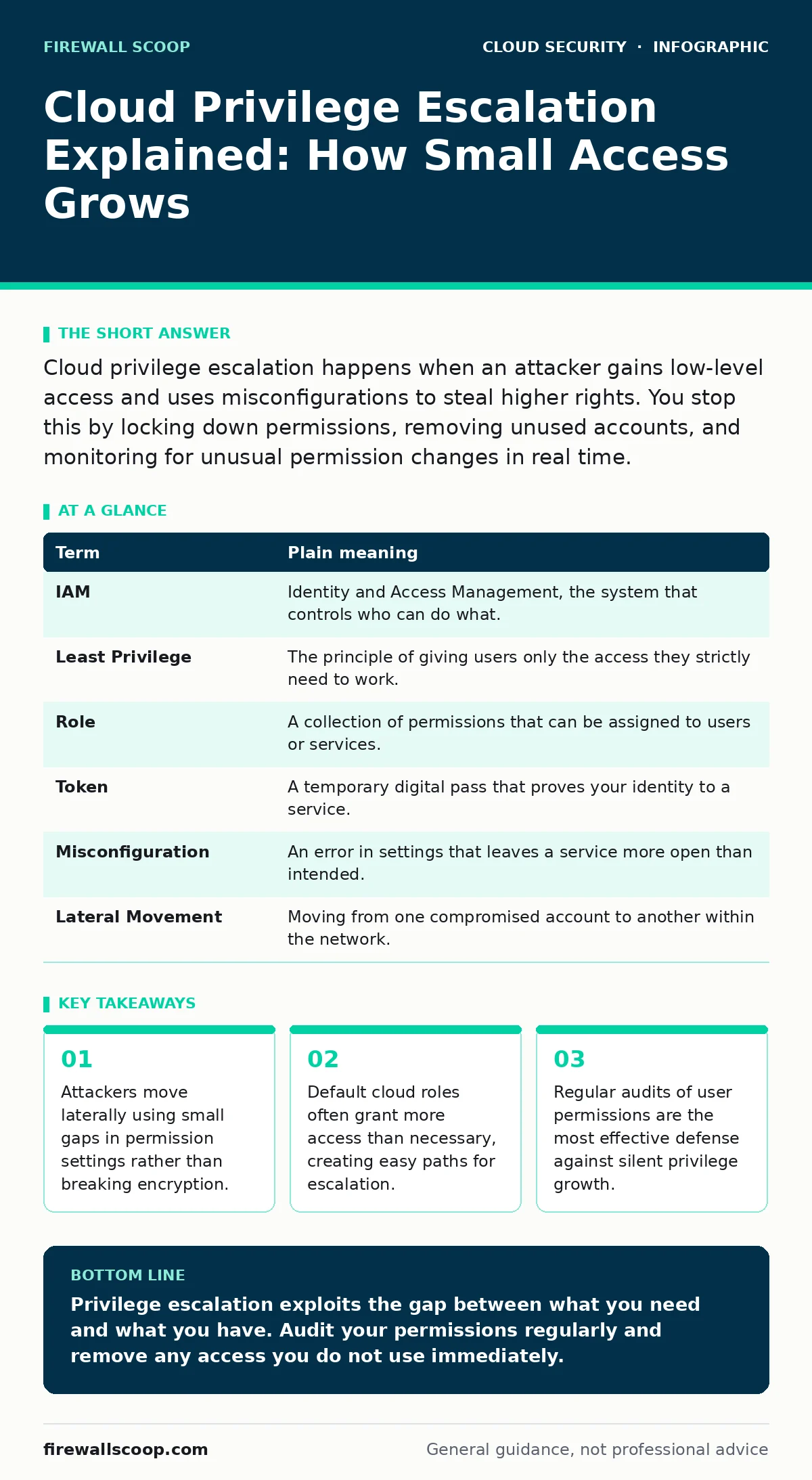
Cloud privilege escalation happens when an attacker gains low-level access and uses misconfigurations to steal higher rights. You stop this by locking down permissions, removing unused accounts, and monitoring for unusual permission changes in real time.
The Office Building Analogy
Imagine a large office building where every employee has a key card. Most people have access to the lobby, the cafeteria, and their specific floor. The security guard at the front desk holds a master key that opens every door, including the server room and the executive suite. In cloud computing, you are usually the employee with the floor key. The cloud provider acts as the building owner, managing the infrastructure. Privilege escalation is what happens when someone finds a way to swap their floor key for the security guard’s master key.
This swap does not require breaking down a door. It often involves finding a door that was left unlocked or copying a key from a trash bin. In the cloud, these "unlocked doors" are misconfigured services, and the "trash bins" are abandoned accounts that still hold power. Understanding this analogy helps you see that security is not just about the outer walls, but about who holds which keys inside.
Key Terms Defined
To navigate this topic, you need to understand the specific tools and concepts involved. These terms appear frequently in security discussions and define the boundaries of your access.
| Term | Plain meaning |
|---|---|
| IAM | Identity and Access Management, the system that controls who can do what. |
| Least Privilege | The principle of giving users only the access they strictly need to work. |
| Role | A collection of permissions that can be assigned to users or services. |
| Token | A temporary digital pass that proves your identity to a service. |
| Misconfiguration | An error in settings that leaves a service more open than intended. |
| Lateral Movement | Moving from one compromised account to another within the network. |
How Escalation Happens in Practice
Suppose an attacker gains access to a junior developer’s account. This account has permission to view code but not to deploy it. However, the developer’s account is also linked to a service role that has deployment rights. If the attacker can trick the system into using that service role, they escalate from viewer to deployer. This is not a hack of the encryption; it is a trick of the rules.
Attackers look for these rule loopholes. They scan for roles that have more power than they should. They look for tokens that have not expired. They search for services that allow any user to change their own permissions. Once they find one weak link, they pull it. The cloud environment trusts the token, so it grants the higher access without asking for a password again. This is why initial access is only the first step.
The Hidden Cost of Convenience
Cloud platforms are designed to be easy to use. This convenience often leads to default settings that are too broad. A new storage bucket might be open to anyone by default. A new user might be assigned a generic role that includes administrative rights. These defaults save time during setup but create long-term risk.
The hidden cost is that these broad permissions are rarely reviewed. You assign a role to get a project started, and then you forget about it. Six months later, the project is done, but the permissions remain. The attacker does not need to break in; they just need to find the permissions you left behind. This is why SaaS access reviews are a critical habit, even if they feel administrative. They catch the permissions that no longer serve a purpose.
What This Means for You
You might not be a cloud architect, but you likely use cloud services for work or study. Every time you log in, you are assuming an identity. If that identity has more power than you need, you are a target. An attacker who compromises your account inherits all your permissions. If you can reset the root password of a service, an attacker can too.
This risk applies to ordinary users as much as administrators. Your personal cloud storage, your work laptop, and your development environments all have permission structures. If you share access tokens in chat logs or commit them to code repositories, you are handing over your keys. The consequence is not just data loss; it is the ability for an attacker to change the rules of the environment. They can delete logs to hide their tracks or create new accounts to maintain access.
See also: Cloud Metadata Service Attack Mistakes and How to Stop Them · Kubernetes Admission Controllers: Enforce Policy Before Workloads Start
Simple Safety Habits
You can reduce your risk by adopting a few specific habits. These steps are small but effective because they address the root cause: excessive permissions.
- Audit your active sessions. Log into your cloud console and check which devices are currently logged in. Terminate any sessions you do not recognize. This cuts off immediate access if your credentials are stolen.
- Remove unused roles. Look at the roles assigned to your accounts. If you do not need administrative rights to do your job, request them to be removed. Follow the principle of least privilege strictly.
- Use multi-factor authentication. This adds a second check before your identity is accepted. Even if an attacker has your password, they cannot log in without the second factor. This is a foundational step that complements zero trust network access strategies.
Detecting the Silent Shift
Privilege escalation is often silent. There is no loud alarm when a user’s permissions change. You must look for indirect signs. For example, a user who never accesses the billing console suddenly makes a change. Or a service that usually reads data starts writing to it. These are anomalies.
You can set up alerts for these changes. Most cloud providers have logging tools that record permission changes. Configure these logs to send an alert when a high-privilege role is assumed. This helps you catch the escalation in progress. Combining this with cloud workload protection tools can add another layer of detection, focusing on the behavior of the applications themselves rather than just the network traffic.
The Bigger Picture
Securing cloud access is not a one-time task. It is a continuous process of tightening permissions and removing old keys. As you add new services and users, the attack surface grows. You must shrink it back down regularly. This involves integrating security into your development process, such as checking for insecure container images that might run with elevated privileges.
By understanding how privilege escalation works, you move from passive user to active defender. You stop thinking of security as a wall and start thinking of it as a set of rules. When those rules are tight, the attacker has nowhere to go. When they are loose, the whole building is at risk.
Key takeaways
- Attackers move laterally using small gaps in permission settings rather than breaking encryption.
- Default cloud roles often grant more access than necessary, creating easy paths for escalation.
- Regular audits of user permissions are the most effective defense against silent privilege growth.
Privilege escalation exploits the gap between what you need and what you have. Audit your permissions regularly and remove any access you do not use immediately.
Frequently asked questions
Can I get hacked if I only have read-only access?
Read-only access reduces risk but does not eliminate it. Attackers can still use your account to gather information or pivot to other systems if your credentials are stolen.
How do I know if my permissions are too broad?
If you can perform actions that are not part of your daily job, your permissions are likely too broad. Ask your security team to review your role assignments.
Does multi-factor authentication stop privilege escalation?
MFA stops unauthorized login, but it does not fix bad permissions. If you log in with MFA and have admin rights, an attacker who steals your session token can still escalate.
What is the difference between privilege escalation and lateral movement?
Privilege escalation is gaining higher rights within a single account or system. Lateral movement is moving from one compromised account to another to expand control.
How this guide was produced: written by the Firewall Scoop editorial team with AI assistance, checked against the public references listed below, and reviewed when the facts change. See our editorial policy or report an error.