Zero Trust Network Access Explained: How to Stop Perimeter Thinking
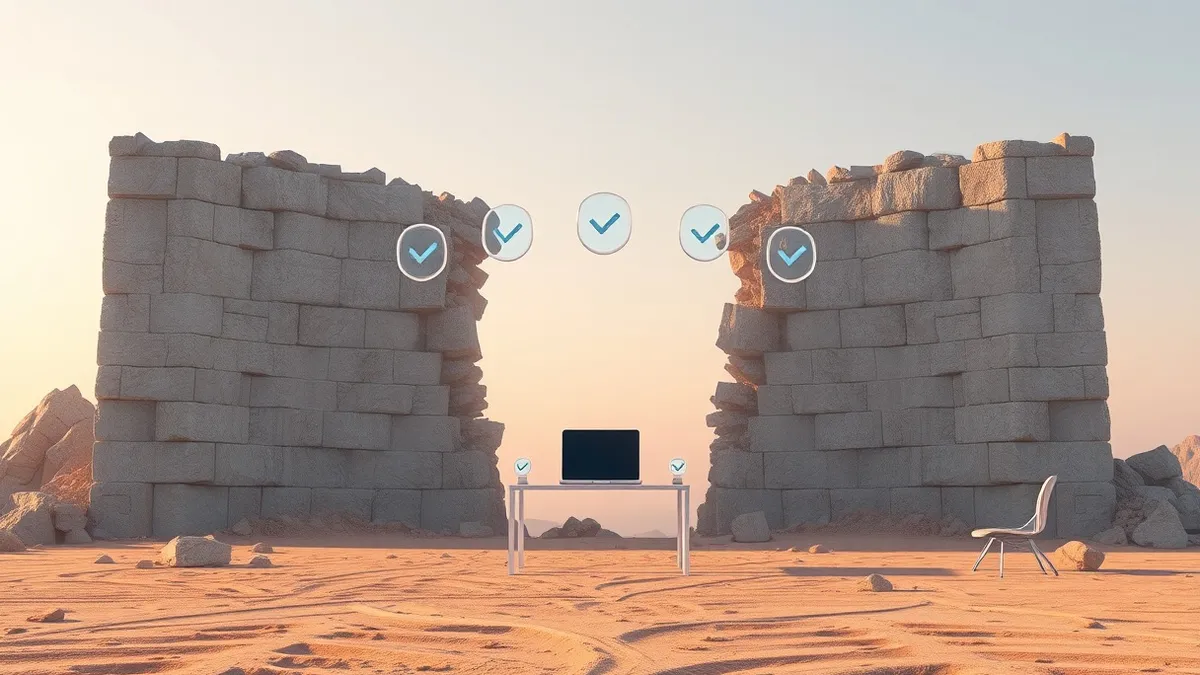
Zero Trust replaces the castle-and-moat model with continuous verification, ensuring that every request is treated as hostile until proven otherwise, regardless of location.
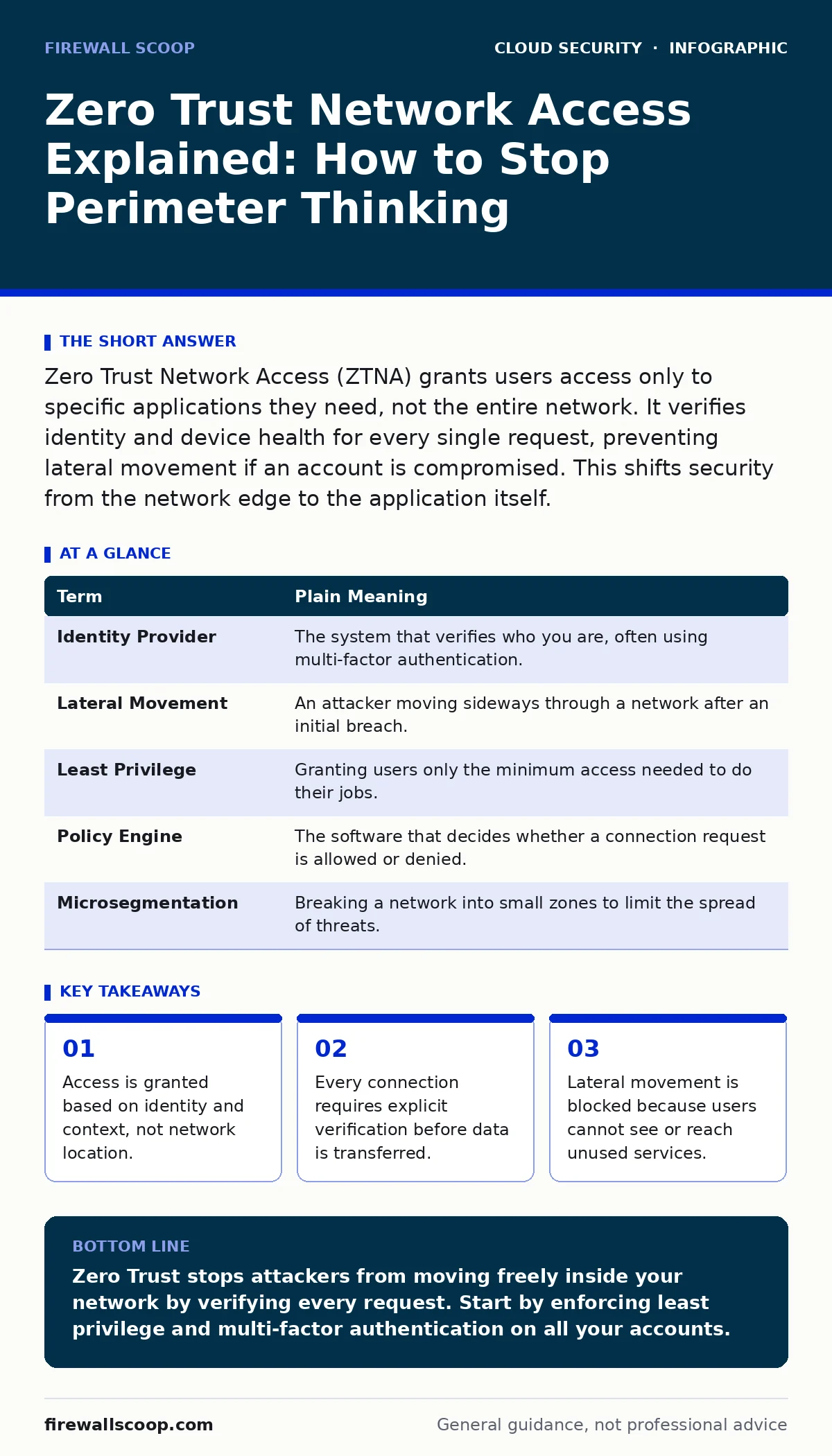
Zero Trust Network Access (ZTNA) grants users access only to specific applications they need, not the entire network. It verifies identity and device health for every single request, preventing lateral movement if an account is compromised. This shifts security from the network edge to the application itself.
The Office Building Analogy
Imagine a large corporate office building. In the old model, you show your badge at the main entrance. Once inside, you can walk into any room, open any drawer, and use any printer. The security guard assumes that because you are inside the building, you are trusted. This is the perimeter model. It works until someone steals a badge or a window is left open.
Zero Trust changes this building. You still show your badge at the entrance, but you cannot walk freely. You must request entry to the specific conference room you need. The door to that room checks your badge again. It also checks if your laptop is clean. If you try to walk into the server room, the door remains locked, even though you are already inside the building. You never have access to more than what you need, right now.
Breaking the Implicit Trust Model
Traditional networks rely on implicit trust. If a device is connected to the internal network, it is assumed to be safe. This assumption is dangerous. Attackers who breach the perimeter often remain undetected because they are "inside." They move laterally, hopping from one system to another, looking for sensitive data.
Zero Trust Network Access (ZTNA) eliminates this assumption. It treats every connection attempt as if it originates from an untrusted public network. The system does not care if the request comes from your home Wi-Fi or the office LAN. It evaluates the risk of that specific request in real-time. This stops attackers from using a single compromised credential to roam freely.
Core Mechanics of ZTNA
ZTNA operates by creating a direct, encrypted connection between the user and the specific application. The user never connects to the corporate network itself. Instead, the ZTNA gateway sits between the user and the application. It intercepts the request, verifies the user, and then proxies the traffic.
This architecture hides the application from the internet. Only the ZTNA gateway is visible. This reduces the attack surface significantly. Even if an attacker scans your IP range, they will not find the application ports open. They will only find the gateway, which requires valid credentials to proceed. This is different from a traditional VPN, which places the user on the network and exposes all internal resources.
Context Matters More Than Passwords
A password is just one piece of data. ZTNA systems look at context to make access decisions. Context includes the user’s identity, the device they are using, the time of day, and their geographic location. If a user logs in from a new country at 3 AM, the system may block the request or require additional verification.
Device health is also critical. If the user’s laptop lacks encryption or has outdated software, the system may deny access. This prevents infected devices from connecting to sensitive resources. This level of granularity ensures that access is granted only when the risk is low. It adds friction, but that friction is necessary for security.
Terminology You Need to Know
Understanding ZTNA requires knowing the specific terms used in the industry. These concepts form the foundation of modern cloud security strategies.
| Term | Plain Meaning |
|---|---|
| Identity Provider | The system that verifies who you are, often using multi-factor authentication. |
| Lateral Movement | An attacker moving sideways through a network after an initial breach. |
| Least Privilege | Granting users only the minimum access needed to do their jobs. |
| Policy Engine | The software that decides whether a connection request is allowed or denied. |
| Microsegmentation | Breaking a network into small zones to limit the spread of threats. |
See also: Common SASE Mistakes and How to Avoid Them · Multi-Cloud Security Misconceptions That Leave Data Exposed
Hidden Costs and Trade-offs
Implementing ZTNA is not free, but the costs are not always financial. The biggest trade-off is user experience. Users accustomed to seamless access may find the constant verification annoying. If the policy engine is too strict, legitimate users may be blocked, leading to help desk tickets.
Another hidden cost is identity management. ZTNA relies heavily on accurate identity data. If your identity provider is misconfigured, users will be locked out. You must maintain clean user records and device inventories. This requires ongoing effort. Without proper identity hygiene, ZTNA cannot function correctly. This is where federated identity becomes relevant, as it standardizes authentication across different services.
Try This Now
You do not need to deploy enterprise software to understand ZTNA. You can apply these principles to your personal digital life.
- Audit Your Password Managers: Ensure every service uses a unique, complex password. This is the foundation of identity verification. If one site leaks, others remain safe.
- Enable Multi-Factor Authentication: Turn on MFA for every account that offers it. This adds a second layer of verification, similar to the ZTNA policy engine checking context.
- Review Application Permissions: Go into your social media and cloud storage settings. Revoke access for apps you no longer use. This applies the principle of least privilege.
Integrating With Broader Security
ZTNA does not exist in a vacuum. It works best when combined with other security measures. For example, cloud access security brokers (CASB) can monitor data flowing through cloud applications. This provides visibility into how users interact with data.
Additionally, SaaS access reviews ensure that users only retain the access they need. Over time, employees change roles, and their access should change with them. Regular reviews prevent privilege creep. This complements microsegmentation, which isolates critical assets from the rest of the network. By combining these approaches, you create a defense that is difficult to bypass.
Key takeaways
- Access is granted based on identity and context, not network location.
- Every connection requires explicit verification before data is transferred.
- Lateral movement is blocked because users cannot see or reach unused services.
Zero Trust stops attackers from moving freely inside your network by verifying every request. Start by enforcing least privilege and multi-factor authentication on all your accounts.
Frequently asked questions
Is Zero Trust Network Access the same as a VPN?
No. A VPN connects you to the entire network, while ZTNA connects you only to specific applications. ZTNA provides better security by limiting exposure.
Can I implement Zero Trust without buying new software?
You can adopt the principles, but full ZTNA usually requires specific gateway technology. However, strict identity policies and MFA provide many of the same benefits.
Does Zero Trust slow down my internet connection?
It may add slight latency due to extra verification steps. However, modern ZTNA solutions are optimized for speed, and the security benefit outweighs the minor delay.
How does Zero Trust handle internal employees?
It treats employees the same as external users. Every internal request is verified based on identity and context, preventing insider threats and compromised accounts.
How this guide was produced: written by the Firewall Scoop editorial team with AI assistance, checked against the public references listed below, and reviewed when the facts change. See our editorial policy or report an error.