Hacktivism Prevention Checklist: Protect Systems from Ideological Attacks
Hacktivist groups target misconfigured public services rather than breaking strong encryption, making visibility and default hardening the primary defense against ideological disruption.

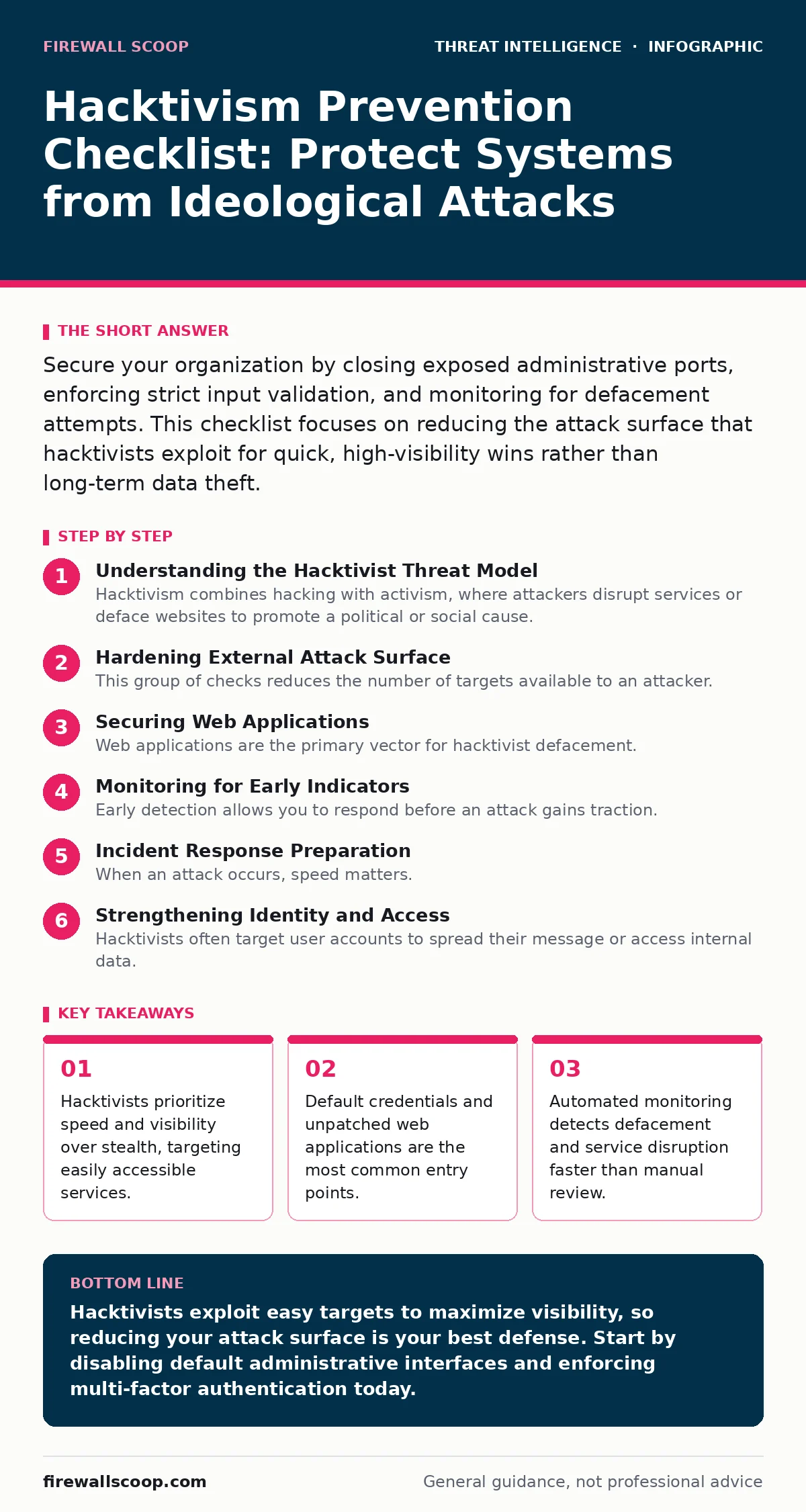
Secure your organization by closing exposed administrative ports, enforcing strict input validation, and monitoring for defacement attempts. This checklist focuses on reducing the attack surface that hacktivists exploit for quick, high-visibility wins rather than long-term data theft.
Understanding the Hacktivist Threat Model
Hacktivism combines hacking with activism, where attackers disrupt services or deface websites to promote a political or social cause. Unlike cybercriminals who steal data for profit, hacktivists seek attention. They prefer low-effort, high-impact attacks. You must understand this motivation to build effective defenses. They rarely use advanced persistent threats. Instead, they scan for obvious weaknesses. Your defense strategy should focus on reducing noise and hiding easy targets.
Hardening External Attack Surface
This group of checks reduces the number of targets available to an attacker. Hacktivists use automated tools to find open ports and default logins. You must close anything that does not serve a business purpose.
- Disable default administrative interfaces on all web servers: Default paths are the first place attackers look for quick access.
- Remove version headers from HTTP responses: Exposing software versions helps attackers find known exploits for your specific setup.
- Block traffic to non-public subnets from the internet: Prevents direct access to internal resources that should never be visible externally.
- Enforce HTTPS for all public-facing services: Prevents man-in-the-middle attacks that can alter content or steal session cookies.
Securing Web Applications
Web applications are the primary vector for hacktivist defacement. These attackers inject malicious code to display their message. You need to validate every input and secure your server configuration.
- Implement strict input validation on all forms: Prevents injection attacks that allow attackers to execute commands on your server.
- Disable directory listing on web servers: Prevents attackers from browsing your file structure to find sensitive documents or backup files.
- Use a Web Application Firewall (WAF): Filters out common attack patterns like SQL injection and cross-site scripting before they reach your application.
- Regularly patch content management systems: Unpatched plugins are the easiest way for attackers to gain full control of your site.
Monitoring for Early Indicators
Early detection allows you to respond before an attack gains traction. Hacktivists often test small vulnerabilities before a major disruption. You must monitor your logs and traffic patterns closely.
- Set alerts for 404 errors on admin paths: A spike in not-found errors often indicates an automated scanner probing for login pages.
- Monitor for unusual outbound traffic volumes: Data exfiltration or command-and-control communication often shows up as unexpected network spikes.
- Track changes to critical web files: File integrity monitoring alerts you immediately if an attacker modifies your website content.
- Review failed login attempts across all services: Brute force attacks against user accounts are a common precursor to a larger breach.
Incident Response Preparation
When an attack occurs, speed matters. Hacktivists want to keep your service down as long as possible. You need a plan to restore operations quickly and communicate clearly.
- Maintain offline backups of critical systems: Ensures you can restore services even if the primary system is compromised or encrypted.
- Define clear communication channels for staff: Prevents confusion and ensures everyone knows who is responsible for decision-making during an incident.
- Document step-by-step restoration procedures: Reduces the time needed to recover services by removing guesswork from the recovery process.
- Test your incident response plan regularly: Identifies gaps in your procedures before a real attack occurs, ensuring your team reacts effectively.
See also: Stop Directory Listing Exposure: Configuration Fixes That Work
Strengthening Identity and Access
Hacktivists often target user accounts to spread their message or access internal data. Weak authentication is a major weakness. You must enforce strong identity controls.
- Enforce multi-factor authentication for all remote access: Prevents attackers from using stolen passwords to access your systems.
- Implement least privilege access controls: Limits the damage an attacker can do if they compromise a single user account.
- Disable dormant user accounts immediately: Unused accounts are often overlooked and become easy targets for attackers.
- Monitor for privilege escalation attempts: Detects when an attacker tries to gain higher-level access after compromising a low-privilege account.
Community and Reputation Management
Hacktivism is about public perception. Even a small attack can damage your reputation. You must manage your digital presence carefully.
- Establish a social media monitoring strategy: Allows you to detect and respond to negative sentiment or misinformation campaigns quickly.
- Prepare pre-approved statements for common scenarios: Ensures consistent and accurate communication during a crisis.
- Engage with your community proactively: Builds trust and resilience, making your organization less vulnerable to reputational damage.
- Coordinate with law enforcement if necessary: Provides support and resources if the attack escalates or involves criminal activity.
Key takeaways
- Hacktivists prioritize speed and visibility over stealth, targeting easily accessible services.
- Default credentials and unpatched web applications are the most common entry points.
- Automated monitoring detects defacement and service disruption faster than manual review.
Hacktivists exploit easy targets to maximize visibility, so reducing your attack surface is your best defense. Start by disabling default administrative interfaces and enforcing multi-factor authentication today.
Frequently asked questions
How do I distinguish hacktivism from ransomware?
Hacktivists typically deface websites or disrupt services to send a message, while ransomware encrypts files to demand payment. Hacktivists rarely destroy data permanently, focusing instead on public disruption.
Can a firewall stop all hacktivist attacks?
No. A firewall blocks unauthorized network access, but it cannot stop attacks that exploit vulnerabilities in applications running on allowed ports. You need application-level security measures as well.
What is the most common hacktivist attack method?
Distributed Denial of Service (DDoS) attacks and website defacement are the most common methods. These are easy to execute and provide immediate, visible results for the attackers.
Should I ignore small defacement attempts?
No. Small attempts often indicate a larger attack is coming. Investigating them helps you identify weaknesses in your security posture before a more significant disruption occurs.
How this guide was produced: written by the Firewall Scoop editorial team with AI assistance, checked against the public references listed below, and reviewed when the facts change. See our editorial policy or report an error.