7 sudo mistakes that hand root access to attackers
Misconfigured sudoers files often grant implicit root access through environment variable inheritance, bypassing standard privilege separation controls.

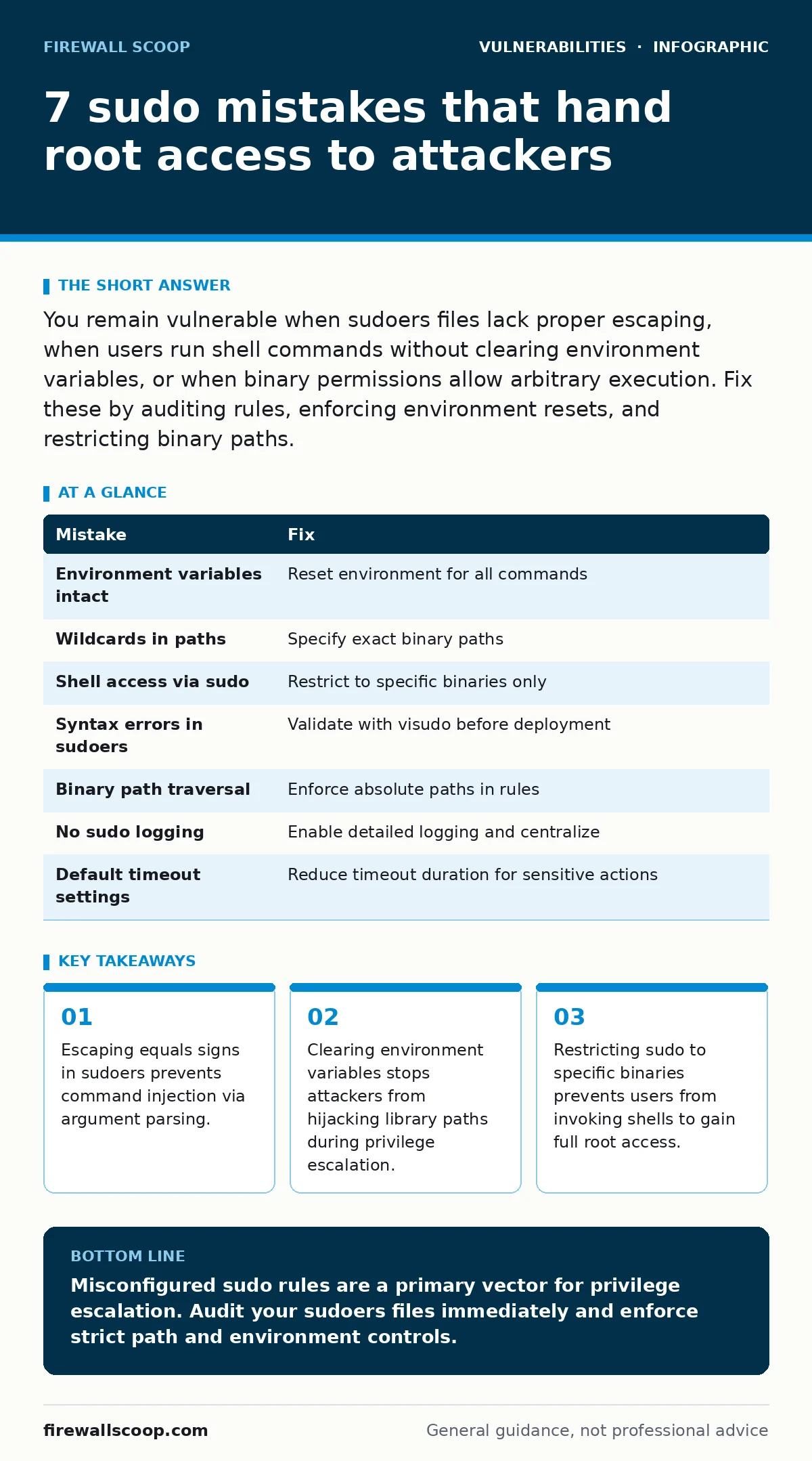
You remain vulnerable when sudoers files lack proper escaping, when users run shell commands without clearing environment variables, or when binary permissions allow arbitrary execution. Fix these by auditing rules, enforcing environment resets, and restricting binary paths.
Mistake 1: Leaving environment variables intact
Why it hurts:
Sudo preserves environment variables by default. An attacker sets LD_PRELOAD to load a malicious shared library. When you run a binary with elevated privileges, the system loads your malicious code instead of the legitimate library. This bypasses file permissions entirely.
The fix:
Configure sudo to reset the environment for all commands. This forces the system to use default system paths and libraries. You lose some convenience for custom toolchains, but you gain protection against library injection attacks. See our guide on race condition vulnerabilities for related timing issues.
Mistake 2: Using wildcards in command paths
Why it hurts:
Wildcards allow argument injection. If you allow sudo /usr/bin/vi *, an attacker can run sudo /usr/bin/vi -c !sh. The shell interprets the exclamation mark as a command execution trigger. This grants a root shell immediately. The wildcard expands to include the injection payload.
The fix:
Specify exact binary paths without wildcards. List each allowed command explicitly. If a user needs to run multiple commands, list them all. This increases maintenance overhead for administrators but prevents argument-based exploitation. Avoid generic permissions that rely on user discretion.
Mistake 3: Allowing shell access via sudo
Why it hurts:
Granting sudo access to editors like vi or nano is dangerous. These programs can spawn subshells. An attacker uses the editor to invoke a root shell. This defeats the principle of least privilege. You intended to allow file editing, but you effectively granted full system control.
The fix:
Restrict sudo to specific binaries only. Never allow shells or editors with shell-spawning capabilities. Use restricted shells if editing is necessary. This limits the attack surface significantly. You prevent users from breaking out of the intended command context.
Mistake 4: Ignoring sudoers file syntax errors
Why it hurts:
Syntax errors in sudoers files can disable security checks. If the file fails to parse, sudo may revert to default behavior or drop privileges incorrectly. Some configurations silently ignore malformed lines, leaving gaps in enforcement. This creates unpredictable access patterns.
The fix:
Validate sudoers files before deployment. Use visudo to check syntax. This tool prevents saving invalid configurations. Regular audits catch drift in permissions. Ensure every line conforms to strict formatting rules. This prevents accidental permission grants due to typos.
Mistake 5: Overlooking binary path traversal
Why it hurts:
If sudo allows relative paths, an attacker can place a malicious binary in the current directory. The system executes the local file instead of the intended system binary. This is a path traversal attack. It exploits the order in which the system searches for executables.
The fix:
Enforce absolute paths in sudoers rules. Never allow relative path execution. This ensures the system always runs the intended binary from a secure location. It prevents local file substitution attacks. You sacrifice some flexibility for deterministic behavior.
Mistake 6: Failing to log sudo usage
Why it hurts:
Without logging, you cannot detect unauthorized privilege escalation. Attackers operate silently. You miss the initial foothold. Incident response becomes impossible. Forensic analysis lacks the necessary data. This blind spot allows lateral movement to go unnoticed for extended periods.
The fix:
Enable detailed sudo logging. Capture commands, users, and timestamps. Send logs to a central server. This provides visibility into privilege usage. You can detect anomalies quickly. See our guide on risk-based vulnerability management for prioritizing these logs.
Mistake 7: Using default timeout settings
Why it hurts:
Default sudo timeouts may be too long. An attacker hijacks an active session. They exploit the cached credentials. This extends the window for exploitation. Short timeouts reduce this risk but annoy users. Long timeouts increase the attack surface.
The fix:
Reduce sudo timeout duration. Force re-authentication for sensitive actions. This limits the impact of session hijacking. Balance security with usability. Monitor failed authentication attempts. This helps detect brute force efforts.
| Mistake | Fix |
|---|---|
| Environment variables intact | Reset environment for all commands |
| Wildcards in paths | Specify exact binary paths |
| Shell access via sudo | Restrict to specific binaries only |
| Syntax errors in sudoers | Validate with visudo before deployment |
| Binary path traversal | Enforce absolute paths in rules |
| No sudo logging | Enable detailed logging and centralize |
| Default timeout settings | Reduce timeout duration for sensitive actions |
Key takeaways
- Escaping equals signs in sudoers prevents command injection via argument parsing.
- Clearing environment variables stops attackers from hijacking library paths during privilege escalation.
- Restricting sudo to specific binaries prevents users from invoking shells to gain full root access.
Misconfigured sudo rules are a primary vector for privilege escalation. Audit your sudoers files immediately and enforce strict path and environment controls.
Frequently asked questions
How do I check my current sudo permissions?
Run sudo -l to list the commands you can execute. Review the output for overly broad permissions or wildcard usage.
Can sudo be bypassed without configuration errors?
Yes, if the underlying system has kernel vulnerabilities or if sudo itself has unpatched bugs. Keep software updated.
Is sudo more secure than su?
Sudo provides better logging and finer-grained control. Su grants full root access without detailed audit trails.
How often should I audit sudo rules?
Perform audits quarterly or after any significant infrastructure change. Remove unused permissions promptly.
How this guide was produced: written by the Firewall Scoop editorial team with AI assistance, checked against the public references listed below, and reviewed when the facts change. See our editorial policy or report an error.