2 Credential Stealings: Fake WatchGuard Site Forces Re-Entry Before Serving Signed VPN Installer
Huntress found a phishing domain that harvested VPN login details twice before delivering the genuine, signed installer to unsuspecting users.
Key points
- The fake site requested server addresses and passwords before initiating the download.
- Attackers rejected the first submission to force users to re-enter their credentials.
- The delivered file was the legitimate version 12.11.5 client from WatchGuard's CDN.
A deceptive website impersonating WatchGuard is harvesting administrator credentials for VPN servers while simultaneously distributing the authentic, signed software client. According to Huntress, this technique allows attackers to collect sensitive login details without triggering malware alerts, as the final payload is a genuine executable from the vendor's official content delivery network.
How does the credential theft mechanism work?
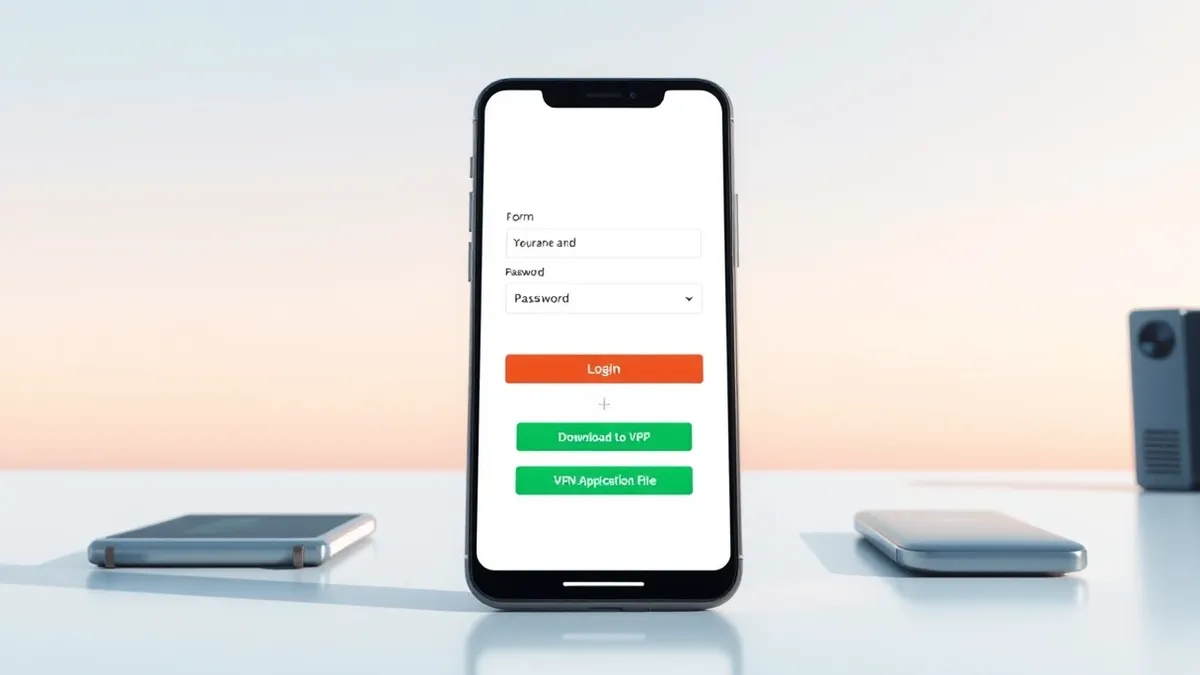
The fraudulent domain, watchguard-vpn[.]net, mimics the vendor’s official download pages and presents a form requesting a server address, username, and password. These fields match the legitimate installation process, making the request appear routine. When users submit the form, the data is sent to a separate collection domain, watchguard-ssl[.]online, where attackers capture the information for potential network access.
Why did the site reject the first submission?
Huntress discovered that the malicious script intentionally rejected the initial form submission and cleared the input fields. This forced the victim to enter their server address and credentials a second time. This design likely allowed attackers to capture multiple password attempts or verify the accuracy of the stolen data before proceeding with the download.
What software did the victims actually receive?
After the second submission, the site initiated a download of the Mobile VPN with SSL client version 12.11.5. Huntress verified that this file carried a valid digital signature from WatchGuard Technologies and a timestamp dated November 4, 2025. Investigators found no evidence that attackers modified the legitimate executable, meaning the software functioned as intended but the credentials were already compromised.
How long has this infrastructure been active?
Huntress reported that operators registered the primary download domain on August 22, 2026. The secondary domain used for credential collection appeared later, on September 14. Although WatchGuard had previously reported the lookalike address in January, researchers at that time found no functioning mechanism directing visitors through the fraudulent download process.
Detection notes
Security teams should monitor web proxy logs for requests to newly registered domains that resemble known vendor names. Look for HTTP POST requests containing sensitive data like server addresses or passwords to unfamiliar endpoints. Check DNS logs for connections to domains with slight misspellings of trusted software vendors. If users report unusual login prompts during software installation, verify the destination URL before proceeding. Isolate affected workstations immediately to prevent lateral movement using stolen credentials.
Background: Phishing
You fall for phishing when you trust visual cues over technical indicators. Verify the domain in the address bar, check for HTTPS certificates, and disable auto-login features. These small habits stop attackers from stealing credentials or installing malware through deceptive links and attachments.
Read the full guide: 7 Phishing Mistakes That Bypass Your Defenses
What to do and how to stay safe: WatchGuard
- Verify the domain name of any software download page before entering credentials or initiating downloads.
- Monitor network traffic for outbound connections to domains registered recently that mimic trusted vendors.
- Enforce multi-factor authentication for administrative access to VPN servers and network management tools.
- Review web proxy logs for POST requests containing sensitive configuration data to unknown destinations.
Step-by-step guide: Lateral Movement Prevention Checklist for Network Security
General security guidance from the Firewall Scoop newsroom. It is not confirmed advice from the organisations named in this story.
Frequently asked questions
Did the fake site distribute malware?
No, Huntress confirmed the site delivered the genuine, signed WatchGuard Mobile VPN client version 12.11.5 without modification.
Which domains were involved in the attack?
The download site was watchguard-vpn[.]net and the credential collection site was watchguard-ssl[.]online.
Did the attackers modify the downloaded software?
Investigators found no evidence that the legitimate executable was modified after being signed by WatchGuard.