Why Is Data Residency Important for Cloud Security Compliance
Data residency dictates where your information physically sits, determining which national laws apply to your data and preventing unexpected legal exposure.

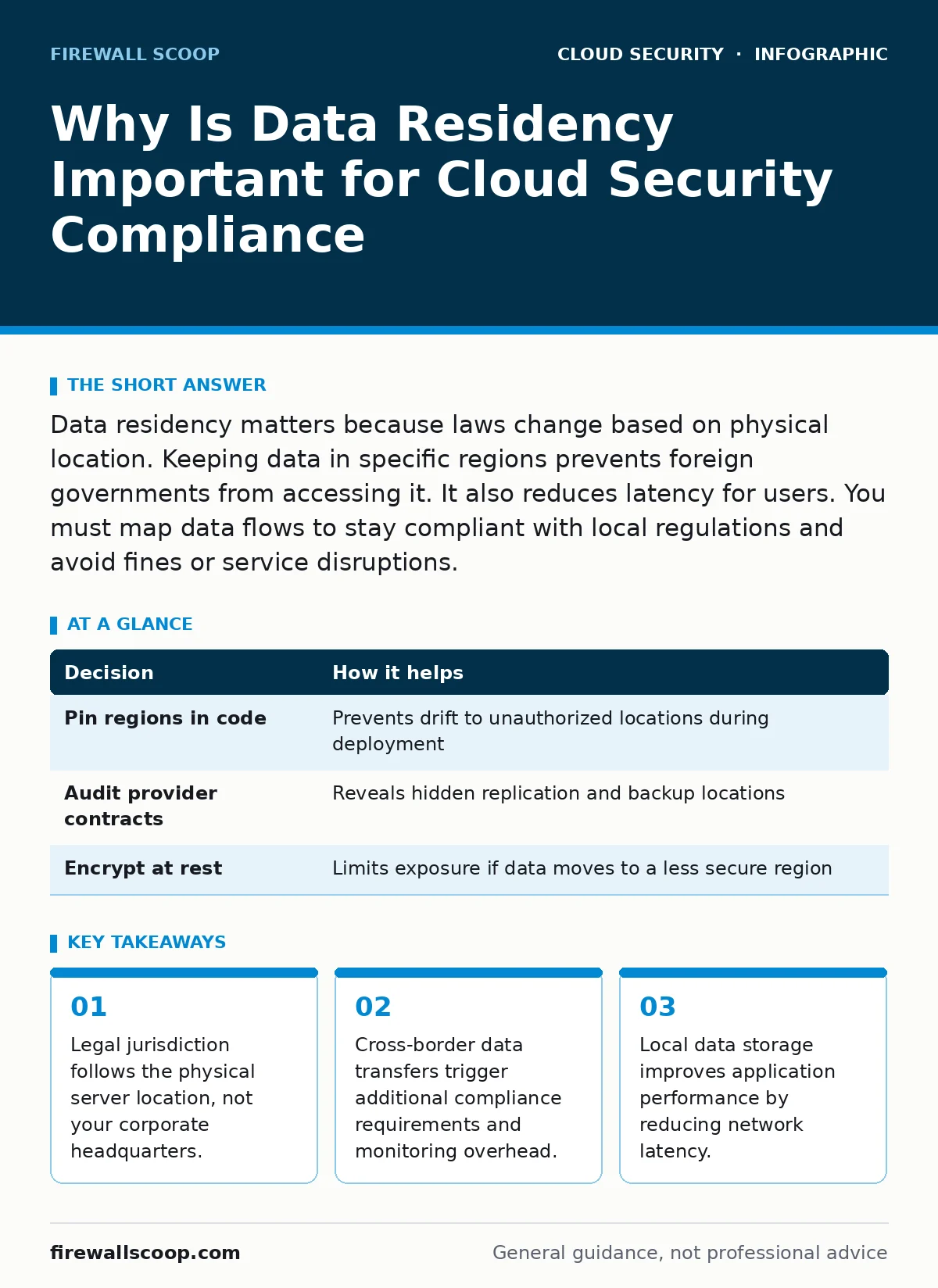
Data residency matters because laws change based on physical location. Keeping data in specific regions prevents foreign governments from accessing it. It also reduces latency for users. You must map data flows to stay compliant with local regulations and avoid fines or service disruptions.
Why is data residency important for legal compliance
Data residency determines which national laws govern your information. When you store data in a cloud region, you submit to that country's legal framework. This matters because different nations have conflicting rules about privacy, government access, and data retention. If you ignore where your data lives, you may violate local privacy laws without realizing it.
Consider the difference between a data privacy law in one country and a national security law in another. One might require you to delete user data upon request. The other might require you to hand over that same data to state investigators. You cannot satisfy both mandates if your data sits in a single, uncontrolled location. You must choose a jurisdiction that aligns with your business needs and legal obligations.
The hidden cost of cross-border data transfers
Moving data across borders is not just a technical challenge. It creates a legal chain of custody that you must maintain. Many jurisdictions require specific safeguards before data leaves their territory. These safeguards often include encryption, contractual clauses, and impact assessments. You must document every transfer to prove compliance during an audit.
This documentation burden grows with every new service you add. Each microservice might store data in a different location. If you use a managed database service, the provider might replicate data to multiple regions for disaster recovery. You often cannot see these replicas in your dashboard. You must assume data exists wherever the provider's infrastructure allows.
| Decision | How it helps |
|---|---|
| Pin regions in code | Prevents drift to unauthorized locations during deployment |
| Audit provider contracts | Reveals hidden replication and backup locations |
| Encrypt at rest | Limits exposure if data moves to a less secure region |
Latency and performance implications
Data residency affects how fast your application responds to users. When a user requests information, that request travels to the server holding the data. Distance increases latency. If your users are in Europe but your data is in Asia, every click takes longer. This delay degrades user experience and can increase operational costs through higher bandwidth usage.
Choosing a region close to your primary user base solves this performance issue. It also helps with legal compliance if those users expect local data protection. You gain speed and legal alignment simultaneously. However, you must balance this with the need for redundancy. Storing all data in one local region creates a single point of failure.
What goes wrong without explicit controls
Without explicit data residency controls, your infrastructure drifts. Developers might deploy resources to the default region of a cloud account. That default region might be far from your users or in a jurisdiction you have not vetted. This drift happens silently. You only discover the issue when a compliance audit fails or a legal notice arrives.
This lack of control also complicates incident response. If a breach occurs, you must notify authorities in every jurisdiction where the affected data resides. If you do not know where the data is, you cannot determine which authorities to notify. This delay can lead to heavier fines and reputational damage. You lose the ability to contain the legal fallout.
Integrating residency into your security architecture
You must treat data residency as a security control, not just a legal checkbox. Start by mapping your data types to their required jurisdictions. Not all data needs the same level of protection. Some data can travel freely. Other data must stay local. Define these categories clearly in your data classification policy.
Use infrastructure-as-code tools to enforce these rules. Define allowed regions in your deployment scripts. Block deployments to unauthorized regions automatically. This prevents human error from placing data in the wrong location. You create a guardrail that stops bad configurations before they reach production.
Related security considerations
Data residency intersects with other cloud security practices. You must ensure that your cloud firewalls respect regional boundaries. A firewall rule might allow traffic from any region, effectively bypassing your residency controls. You must restrict ingress and egress traffic to approved regions only.
Identity management also plays a role. If you use federated identity to access cloud resources, ensure that authentication logs stay in compliant regions. These logs contain sensitive information about user behavior. They are subject to the same residency rules as your application data.
Building a sustainable residency strategy
A sustainable strategy requires ongoing monitoring. Cloud environments change rapidly. New services launch, and existing services update their infrastructure. You must continuously verify that your data remains in approved locations. Set up alerts for any changes to resource locations.
Collaborate with legal and compliance teams early. They can define the specific requirements for each data type. You can then translate these requirements into technical controls. This collaboration ensures that your security architecture supports business goals while minimizing legal risk.
Check your multi-cloud security posture if you use multiple providers. Each provider has different default regions and replication behaviors. You must apply consistent residency rules across all platforms. This consistency reduces complexity and makes audits easier.
Final steps for implementation
Review your current cloud footprint. Identify all storage resources and their locations. Compare this list against your legal requirements. Remediate any misconfigurations immediately. Then, implement automated checks to prevent future drift. This proactive approach keeps your data secure and compliant.
Consider how cloud privilege escalation risks interact with residency. If an attacker gains admin access, they might move data to a different region. Restricting administrative permissions helps prevent this unauthorized movement. You limit the blast radius of a potential breach.
Key takeaways
- Legal jurisdiction follows the physical server location, not your corporate headquarters.
- Cross-border data transfers trigger additional compliance requirements and monitoring overhead.
- Local data storage improves application performance by reducing network latency.
Frequently asked questions
Does data sovereignty mean the same thing as data residency?
Data residency refers to the physical location of data. Data sovereignty refers to the legal jurisdiction that applies to that data. Residency is a technical fact; sovereignty is a legal consequence.
Can I store data in multiple regions for backup?
Yes, but you must ensure that all backup locations comply with your legal requirements. Some jurisdictions prohibit storing copies of certain data types outside their borders.
How do I verify where my cloud provider stores data?
Check the provider's documentation for region-specific details. Use their management console to inspect resource locations. Review their service level agreements for replication policies.
Does encryption make residency irrelevant?
No. Encryption protects the content of the data but does not change its legal location. Authorities can still demand access to encrypted data if it is within their jurisdiction.
How this guide was produced: written by the Firewall Scoop editorial team with AI assistance, checked against the public references listed below, and reviewed when the facts change. See our editorial policy or report an error.