Web Application Firewall Tuning: Stop False Positives
Properly tuning your web application firewall reduces false positives by isolating traffic patterns and validating rule triggers against known application behavior.

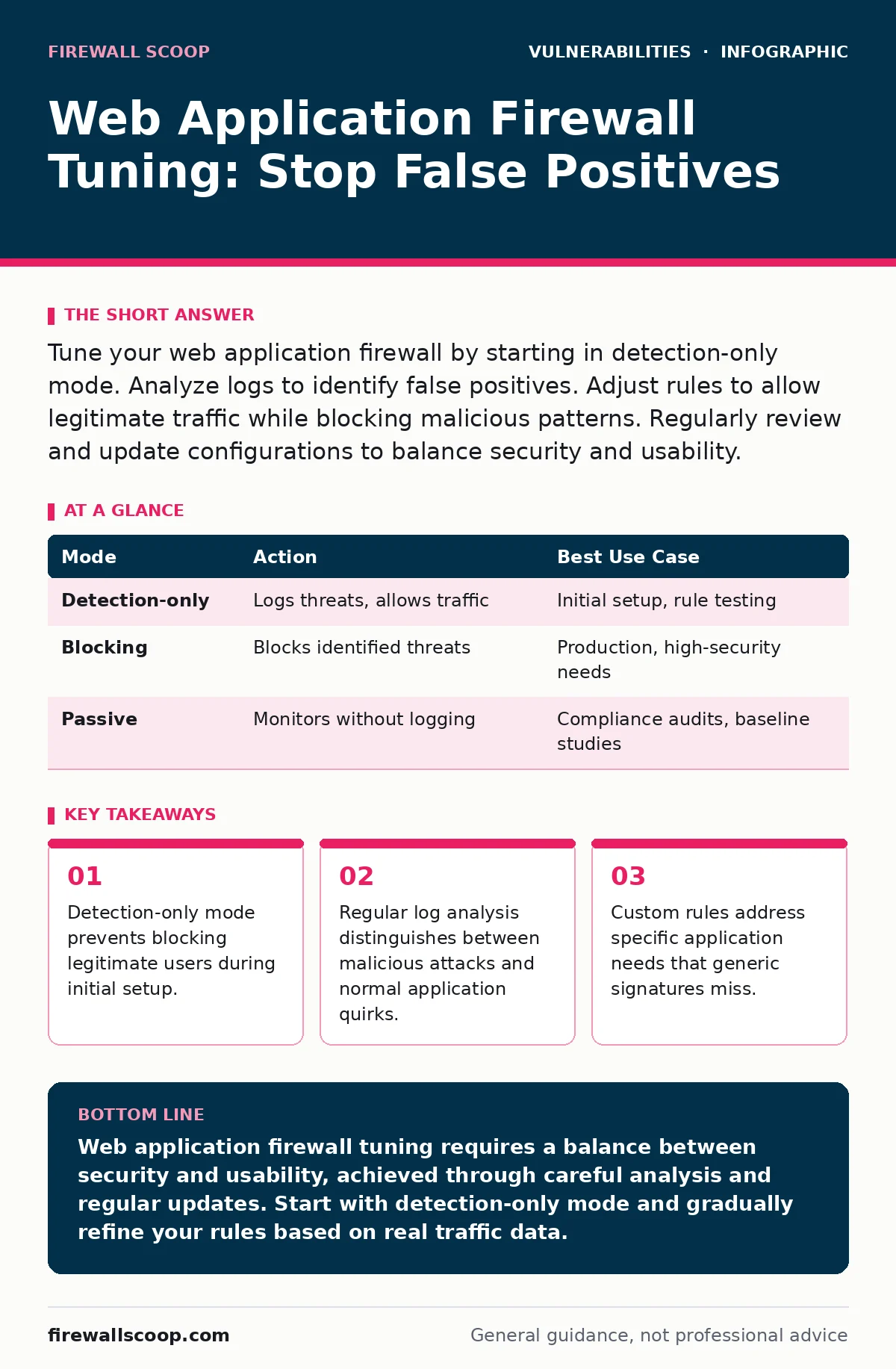
Tune your web application firewall by starting in detection-only mode. Analyze logs to identify false positives. Adjust rules to allow legitimate traffic while blocking malicious patterns. Regularly review and update configurations to balance security and usability.
What is web application firewall tuning?
Web application firewall tuning is the process of adjusting security rules to block malicious traffic while allowing legitimate user requests to pass through without interruption. A web application firewall sits between your server and the internet, inspecting incoming HTTP requests for known attack patterns. Without tuning, the firewall blocks too much traffic, causing false positives that disrupt business operations. You adjust thresholds, create exceptions, and refine signatures to match your specific application behavior.
Why does detection-only mode matter?
Detection-only mode allows the firewall to log potential threats without blocking them, giving you time to analyze traffic patterns before enforcing strict rules. This mode is critical during initial deployment or after major rule updates. You see what the firewall considers suspicious without risking service outages. Imagine a new feature launch where legitimate user actions trigger security alerts. Detection-only mode lets you observe these triggers and adjust rules accordingly.
| Mode | Action | Best Use Case |
|---|---|---|
| Detection-only | Logs threats, allows traffic | Initial setup, rule testing |
| Blocking | Blocks identified threats | Production, high-security needs |
| Passive | Monitors without logging | Compliance audits, baseline studies |
How do you identify false positives?
You identify false positives by reviewing firewall logs and comparing blocked requests against expected application behavior. A false positive occurs when the firewall blocks a legitimate request, mistaking it for an attack. Check the URL, user agent, and payload of blocked requests. Look for patterns that match normal user interactions, such as form submissions or API calls. If a request looks normal but was blocked, it is a false positive.
What steps reduce false positives?
You reduce false positives by whitelisting known safe traffic, adjusting rule sensitivity, and creating custom exceptions. Start by identifying the specific rules triggering false positives. Modify these rules to be less sensitive or add exceptions for trusted IP addresses or user agents. Test changes in a staging environment before applying them to production. Regularly review and update these adjustments to maintain accuracy.
When should you use custom rules?
You use custom rules when generic signatures fail to protect your unique application logic or create excessive false positives. Generic rules cover common attack patterns but may not understand your specific data formats or API structures. Custom rules allow you to define precise conditions for blocking traffic. For example, if your application uses a specific JSON format, you can create a rule that validates this structure and blocks deviations.
How do you balance security and performance?
You balance security and performance by prioritizing high-risk rules and optimizing resource usage. Not all threats are equal; some require more processing power to detect. Focus on blocking high-impact attacks like SQL injection or cross-site scripting while allowing lower-risk traffic to pass quickly. Use load balancing to distribute traffic and reduce the burden on the firewall. Monitor performance metrics to ensure the firewall does not become a bottleneck.
What role does logging play in tuning?
Logging provides the data needed to analyze traffic patterns, identify false positives, and refine security rules. Without detailed logs, you are tuning blind. Ensure your firewall logs sufficient detail, including request headers, payloads, and response codes. Regularly review these logs to spot trends and anomalies. Use log analysis tools to automate the identification of potential issues.
How do you handle zero-day threats?
You handle zero-day threats by relying on behavioral analysis and anomaly detection rather than just signature-based rules. Zero-day threats are unknown vulnerabilities that have no existing signatures. Behavioral analysis looks for unusual patterns in traffic, such as unexpected data volumes or strange request sequences. Anomaly detection flags deviations from established baselines. While not perfect, these methods provide an extra layer of protection against unknown attacks.
For deeper context on emerging threats, see our guide on vulnerabilities in AI model serving frameworks, which explores how new attack vectors evolve.
What is the impact of misconfigured rules?
Misconfigured rules can lead to security gaps, allowing attackers to bypass protections, or excessive blocking, disrupting legitimate users. A rule that is too broad may block safe traffic, while one that is too narrow may miss malicious activity. Regularly audit your rules to ensure they align with your security policies and application needs. Test configurations in a controlled environment before deployment.
How do you maintain tuning over time?
You maintain tuning over time by establishing a regular review cycle, updating rules based on new threats, and monitoring application changes. Security is not a one-time task; it requires ongoing effort. Schedule periodic reviews to assess rule effectiveness and adjust as needed. Stay informed about new vulnerabilities and attack techniques. Integrate tuning into your development lifecycle to ensure security keeps pace with application updates.
RELATED: For a broader perspective on managing vulnerabilities, explore our guide on risk-based vulnerability management.
Key takeaways
- Detection-only mode prevents blocking legitimate users during initial setup.
- Regular log analysis distinguishes between malicious attacks and normal application quirks.
- Custom rules address specific application needs that generic signatures miss.
Web application firewall tuning requires a balance between security and usability, achieved through careful analysis and regular updates. Start with detection-only mode and gradually refine your rules based on real traffic data.
Frequently asked questions
How often should I tune my web application firewall?
Tune your web application firewall at least quarterly, or immediately after significant application changes or new threat discoveries.
Can I automate web application firewall tuning?
Partial automation is possible using machine learning tools, but human oversight remains necessary to validate changes and prevent errors.
What are the risks of not tuning a web application firewall?
Untuned firewalls generate excessive false positives, disrupting users, or miss real threats, leaving your application vulnerable to attacks.
How do I know if my tuning is effective?
Effective tuning results in a significant reduction in false positives while maintaining a high detection rate for known threats.
How this guide was produced: written by the Firewall Scoop editorial team with AI assistance, checked against the public references listed below, and reviewed when the facts change. See our editorial policy or report an error.